




How to Log In to Codex: What to Do If You Don't Receive the Phone Verification Code
OpenAI Codex is an AI coding agent designed to help developers write, modify, review, and deliver code. It is available …
Fix common WhatsApp registration and login issues, including SMS verification code problems, 'official app required' errors, and account restrictions with our step-by-step guide.

Get an AI-Powered Summary of This Article
Many users run into issues when trying to register or log in to WhatsApp. Common problems include not receiving a verification code, seeing messages like “Unable to log in,” or being told the account cannot be used.
While these issues may seem different, most of them are caused by network conditions, device environment, or registration methods.
If you’re facing any of these problems, you can use the guide below to identify and fix them step by step.
One of the most common issues is being unable to complete the registration or login process. In many cases, WhatsApp provides only vague error messages, but the root cause is usually related to your environment.
WhatsApp performs basic checks on your network environment during registration. This includes:
If the system detects unusual behavior, it may block or limit registration and login attempts.
If you repeatedly request verification codes or attempt to register multiple times in a short period, your device may be flagged. This can lead to temporary restrictions on registration or login.
Solution:
Avoid repeated attempts. Switch to a stable network or a different device, and wait for a while (usually around 24 hours) before trying again.
Some users may install WhatsApp from unofficial sources instead of the official app store. This can lead to compatibility issues and prevent successful login or registration.
In such cases, you may see a message like “Please use the official WhatsApp application.”
Solution:
Since WhatsApp updates frequently, make sure you’re using the latest version before attempting to register or log in.
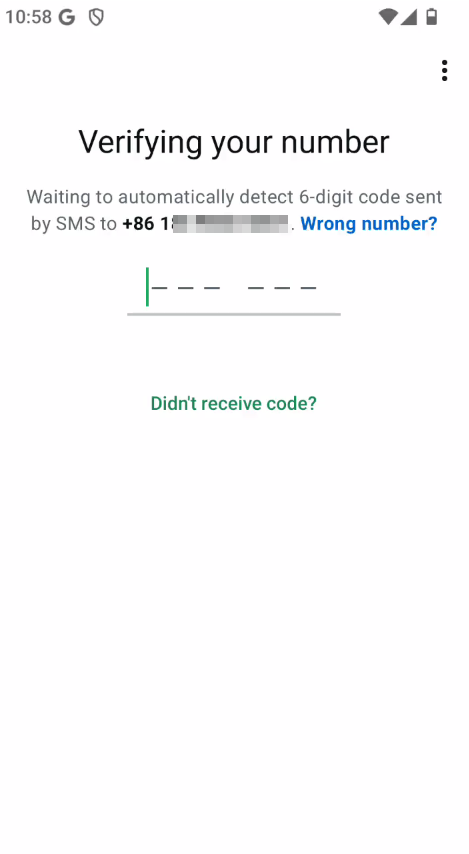
One of the most common problems is not receiving the SMS verification code. Here are the main reasons:
Verification messages depend on a stable network connection. Poor signal or incorrect network settings can prevent delivery.
Solution:
Verification messages are sent through third-party services. If your device blocks these messages or SMS permissions are disabled, you won’t receive the code.
Solution:
Some phone numbers may not be supported or may be restricted due to repeated use.
Solution:
Use a valid, active phone number. If a number fails repeatedly, switch to a different one
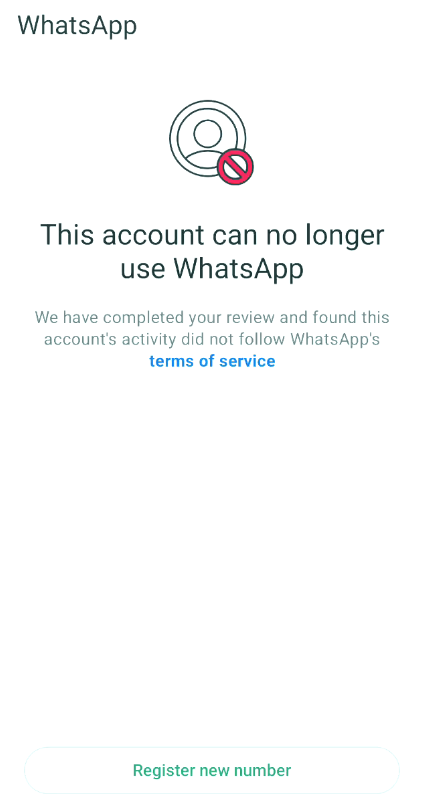
If you’re trying to log in to an existing account and see a message like “This account is not allowed to use WhatsApp,” it usually means the account has been restricted or banned. Here's some possible reasons:
WhatsApp prefers consistent login environments. Logging in from different locations or devices within a short time can trigger security checks.
Frequent actions such as sending bulk messages or adding many contacts quickly may trigger restrictions.
Solution:
You can request a review through WhatsApp’s official support by tapping “Request Review” on the error screen and following the instructions to submit the required details.
Results depend on the system review, and recovery is not guaranteed.
If your account cannot be restored, you may be given the option to register a new one.
Note: A new account will not include your previous contacts or chat history.
Some restrictions are temporary and may be removed automatically after a period of time. The duration depends on the reason and severity.
In most cases, registration or login failures are not caused by the WhatsApp account itself, but by the device environment, network conditions, or app source.
Repeated attempts without fixing the root cause may increase the risk of further restrictions. If you continue experiencing issues, using a cleaner and more stable environment can help.
For example, you can try registering or logging in using DuoPlus Cloud Phone . It provides:
This can reduce the chances of being flagged due to unstable environments.
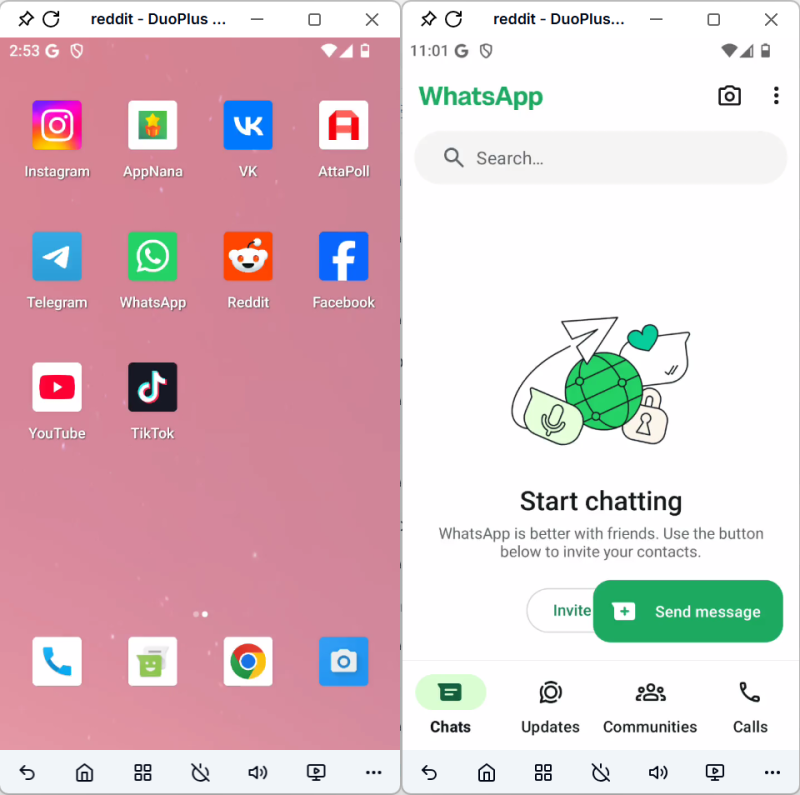
Issues with WhatsApp registration and login are common, and they’re usually not random. Most of them are related to environment stability, network conditions, and usage patterns.
With the right environment and approach, most of these issues can be resolved.
OpenAI Codex is an AI coding agent designed to help developers write, modify, review, and deliver code. It is available …

VK (VKontakte) is one of the major social media platforms in Russia. In addition to account management, content …

ChatGPT is available through both the web version and desktop/mobile apps. The web version requires no installation and …
No need to purchase multiple real phones.
With DuoPlus, one person can operate numerous cloud phones and social media accounts from a single computer, driving traffic and boosting sales for you.
