How Rapidproxy and DuoPlus Improve Social Media Account Operations
In today's digital world, thousands of people join social media platforms every day. They browse websites, read blogs, …


Table of Contents
Telegram has become one of the fastest-growing instant messaging tools globally, widely adopted for community management, cross-border business dealings, and similar scenarios.
Many users encounter regional restrictions, verification code reception issues, unfamiliar settings, and other problems during registration and use, which can significantly affect the regular use of the app.
To address these high-frequency issues, DuoPlus systematically summarizes several common issues with Telegram and provides clear and effective solutions, allowing you to use Telegram more quickly and efficiently.
Account-related issues in Telegram are the most commonly encountered problems by users. Whether it’s not receiving a verification code or device linking issues, these can all lead to account access problems.
Telegram imposes a strict limitation on mobile number verification; one mobile number can only register one Telegram account. It is advisable to stick to long-term associations with a single mobile number to avoid frequent changes.
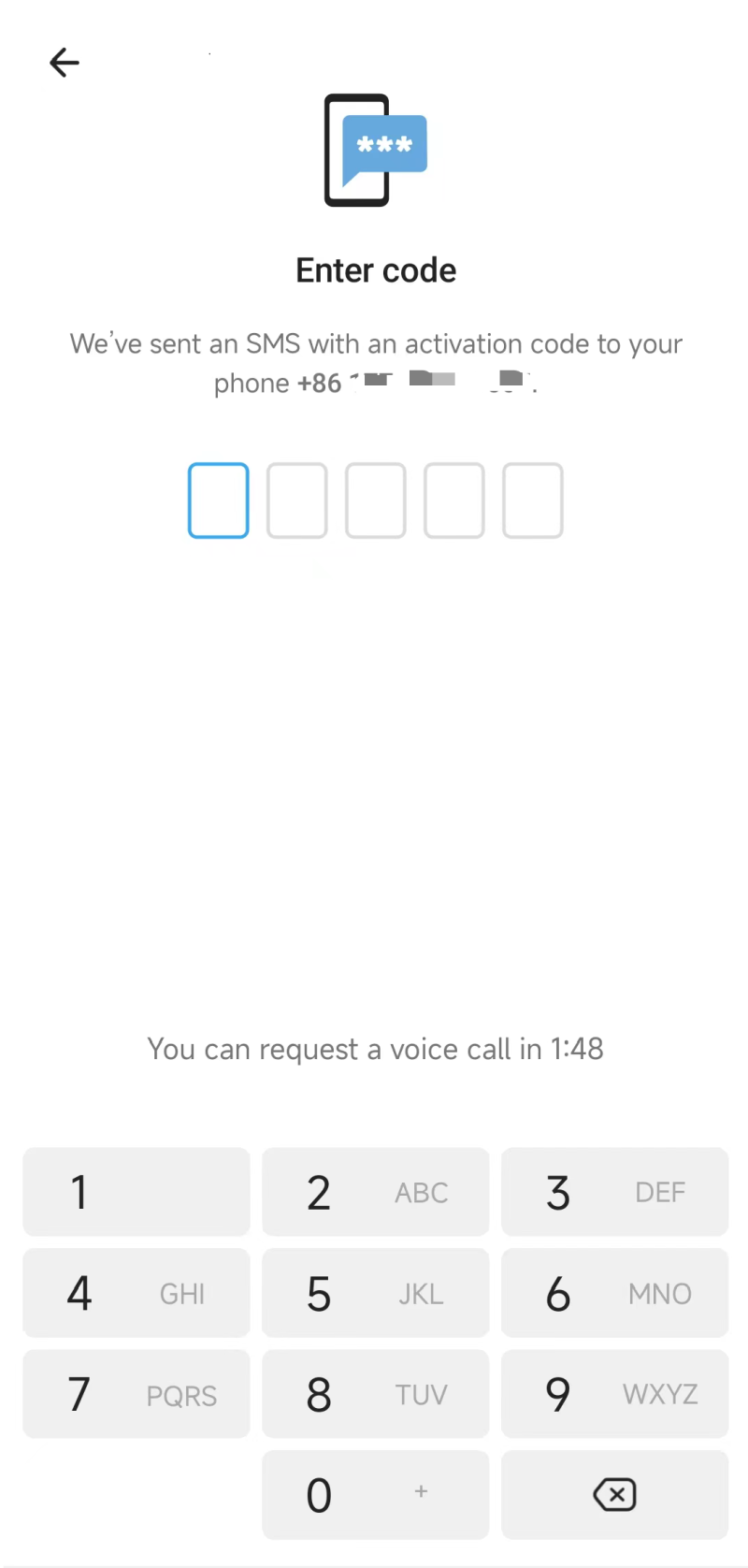
This is one of the most frequently faced issues. The reasons for not receiving a verification code include:
Solutions:
If you repeatedly fail to receive the verification code, it’s advisable not to persist in retrying since external platforms may impose limitations on certain devices.
Dual-direction restrictions on Telegram indicate that the account can typically log in and receive messages, but cannot actively send "non-contacts" private messages.
Some accounts registered with +86 numbers might find themselves restricted to dual-direction after an initial validation; subsequent usage might gradually recover normally. If a Telegram account has encountered dual-direction restrictions, you might consider:
Regardless of whether you want to enhance your Telegram account with an international number or need to switch due to suspension, Telegram supports direct mobile number transfers that retain all account data associated with your previous number.
Operation Steps: Navigate to Settings → Press Phone Number → Change Number → Confirm the new mobile number to receive the verification code, then verify.
Telegram offers powerful functions and a rich user environment, but many users still encounter various operational issues in practical use.
Whether it’s for public brands or private individuals, having a presence on Telegram through creating groups and channels is essential.
Telegram Groups: A space for large conversations composed of multiple members, supporting polls, quotations, upvotes, etc.
Creation Steps: Create a group [New Group] → Select group members → Set the group avatar and name.
Telegram Channels: Broadcasting tools where subscribers can only receive and view information, primarily used for one-way info transmission.
Creation Steps: Create a channel [New Channel] → Set the channel avatar, name and description → Select channel type (Public/Private) → Choose already existing contacts to add to the channel.
Detailed Steps to Create Telegram Groups and Channels (with Images)
Telegram Bots are crucial tools for community management, project handling, and even automating marketing efforts. Here’s how to create a bot:
Telegram officially supports the rapid transfer of multiple accounts, by tapping on the top-left profile icon in "Settings," you can easily add accounts. This helps users smoothly transfer between personal and work accounts.
Regarding cross-border business, to log in to multiple Telegram accounts on the same physical device can lead to associated risks. Conducting business with multiple accounts on one device is optimal only if each account checks in under a separate login environment without connectivity risks, ensuring account safety.
Using DuoPlus's mobile management solutions can fully implement single-device control of accounts, effectively managing and securing account operations without connection issues.
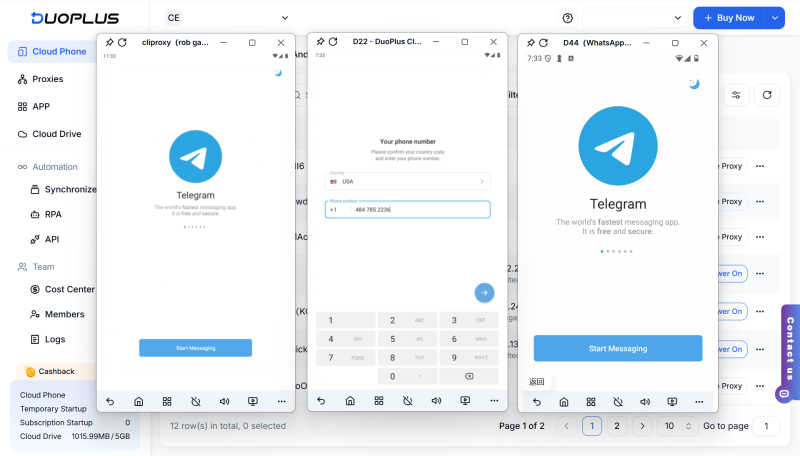
Along with basics such as account security, privacy protection has also become a significant focus for Telegram users. Adjusting settings for account security and privacy can help ensure account stability during use.
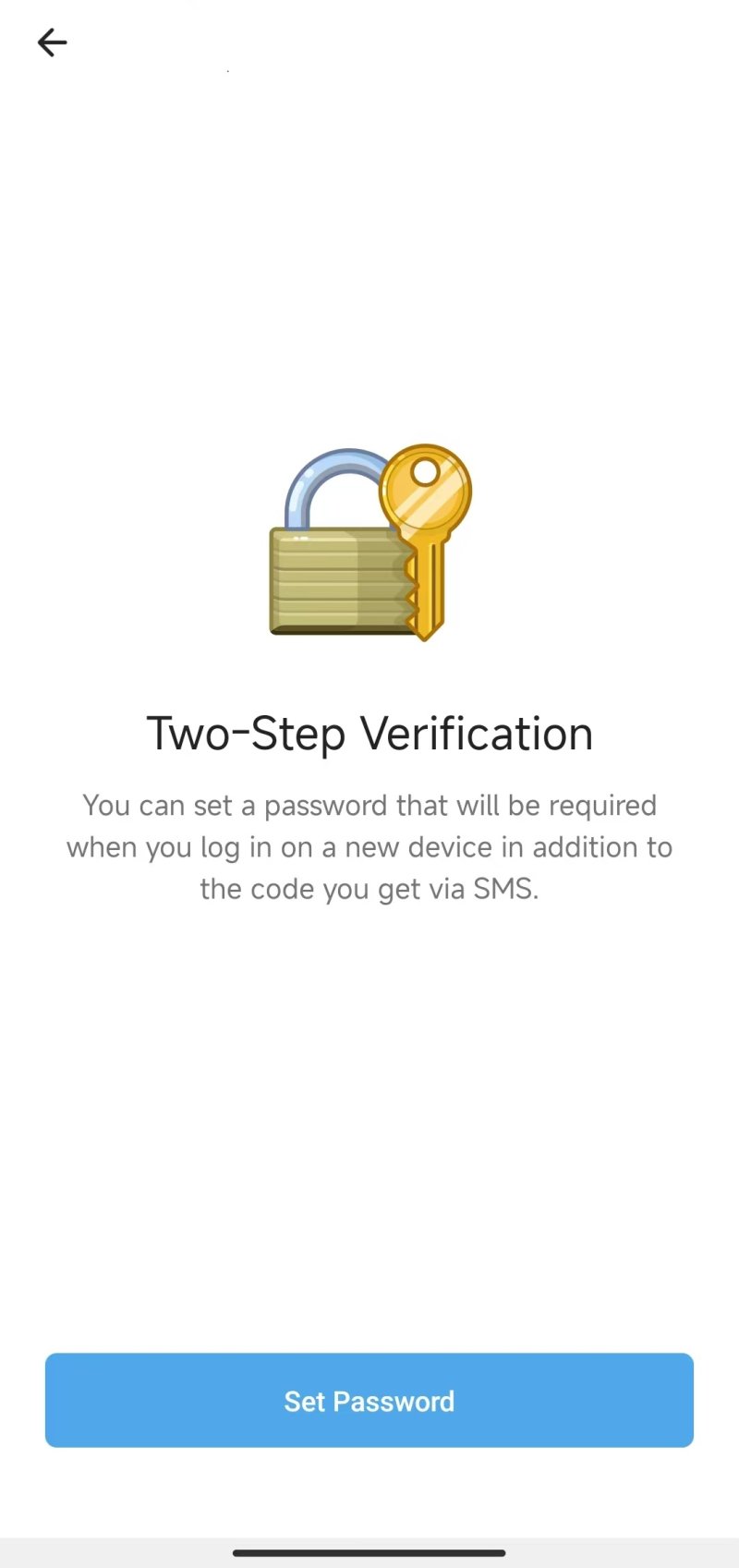
Using a verification code received via SMS doesn't provide enough security for logging into the Telegram account, consider enabling 2FA verification to enhance security.
Operation Steps: Settings → Privacy and Security → Two-Step Verification
Telegram's content filtering is a security measure that automatically blocks content recognized as sensitive (such as violence, nudity, etc.). When such content is published, the system will identify and restrict its exposure.
Method One: Settings → Privacy and Security → Disable Content Filtering
Method Two: Directly contacting Telegram support can assist in lifting restrictions.
Generally, Telegram’s linked mobile number displays to other users. If you wish to prevent users from messaging, sending sensitive information, or experiencing malicious contacts, hiding your number is a wise choice.
Operation Steps: Settings → Privacy and Security → Phone Number → Click “Who can see my phone number,” then select the visibility range.
Choosing Nobody indicates complete hiding of your mobile number; opting for My Contacts will restrict visibility to only those in your contact list.
During practical usage of Telegram, encountering issues is inevitable. Key solutions to these problems pave the way to ensure a stable account operation.
DuoPlus Cloud Phone
Protect your multiple accounts from being
In today's digital world, thousands of people join social media platforms every day. They browse websites, read blogs, …

What is CAPTCHA and Why It Matters CAPTCHAs (Completely Automated Public Turing tests to tell Computers and Humans …
No need to purchase multiple real phones.
With DuoPlus, one person can operate numerous cloud phones and social media accounts from a single computer, driving traffic and boosting sales for you.
