





Best Instagram Analytics Tools: 5 Tools to Track and Analyze Instagram Data
Instagram management is about more than likes and follower counts. For individual creators, brand accounts, and …
Learn how to efficiently manage Pinterest operations with bulk uploading and scheduling tools. This guide covers official Pinterest bulk creation, top third-party tools like Tailwind and SocialPilot, and best practices for multi-account management.

Get an AI-Powered Summary of This Article
For sellers, brand teams, and content operators, Pinterest is no longer just a simple image-sharing platform. To match user search and browsing intent more precisely, teams need to keep publishing high-quality Pins and use layouts, titles, descriptions, and destination links to support traffic conversion.
But many Pinterest teams run into the same problem: as the content volume grows, the limits of manual publishing become more obvious. Teams have to select assets one by one, write copy, assign Boards, and check destination links manually. This takes time, increases the chance of mistakes, and makes it difficult to maintain a scalable publishing rhythm.
That is why manual publishing alone is often not enough for large-scale Pinterest content operations. To keep traffic generation and conversion stable, teams usually need bulk uploading and publishing to support scheduling, centralized asset organization, and consistent Board and link management.
When a Pinterest account is still small, creating Pins manually is usually manageable. But once a team starts managing multiple product lines, multiple Boards, multiple regional accounts, or multiple test themes, the drawbacks of manual work become much more obvious.
First, repetitive work takes too much time. Every Pin requires assets, a title, a description, a destination link, and a Board. Doing that one by one consumes a large amount of content operations time.
Second, manual work increases the chance of mistakes. Common problems include incorrect links, the wrong Board, mixed-up copy, or content being posted to the wrong place. These errors can affect data analysis and team coordination.
Third, publishing rhythm becomes harder to maintain. Pinterest content tends to have a longer lifecycle and stronger long-tail value, which means accounts usually need a steady publishing cadence. Concentrated manual uploads can easily make that rhythm unstable.
Pinterest ’s scheduling feature allows business accounts to schedule standard Pins up to 30 days in advance, but only one Pin can be scheduled at a time, and only up to 10 future scheduled Pins can be kept. For accounts that publish only a small number of Pins each week, the native scheduling feature is usually enough. But when a team needs to operate multiple Boards or multiple accounts continuously, bulk uploads and external scheduling tools become much more useful.
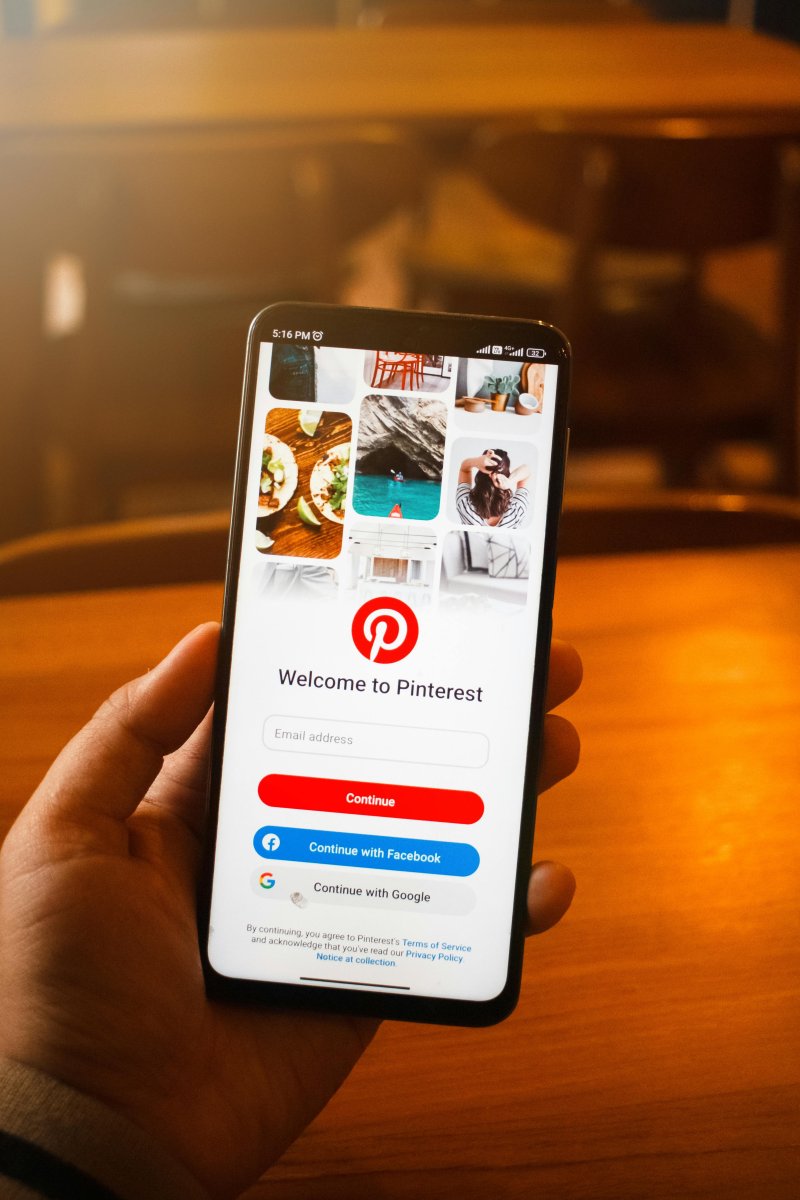
Pinterest business accounts already include an official solution for bulk uploads. It supports uploading up to 200 images or videos at one time and allows teams to use CSV or TXT files to fill in titles, descriptions, links, and other fields in a more unified way. This is especially suitable for teams that publish at high volume, reuse content across channels, or want to manage scheduling more efficiently.
This feature is especially suitable when:
It is important to note that bulk uploading improves creation efficiency, but it does not improve content quality by itself. Pin performance still depends on the quality of the creative, keyword relevance, Board classification, and whether the destination link is accurate.
Before starting a Pinterest bulk upload, it is best to prepare a basic content sheet first. This helps manage assets, copy, and links in a consistent way and reduces errors during upload.
Pinterest image and video files should be named in advance. Avoid meaningless file names. A better naming format usually includes product name, topic, region, version, and date. Examples from your draft include:
This kind of clear naming structure makes later searching and review easier.
Pinterest titles should not just describe the image. They should include keywords that users may actually search for. Titles can be built around product, scenario, use case, and result. Examples include:
For content teams, it is better to prepare titles in advance rather than writing them on the spot during upload.
Descriptions should add context, use cases, and keywords, but they should not be overloaded with unrelated terms. A safer structure is to introduce the scenario first, explain the value of the content second, and naturally include keywords at the end.
For home-related content, you can structure your writing around space, storage, style, and target users.
Example: "Practical small kitchen storage tips to organize your countertop and cabinet space. Simple layout ideas designed for apartment kitchens, helping you keep your home tidy and clutter-free with ease."
Each Pin can connect to a website, so link review is very important. For sellers and brand teams, the destination link should stay aligned with the image or video content and should not send users to an unrelated page. Before publishing, it is worth checking:
Boards are a key part of Pinterest account structure. Before bulk uploading, each Pin should already be assigned to a specific Board, rather than placing everything under one broad category. For example, a fashion brand could separate content into summer outfit ideas, workwear inspiration, and holiday looks, while a home brand could separate content into small-space storage, kitchen organization, and home office setup ideas.
Pinterest’s official bulk upload process follows a simple logic: prepare the content first, fill out the CSV file, and then upload through the bulk creation tool. For content teams, the workflow can usually be handled in these steps.
Put all images and videos for upload into one asset folder and sort them by topic, Board, or region. This reduces the chance of selecting the wrong file during upload.
The CSV file should already include the title, description, destination link, Board, and asset information. The format should stay consistent so different team members do not use different naming conventions.
Before uploading, run one centralized review. Focus on whether links are correct, Boards are assigned properly, titles are not duplicated, and descriptions include the needed keywords.
After the batch upload is finished, do not move directly to the next batch. First check whether the uploaded Pins display properly, whether the correct image or video is attached, whether the links are clickable, and whether each Pin is in the correct Board.
If the team operates Pinterest continuously over time, it helps to add a status field to the upload sheet, such as:
This makes later review much easier because every batch has a clear publishing status.
Pinterest offers both scheduling and bulk uploading, but they solve different problems. Native scheduling is better for planning a small number of Pins ahead of time, while bulk uploading is better for creating a large amount of content at once. In practice:
If a team only runs one Pinterest account, Pinterest’s native tools are usually enough. But if a team manages multiple accounts or needs a fuller content calendar, bulk scheduling, and approval workflows, third-party tools are often a better fit.
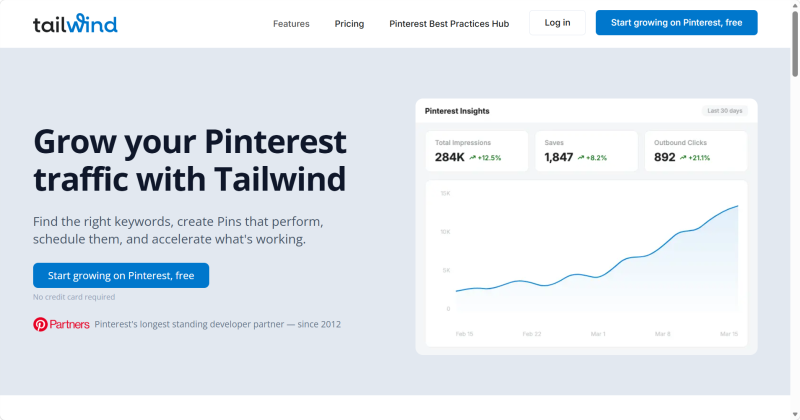
Tailwind is one of the more common Pinterest-focused growth and scheduling tools. It supports keyword research, Pin creation, scheduling, and content optimization. For teams that treat Pinterest as a major traffic channel, Tailwind is better suited to planning a content calendar, creating Pins, scheduling posts, and improving long-term performance.
Advantages
Limitations
Best for
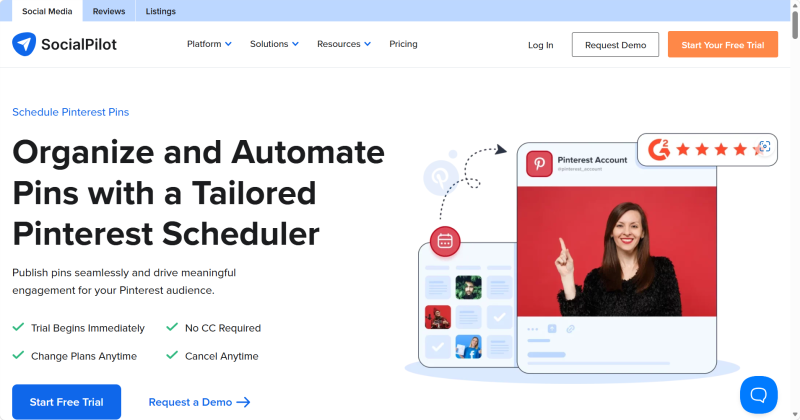
SocialPilo ’s Pinterest scheduler is more suitable for teams managing several social platforms at once. Your draft notes that its bulk scheduling feature can help users plan and publish up to 500 posts in bulk, making it more suitable than Pinterest’s native tools for high-volume, cross-platform teams.
Advantages
Limitations
Best for
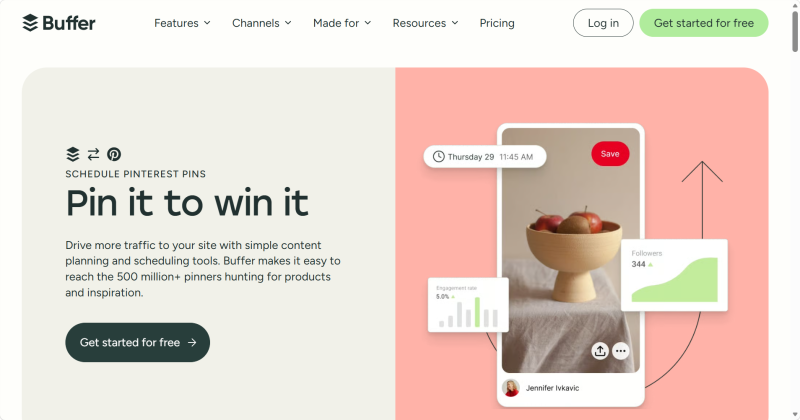
Buffer is a common lightweight social media management tool that supports scheduling and publishing across multiple platforms. Its strength is simplicity and a low learning curve, which makes it more suitable for smaller teams.
Advantages
Limitations
Best for
It is worth noting that the third-party Pinterest tools mentioned above mainly focus on content planning and publishing efficiency, rather than the account operating environment itself.
When running multiple Pinterest accounts, besides content publishing, you need to prioritize stable account operation, including the following key points:
Without isolated device environments, separated network paths, and clear account responsibilities, Pinterest accounts are highly likely to be mutually linked and traffic-limited. In severe cases, platform risk control mechanisms may be triggered, resulting in mass account bans and irreversible losses to team operations.
As a perfect supplement for multi-account operation, Duoplus Cloud Phone provides Android cloud device solutions. It can assign each Pinterest account to an independent cloud device environment, realizing one-to-one isolation of accounts, devices and network access. This completely avoids environment confusion and account association risks caused by frequent local device switching and shared team devices. It is especially ideal for cross-border teams managing multiple Pinterest accounts for different regions and product lines.
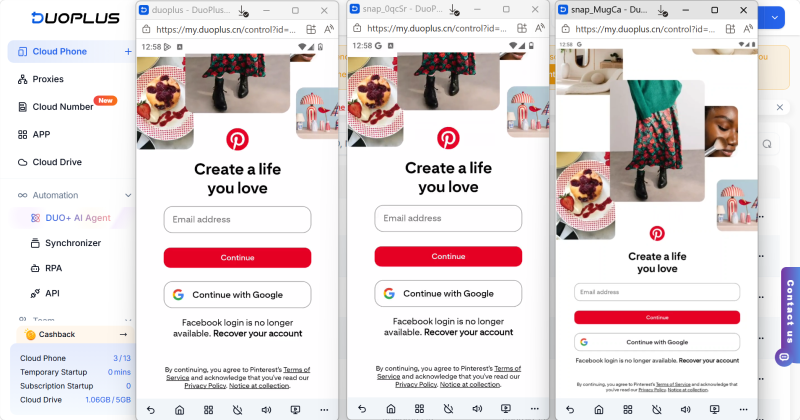
Duoplus Cloud Phone does not replace official Pinterest features or third-party scheduling tools. Instead, it improves stability in account environment isolation and team collaboration. As content output and the number of accounts continue to grow, combining Pinterest content management tools with dedicated environment management will greatly benefit your long-term Pinterest operation.
If Pinterest bulk upload fails, the first places to check are usually the CSV format, whether the image or video links are valid, and whether the title, description, and Board fields are complete. For business accounts, it is safer to test with a small batch first before increasing the upload size. If the batch is too large, fields are missing, or asset naming is disorganized, upload failure is more likely.
Bulk uploading itself does not automatically reduce distribution. What usually affects Pin performance is the quality of the creative, title keywords, Board classification, link relevance, and whether the content matches search intent. Bulk upload is only a publishing method. Content quality and structure still determine exposure.
If Pins get no exposure after bulk upload, the issue is usually not the fact that they were uploaded in bulk. More common reasons include unclear keywords, weak descriptions, inaccurate Board assignment, a mismatch between the content and the destination link, or weak visual appeal. Pinterest depends heavily on how well content matches user search intent, not just on publishing quantity.
Bulk upload is better for importing a large number of assets at once. It solves a creation-efficiency problem. Scheduled publishing is better for controlling when content goes live. It solves a publishing-rhythm problem. For content teams, the better workflow is often to bulk upload first and then schedule the release timing.
If a team manages multiple Pinterest accounts at the same time, publishing efficiency is only one part of the problem. Teams also need a stable and clearly separated account environment. If multiple accounts are switched frequently on the same device for a long time, later account management, teamwork, and operation records are all more likely to become messy. For multi-account teams, a clear operating environment reduces management cost and makes long-term maintenance easier.
The value of bulk uploading Pinterest Pins is not only that it saves time. More importantly, it helps content teams build a clearer publishing workflow.
A more reliable approach is to first build an asset sheet, title sheet, link sheet, and publishing-status sheet, and then choose official or third-party tools based on content scale. At the same time, third-party tools should not replace content planning itself. Tools only improve scheduling and collaboration efficiency. What truly determines Pinterest performance is still creative quality, keywords, Board classification, link relevance, and consistent review over time.
Instagram management is about more than likes and follower counts. For individual creators, brand accounts, and …

When creating YouTube videos, the script determines the video’s structure, pacing, and completeness. For creators who …
An Android app may work perfectly on one phone but behave differently on another. Differences in Android versions, …
No need to purchase multiple real phones.
With DuoPlus, one person can operate numerous cloud phones and social media accounts from a single computer, driving traffic and boosting sales for you.
