





How to Sign Up for Meta Muse and Use a Referral Code
Muse has recently become one of the most talked-about AI Agent products in the AI tools space. As a new AI Agent from …
Instagram content creation increasingly relies on images and short-form videos. AI tools can help creators produce images, videos, and edited content more efficiently. This article introduces several AI image and video generation tools for Instagram and compares their features, use cases, and ease of use to help you choose the right tools for your content workflow.

Get an AI-Powered Summary of This Article
Instagram is a visual-first social media platform where images, short videos, and Reels are common content formats. For creators who need to publish content consistently, every stage—from developing ideas and generating assets to editing the final video—takes time.
AI tools provide a more efficient way to handle these tasks. With features such as text-to-image, image-to-video, and text-to-video generation, creators can produce visual content without advanced photography or design skills. However, different tools are built for different purposes. Some are better at generating images, while others focus more on video creation or editing.
This article covers several AI tools for Instagram content creation, focusing on image generation and short-form video production. It also compares their main features and use cases to help you choose the right combination of tools for your workflow.
AI can be used for much more than simply entering a prompt and generating an image. Depending on the available source material and the final content format, common AI-assisted workflows include text-to-image, image-to-video, text-to-video, and AI-powered editing.
Text-to-image generation is one of the most common applications of generative AI. Users enter a text prompt describing the desired image, and the AI generates a visual based on that description.
You can describe elements such as people, products, environments, backgrounds, and visual styles to create images for Instagram posts or Stories.
This approach works well for:
If you want to maintain a specific visual style, you can further refine the prompt to control elements such as composition, colors, character poses, and overall aesthetics.
Image-to-video generation turns an existing image into a short video.
After uploading an image, the AI can add character movement, camera motion, environmental changes, and other dynamic effects based on your instructions.
This is particularly useful for Instagram Reels because you do not need to create an entire video from scratch. A high-quality image can serve as the starting point for a dynamic clip.
For example, a product image can be turned into a video with a camera push-in or product rotation. A character image can also be animated with simple movements and camera effects.
Text-to-video generation creates video clips directly from written descriptions.
Unlike image-to-video, this approach does not require an existing image, making it suitable when you want to turn an idea directly into a video.
For example, you could enter:
A coffee cup on a wooden table, morning sunlight coming through the window, cinematic camera movement.
The AI can then generate a video based on the description.
This approach works well for creative Reels, product showcases, visual scenes, and content that does not require a real person on camera.
AI editing tools do not necessarily generate images or videos from scratch. Instead, they use AI to simplify post-production tasks for existing content.
Common features include automatic captions, AI voiceovers, background removal, image expansion, smart editing, and music matching.
For Instagram creators who already have a large library of video footage, these features can often be more useful than generating an entire video with AI.
Instagram images can serve many purposes, from regular posts and Stories to product visuals and advertising creatives. As a result, different types of content may require different AI image generation tools.
Here are several representative options, each suited to a different type of image creation.
Midjourney is one of the better-known AI image generation tools and is particularly suitable for users who care about visual quality, distinctive styles, and creative expression.
It can generate images from text prompts and can also use reference images and prompts to further refine the results.
For Instagram, Midjourney works well for creative visuals, product scenes, character concepts, and social media content with a strong visual identity.
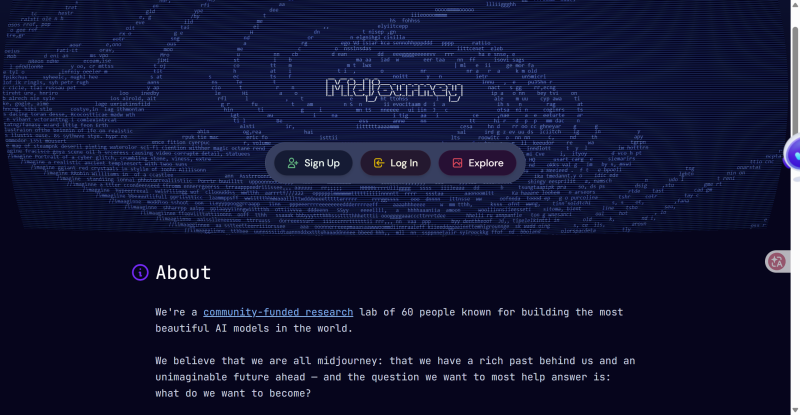
Best for: Creative visuals, product scenes, and artistic images.
Pros: Strong visual quality and creative capabilities.
Cons: Requires some familiarity with prompting and the generation workflow.
Adobe Firefly is more focused on design and image editing. In addition to text-to-image generation, it offers features such as Generative Fill and image expansion.
If you already use Adobe products such as Photoshop or Illustrator, Firefly can fit naturally into an existing design workflow.
For Instagram content, it is particularly useful for product images, advertising creatives, social media graphics, and modifying existing images.
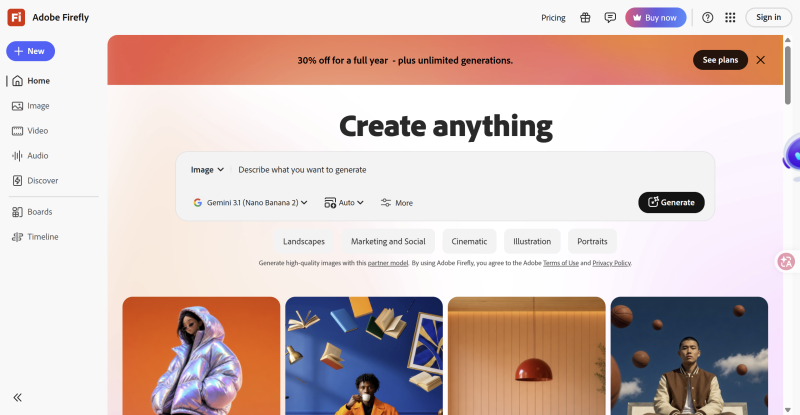
Best for: Commercial design, product images, and image editing.
Pros: Combines image generation and editing capabilities.
Cons: Some advanced features require a paid plan.
FLUX is a family of AI image generation models that focuses on image quality, visual details, and prompt understanding. It can be used to create a wide range of visual content.
For Instagram, FLUX can be used for product visuals, portraits, scene images, and creative content. It can also be integrated into different workflows for more advanced customization.
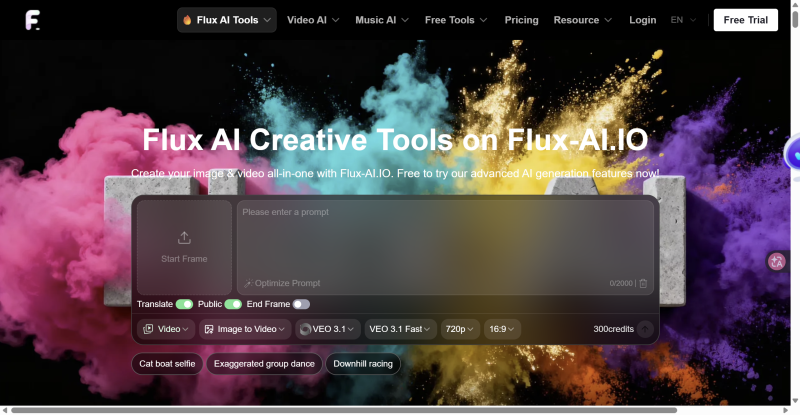
Best for: Product visuals, portraits, creative images, and stylized content.
Pros: Strong detail and good understanding of complex prompts.
Cons: The learning curve varies depending on how it is used, and some local deployment options require technical knowledge.
Leonardo AI offers text-to-image generation, image editing, and other visual creation features. It is suitable for users who need to consistently produce content in a particular visual style.
It is commonly used for game assets, character design, product visuals, and concept art, but it can also be used to create Instagram posts and other social media graphics.
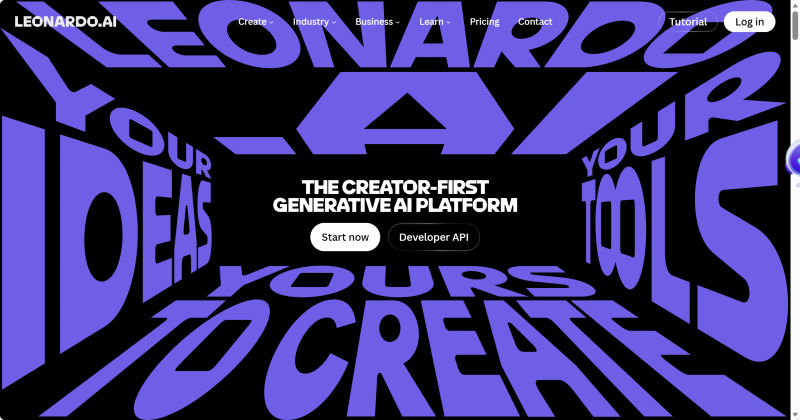
Best for: Product visuals, character design, concept art, and stylized social media images.
Pros: Offers a broad range of generation and editing features for ongoing visual production.
Cons: Its extensive feature set can take some time for new users to learn.
| Tool | Key Feature | Best For | Learning Curve |
|---|---|---|---|
| Midjourney | Strong visual quality and style | Creative visuals, product scenes, character concepts | Medium |
| Adobe Firefly | AI generation combined with image editing | Commercial design, product images, image editing | Low–Medium |
| FLUX | Strong detail and prompt understanding | Product visuals, portraits, creative images | Medium |
| Leonardo AI | Extensive generation and editing features | Product visuals, characters, concept art | Medium |
If visual quality and creative expression are the priority, Midjourney is a strong option. If you need image generation and editing in the same workflow, Adobe Firefly is more suitable. For users who regularly create stylized visual assets, Leonardo AI is also worth considering.
While AI image tools mainly help with visual asset creation, AI video tools extend the workflow to Instagram Reels.
The most common approaches are text-to-video and image-to-video. Text-to-video is useful when you want to generate a video directly from an idea, while image-to-video works well when you already have product images, character images, or other static assets.
Runway is an established AI video generation platform that supports text-to-video, image-to-video, and AI-powered video editing.
It is suitable for creative short videos involving camera movements, character actions, and scene transitions. If you already have image assets, you can also use Image-to-Video to turn static visuals into dynamic clips.
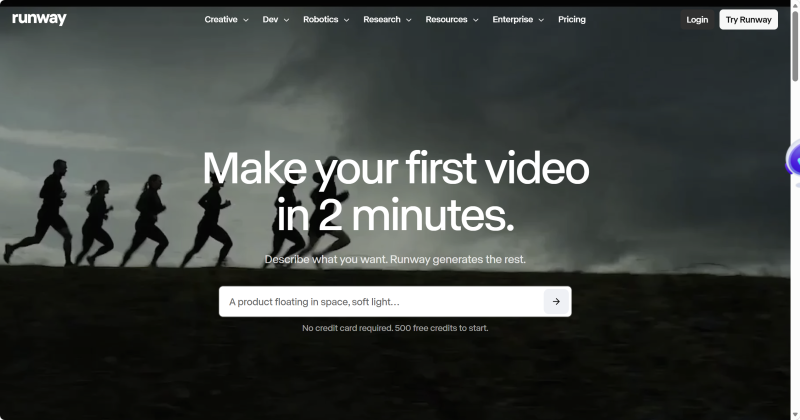
Best for: Creative Reels, product showcases, and visual short films.
Pros: Combines video generation and editing features in a relatively complete workflow.
Cons: Achieving consistent results may require some prompt and parameter adjustments.
Kling AI is another AI video generation tool that supports both text-to-video and image-to-video.
It is particularly useful for turning static images into videos with movement and camera changes, making it a practical option for Instagram Reels.
For example, you can upload a product image and instruct the AI to rotate the product, move the camera closer, or create a different camera angle to produce a dynamic clip.
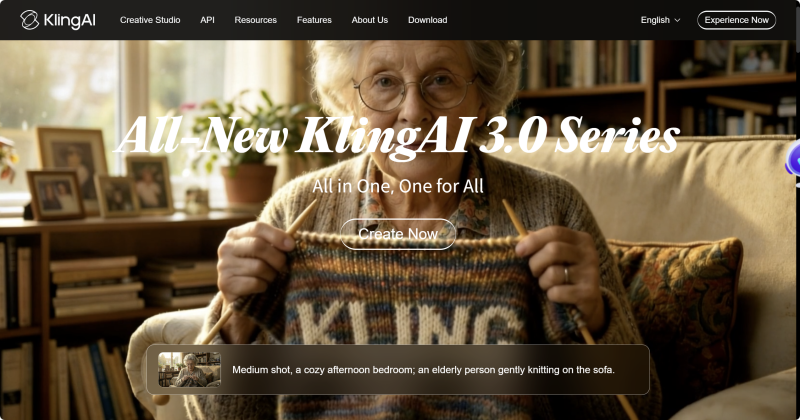
Best for: Reels, product showcases, and image-to-video generation.
Pros: Offers a range of motion effects and works well for short-form video content.
Cons: Complex scenes may require multiple generations and adjustments.
Luma focuses on AI video generation for creative visual content. It can generate dynamic videos from text or images.
It works well for Instagram content that relies on camera movement, scene transitions, or visual storytelling. Existing static images can also be used as the starting point for video generation.
Best for: Creative Reels, visual scenes, and animating static images.
Pros: Well suited to visually expressive short videos.
Cons: For videos that require precise control over product details, multiple generations may be necessary.
CapCut has a different focus from the dedicated AI video generation platforms above. In addition to AI-powered generation features, it covers editing, captions, voiceovers, effects, and other common post-production tasks.
If your goal is not simply to generate an AI video but to produce a finished Instagram Reel, CapCut can be more convenient.
For example, you can generate a video with another AI tool, import it into CapCut, and then add captions, music, voiceovers, transitions, and other effects before exporting it in an Instagram-friendly format.
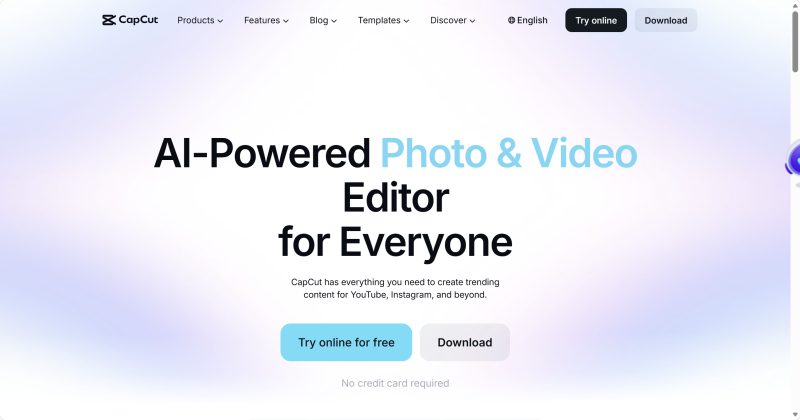
Best for: Reels editing, captions, voiceovers, and post-production.
Pros: Covers a broad range of video editing tasks in one place.
Cons: If your primary requirement is high-quality AI video generation, dedicated video generation platforms may be a better choice.
| Tool | Main Features | Best For | Learning Curve |
|---|---|---|---|
| Runway | Text-to-video, image-to-video, AI editing | Creative Reels, product showcases | Medium |
| Kling AI | Text-to-video, image-to-video | Reels, product motion graphics | Medium |
| Luma | Text-to-video, image-to-video | Creative videos, visual scenes | Medium |
| CapCut | AI generation, editing, captions, voiceovers | Reels post-production | Low |
If your main goal is to generate AI videos from scratch, Runway, Kling AI, and Luma are all worth considering. If you already have video footage or want to handle editing, captions, and voiceovers after generation, CapCut is more convenient.
AI tools differ in both functionality and workflow. Instead of simply comparing the number of features, consider the type of content you create, the assets you already have, and how much control you need over the final result.
If you are creating content from scratch, look for tools that can generate images or videos directly from text.
If you already have product images, character images, or recorded footage, features such as image-to-video, background editing, and AI-assisted editing become more useful because they allow you to build on existing assets.
If you simply need an image that matches a general concept and do not require precise control, an easy-to-use tool may be enough.
If you need to maintain a consistent character, product appearance, visual style, or composition, look for tools that support reference images, style controls, and more generation parameters.
If you only create a few images or videos occasionally, a single tool may be enough.
If you produce Instagram content continuously, features such as batch generation, asset management, templates, and efficient editing can reduce repetitive work and speed up production.
Different tools vary in free usage limits, subscription plans, and workflows. Price is only one factor; you should also consider how much time you are willing to spend learning the tool.
For general content creators, a tool that is easy to use and produces usable results quickly may be the better option. If you need greater control over generation and customization, a more advanced tool may justify the additional learning curve.
AI now covers multiple stages of Instagram content creation, from image generation and Reels production to captions, voiceovers, and post-production.
For image creation, Midjourney, Adobe Firefly, FLUX, and Leonardo AI each offer different strengths. For short-form video, Runway, Kling AI, Luma, and CapCut cover different parts of the production process.
For users managing multiple Instagram accounts, content generation is only one part of the workflow. Content distribution and account management also need to be handled efficiently. DuoPlus Cloud Phone provides independent Android environments and supports multi-account management, cloud storage, and automation, making it an option for managing Instagram accounts after AI content has been created.
Yes. AI-generated content can be used for Instagram posts, Stories, product visuals, promotional graphics, Reels, and other content formats. After generation, the content can be adjusted to fit Instagram's recommended dimensions and format requirements.
Yes. Different tools are suited to different stages of content production. For example, you can use an image generation tool to create visual assets, a video generation tool to animate those images, and a video editor to add captions, voiceovers, and other post-production elements.
This approach can be useful when producing different types of Instagram content on a regular basis.
Use prompts that describe the subject, environment, lighting, camera angle, composition, and visual details instead of entering only a simple topic.
For example, instead of prompting the AI with “a person in a coffee shop,” you can describe the person's actions, camera angle, time of day, lighting, and surrounding environment.
If consistency is important, consider using an AI tool that supports reference images.
Keep the prompt structure, visual style, colors, and composition consistent across generations. Tools that support reference images or character consistency can also help maintain a similar look.
For long-term Instagram content production, it can also help to establish a basic visual style guide in advance. This makes it easier to keep content from different generation sessions visually consistent.
Yes. AI-generated videos can be edited into Reels as long as they meet Instagram's content and format requirements. You can also combine AI-generated clips with existing footage, captions, music, and other editing elements.
You can combine AI-generated images, text-to-video, image-to-video, stock footage, voiceovers, and AI-assisted editing to create Reels without recording yourself on camera. This approach is particularly useful for product showcases, educational content, visual storytelling, and other formats that do not require a creator to appear on screen.
Yes. A cloud phone can be used to manage multiple Instagram accounts, depending on the platform's account management rules and the specific cloud phone configuration. For teams managing multiple accounts, using separate device environments can make account organization, content distribution, and daily operations easier.
Muse has recently become one of the most talked-about AI Agent products in the AI tools space. As a new AI Agent from …

OpenAI Codex is an AI coding agent designed to help developers write, modify, review, and deliver code. It is available …

VK (VKontakte) is one of the major social media platforms in Russia. In addition to account management, content …
No need to purchase multiple real phones.
With DuoPlus, one person can operate numerous cloud phones and social media accounts from a single computer, driving traffic and boosting sales for you.

