




How to Log In to Telegram Without Your Phone Number
Telegram is a messaging app many people use for everyday conversations, joining communities, and communicating with …
How do you write a YouTube video script? This guide explains the basic script structure, topic planning, outlining, and how to use AI script tools to generate hooks, main content, conclusions, and CTAs. It also reviews vidIQ, Jasper, Writesonic, and Copy.ai, covering their use cases, suitable content types, and practical tips for creating better YouTube scripts.

Get an AI-Powered Summary of This Article
When creating YouTube videos, the script determines the video’s structure, pacing, and completeness. For creators who need to publish regularly, choosing topics, creating outlines, writing voiceovers, and revising scripts can take a considerable amount of time.
AI video script generator tools can create video outlines, opening hooks, main sections, and conclusions based on a topic. They can also rewrite content for different video lengths. For YouTube creators, AI can reduce the time needed to start writing from scratch.
However, different tools serve different purposes. Some are designed for YouTube channel management, while others focus on brand marketing, product introductions, research, or post-production. When choosing a tool, you should consider not only whether it can generate a script, but also your video type, content depth, and overall production workflow.
When choosing an AI video script generator, you should look beyond whether it can generate text. The tool should also create a complete structure, produce content that sounds natural when spoken, and support your specific content workflow.
A useful AI scriptwriting tool should be able to organize a complete video around one topic instead of producing several generic paragraphs.
In addition to the main content, it should ideally cover:
This makes the generated script easier to turn into an actual YouTube video.
Long-form videos and Shorts require different writing styles.
An eight-minute tutorial needs enough space to explain the background, steps, and important details. A 60-second Short needs to get to the point quickly and maintain a high information density.
A good tool should allow you to adjust the script length and adapt the content to different formats, such as:
For YouTube channels targeting international audiences, a script should not simply be translated from Chinese into English. It should also sound natural when spoken.
Pay attention to:
This is especially important for English YouTube videos, where overly formal or complicated sentences can make the narration sound unnatural.
The first AI-generated draft usually needs further editing. The tool should allow you to make specific changes, such as:
This helps the final script match your channel style and video production workflow.
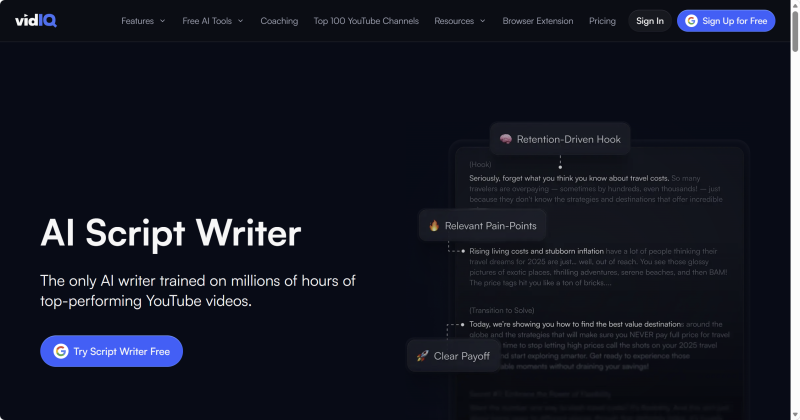
vidIQ is a content management and optimization tool designed for YouTube creators. In addition to AI script generation, it offers features related to topic research, titles, descriptions, and channel planning.
Its AI Script Writer can generate a script based on a video topic and expand the introduction, main structure, and conclusion. Creators can specify the topic, tone, and length, then revise the result according to their channel style.
vidIQ is a good fit for creators who already run a YouTube channel and need to find topics and produce videos consistently. It can be useful for tutorials, educational content, product reviews, and series built around a specific niche.
Its main advantage is that it is closely connected to the YouTube content creation workflow. It is not only a standalone writing tool. If you want to move from topic planning to scriptwriting in the same workflow, vidIQ is worth considering.
Keep in mind that vidIQ may generate relatively complete video structures. When using it for Shorts, specify the target duration, word count, and opening pace in advance to avoid producing an overly long script.
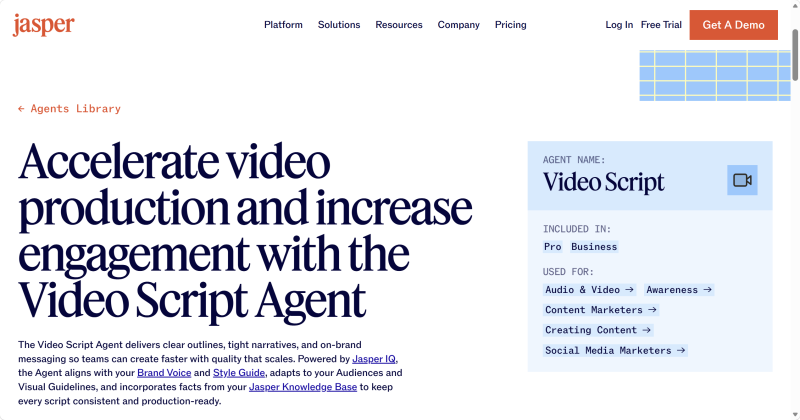
Jasper is more focused on brand marketing and commercial content production. Its Video Script Agent can generate video scripts based on a topic, target audience, brand voice, and existing materials.
For corporate channels and content teams, a script needs to communicate information clearly while maintaining a consistent brand voice. For example, a software company creating product tutorials, feature demonstrations, and customer case studies may want different videos to use similar wording and messaging.
Jasper is suitable for:
Its main advantage is the ability to use brand materials and predefined tone guidelines when generating content. This can reduce inconsistencies between scripts written by different team members.
However, Jasper is more suitable for brands or teams with an established content system. If you only create an occasional YouTube video, a general-purpose AI tool may be enough.
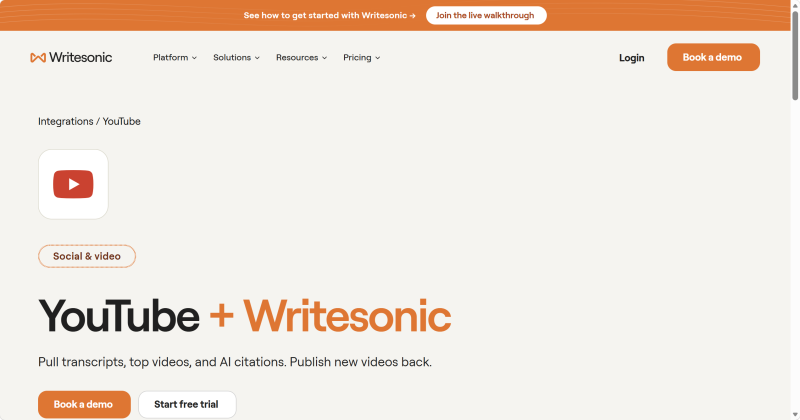
Writesonic is suitable for creators who need to research a topic before writing a video script. It can help organize YouTube video titles, descriptions, tags, thumbnails, and scripts, as well as support topic research and content planning.
This type of tool is useful for:
For example, when creating a video about the differences between proxy tools or how to use a particular software product, creators usually need to understand the product’s features, usage methods, and competing solutions before writing the script.
Writesonic is useful because it supports a broader “research → organize → write” workflow instead of generating a generic script from a title alone.
For videos that require more information and research, this approach can produce more useful results.
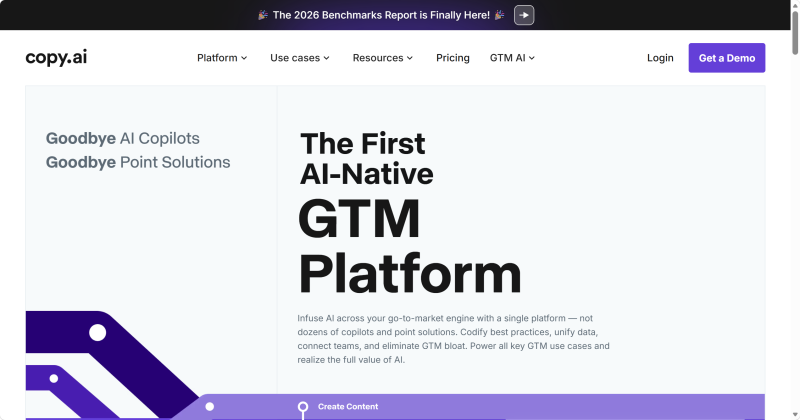
Copy.ai focuses more on marketing copy and commercial content. It is useful for turning product information into video scripts designed to support promotion and conversion.
A product introduction video usually needs to answer several questions:
Copy.ai can organize these points into a structured script and help emphasize the product’s main selling points.
It is suitable for:
Compared with educational videos, marketing videos usually place more emphasis on calls to action, such as visiting a website, trying a product, learning more about features, or completing a purchase.
However, marketing-focused AI tools may generate exaggerated claims. Check expressions such as “the best,” “completely solves,” or “guaranteed to improve” before publishing. Product features, statistics, and promotional claims should always match the actual product.
Different video types require different scriptwriting approaches. You can use the following table to choose a tool based on your content needs.
| Video Type | Tools to Consider | Main Reason |
|---|---|---|
| YouTube long-form videos | vidIQ, Jasper | Suitable for complete structures, detailed explanations, and length control |
| YouTube Shorts | vidIQ, Kapwing | Useful for hooks, short sentences, subtitles, and pacing |
| Product introduction videos | Jasper, Copy.ai | Suitable for organizing product information, selling points, and CTAs |
| Technology tutorials | Writesonic, vidIQ | Useful for research, step-by-step explanations, and content expansion |
| Brand channels | Jasper, Copy.ai | Better suited to brand voice and consistent messaging |
| Competitor video research | Writesonic, vidIQ | Useful for analyzing topics, titles, and related content |
If you mainly create long-form YouTube videos, consider vidIQ. If you produce content for a brand or team, Jasper may be more suitable for maintaining a consistent tone.
For videos that require research into other content and sources, Writesonic may fit your workflow better. For product promotion, Copy.ai is worth considering.
AI can help organize a structure and improve wording, but it cannot fully replace a creator’s experience, opinions, and judgment.
If every video relies on the same template, the content may feel generic. Adding real examples, test results, personal observations, or demonstrations can make the script more distinctive and useful.
When generating a script, do not provide only a broad topic. Include details such as:
If the video involves a product introduction or tutorial, provide accurate feature details, operating steps, and real examples.
The more specific your input is, the less generic the generated script is likely to be.
AI-generated content may contain outdated or inaccurate information, especially when discussing:
Before publishing, check official sources and conduct practical tests when necessary. AI output should not be treated as the final source of truth.
A script that looks smooth on the page may not sound natural when read aloud.
When generating a script, specify the target video length. Afterward, check:
English scripts especially need to be read aloud to identify formal wording, long sentences, or expressions that are difficult to pronounce.
A YouTube script should consider not only the words but also how the visuals will be presented.
For example:
Adding visual suggestions to the script can help keep the narration, subtitles, and footage consistent.
The best YouTube video script generator depends on your content type and production workflow.
vidIQ is more suitable for YouTube channel management and topic planning. Jasper is useful for brand and team content. Writesonic is a good option for research-based videos, while Copy.ai is more suitable for product marketing.
If you only create videos occasionally, a general-purpose AI tool may be enough. If you manage a YouTube channel or produce content in batches, choose a more specialized tool based on your needs for topic research, brand management, and video editing.
Regardless of which tool you use, AI-generated scripts should be edited and fact-checked by a person before publication.
In most cases, yes.
Creating an outline first makes it easier to control the content quality. Confirm the hook, section order, key information, and conclusion before expanding the outline into a complete script.
This also makes it easier to shorten a long-form script into a YouTube Short later.
Yes. AI can generate short thumbnail copy, visual ideas, and different combinations of titles and thumbnail text based on a video topic.
However, thumbnail text should remain short and accurately reflect the video content. Avoid misleading claims or exaggerated wording.
Some tools can continue with subtitles, footage selection, and editing, but script generation and complete video production are still different stages.
Kapwing is more suitable for handling some of the production work after the script has been created.
A simple narration script can usually be used as the starting point for voiceover production. However, you should check punctuation, numbers, abbreviations, proper nouns, and tone first.
For English content, listening to a sample voiceover is particularly useful for identifying incorrect stress, pauses, or pronunciation.
Telegram is a messaging app many people use for everyday conversations, joining communities, and communicating with …
If engagement suddenly drops after you post on X (formerly Twitter), your account cannot be found in search, or a new …
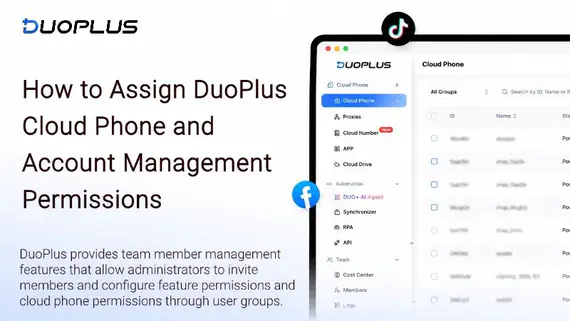
Social media operations often involve content publishing, account maintenance, project collaboration, and staff …
No need to purchase multiple real phones.
With DuoPlus, one person can operate numerous cloud phones and social media accounts from a single computer, driving traffic and boosting sales for you.

