
Bypassing CAPTCHA in 2026: CaptchaAI Review for Automation Professionals
What is CAPTCHA and Why It Matters CAPTCHAs (Completely Automated Public Turing tests to tell Computers and Humans …
Table of Contents
In recent years, competition in cross-border e-commerce has become increasingly fierce, with significant challenges in achieving clear sales growth across various product lines. If you want to run an independent advertising campaign, do Google Shopping, build a niche store, or expand product trial effectiveness, then GMC is a core growth tool you must hold on to.
Google Merchant Center (GMC) is Google’s official platform for managing product data, used for uploading, managing, and optimizing product data feeds.
Core functionalities of GMC include:
For newly entering cross-border merchants wishing to use GMC, you must first register a GMC account to manage products and advertising placements.
Pre-registration materials:
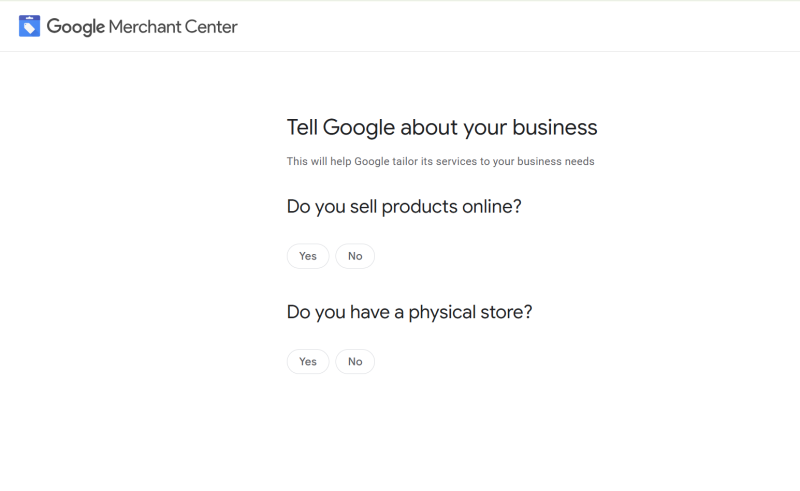
Access the Google Merchant Center official website → Use your Google account to log in → Fill in store information:
Important: Your domain name must be verified and declared as owned. You can do this through HTML file uploads / Meta tags / Google Analytics verifications.
GMC supports the upload of various product feeds, and you can choose any method:
New users are recommended to use Google Sheets for simplicity and agility, and after uploading products, official verification is needed.
Access GMC → Select "Linked accounts" → Add Google Ads ID
Google Ads will automatically send a linking request, and after acceptance, the link will be completed.
Once linked successfully, you can start creating Shopping Ads, Performance Max (PMax), and Discovery ads.
Regardless of advertising estimates and placement patterns, the quality of the product feed ultimately affects whether Shopping Ads can effectively achieve stable visibility and real-world conversion rates.
GMC allows sellers to upload multiple product feeds, so you can perform simple A/B testing to observe effects, such as different title versions, different pricing strategies, different focus angles, and attribute combinations.
The review system of Google Merchant Center is extremely strict, with a strong emphasis on authenticity, website credibility, and merchant compliance. Once any abnormality is detected in the website, products, account, policies, or operational behavior, the system may trigger suspension, ad disapproval, or account termination. Common reasons include:
A GMC appeal must include complete evidence and a thorough explanation; otherwise, it will be auto-rejected.
Step 1: Complete All On-Site Fixes
Step 2: Complete All Required Fields in GMC
Step 3: Prepare a Fix Report
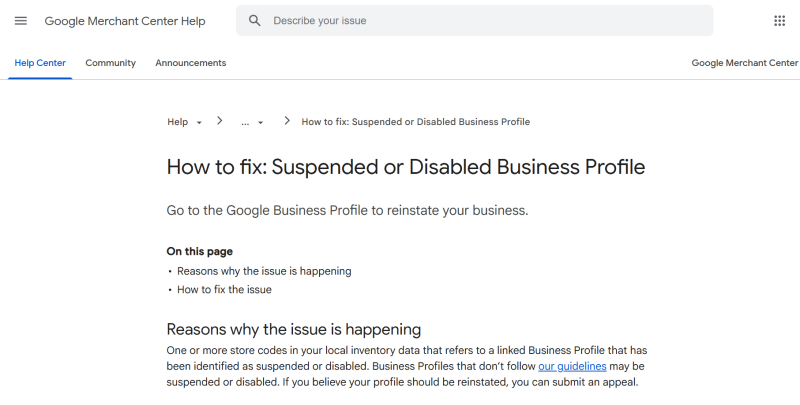
Google places strong emphasis on clear explanations. Organize all fixes into a document, preferably with screenshots.
Step 4: Submit the GMC Appeal and Wait for Review
Clearly explain the account status and declare all fixes made. Attach the full fix documentation.
GMC appeal results typically take 24–72 hours.
Google's algorithm relies on the most stable, precise, and potentially long-term aggregated data flow, GMC is no longer just a "post-upload product data backend", but a pipeline connecting product data → ad placement → user pathways → discovery of re-converting the core funnel.
Regardless of whether you are a small-scale trader or an established cross-border team, leveraging GMC will enhance your core competitiveness.
DuoPlus Cloud Phone
Protect your multiple accounts from being
What is CAPTCHA and Why It Matters CAPTCHAs (Completely Automated Public Turing tests to tell Computers and Humans …

Recently, the AI community has begun to discuss a new term — OpenClaw. Unlike the discussions around the capabilities of …
No need to purchase multiple real phones.
With DuoPlus, one person can operate numerous cloud phones and social media accounts from a single computer, driving traffic and boosting sales for you.
