




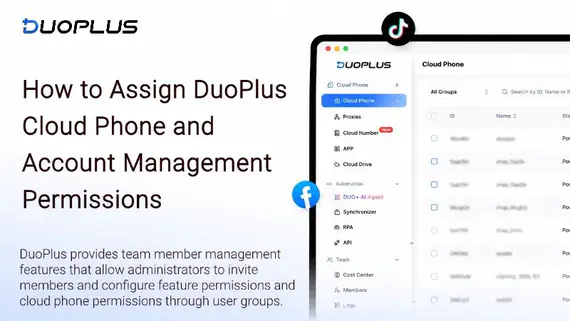
How to Assign DuoPlus Cloud Phone and Account Management Permissions to Your Social Media Team
Social media operations often involve content publishing, account maintenance, project collaboration, and staff …
Compare the best free online Android emulators like TestMu AI and MyAndroid. Learn why DuoPlus Cloud Phone offers a more stable, professional alternative for account management and automation.

Get an AI-Powered Summary of This Article
Free online Android emulators are convenient tools for quickly previewing apps, testing mobile websites, or checking how an Android interface behaves without installing desktop software. Because they run directly in a browser, they are easy to access and usually require little to no setup.
However, free browser-based emulators are often designed for lightweight testing rather than long-term app operations, account management, automation, or team workflows. They may come with temporary sessions, shared infrastructure, limited device options, no persistent storage, and weak environment isolation.
For businesses, developers, QA teams, social media operators, and e-commerce teams that need stable mobile environments, a professional cloud phone solution such as DuoPlus Cloud Phone can provide a more reliable alternative. It offers persistent Android environments, centralized management, automation support, and better separation between different workflows.
Free online Android emulators are browser-based tools that let you run or preview Android environments without downloading software, installing Android Studio, or setting up a local virtual machine. They work by streaming an Android environment from a remote server to your browser, allowing developers, testers, and casual users to interact with Android apps or mobile web pages quickly.
These tools are convenient for simple testing tasks, such as checking whether an app opens properly, previewing a mobile layout, or exploring basic Android functionality. However, they usually have significant limitations when used for professional workflows, long-term testing, account operations, or automation.
Browser-based Android emulators simulate an Android device on a remote server. Users interact with the emulator through their browser, while the remote server processes the Android environment and streams the result back in real time.
Because they require no installation and often provide free access for limited usage, they are attractive for quick tests. However, many free services run on shared server resources. This means users may experience session time limits, slower performance, limited configuration options, and environments that reset after use.
For short-term testing, this setup can be enough. For persistent workflows, it is often not reliable.
TestMu AI offers access to cloud-based Android testing environments and real device cloud services. It is mainly designed for app testing, compatibility checks, and QA workflows.
MyAndroid is an AVD-based online emulator that may include access to Google Play Store features. It is useful for simple Android app checks and quick browser-based testing.
Phone Simulator is a lightweight Chrome extension designed mainly for mobile website previewing. It can simulate Android screen dimensions but is not a full Android device environment.
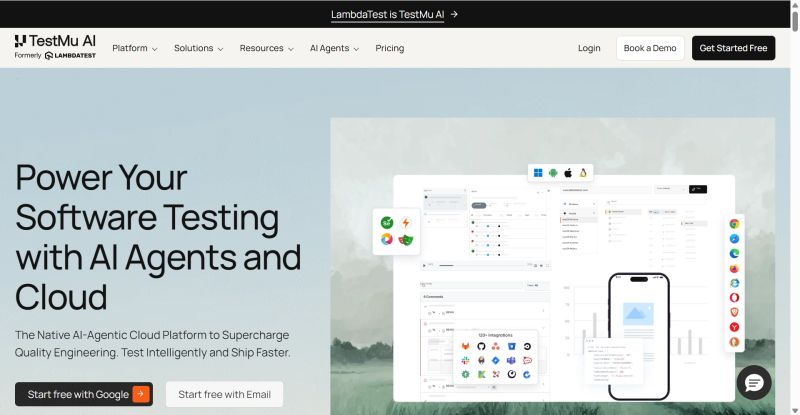
TestMu AI provides access to Android devices in the cloud. It can be useful for checking app functionality, testing layouts, and reviewing basic user flows. Its free tier, however, may be limited by session duration, available devices, and usage quotas.
For developers and QA teams, TestMu AI can be a helpful starting point. But for continuous workflows or long-term mobile operations, the limitations of free access may become restrictive.
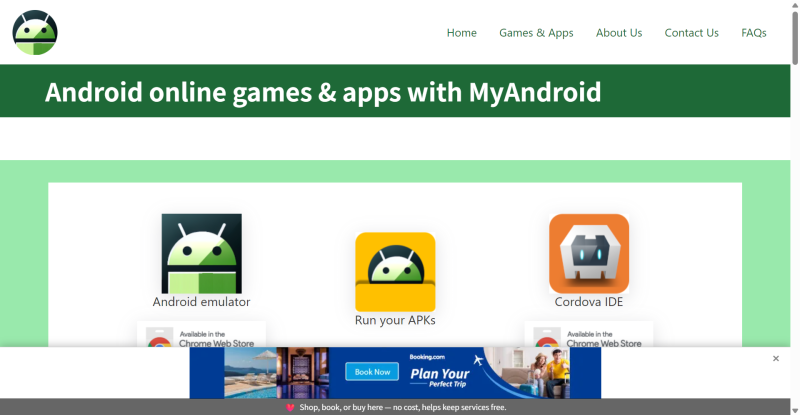
MyAndroid runs on Android Virtual Device technology and may provide Google Play Store access depending on the environment. It is simple to use and can be suitable for quick app installation tests.
However, sessions are often temporary. App data may not persist after inactivity, and users may not be able to maintain a stable testing environment over time. This makes it less suitable for workflows that require saved app states, continuous access, or repeatable testing conditions.
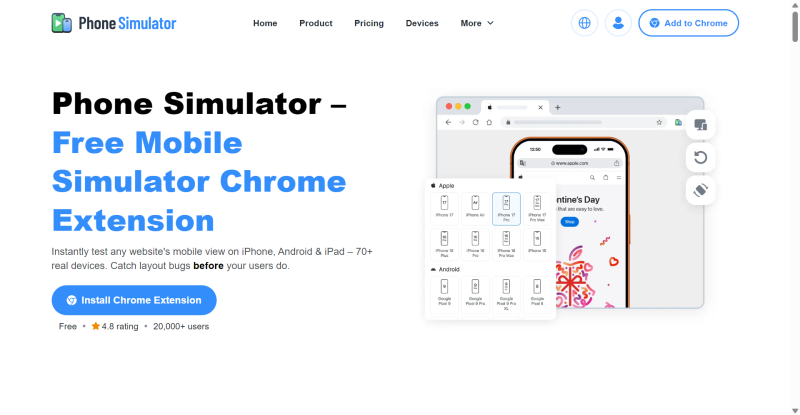
Phone Simulator is a browser extension that simulates mobile screen sizes and device frames. It is lightweight and convenient for checking responsive web design.
However, it is not a complete Android emulator. It generally does not support Play Store access, native Android app installation, persistent app data, or advanced testing. It is best used for mobile website previews rather than app-based workflows.
Free online emulators are useful for simple testing, but they often fall short when users need stable, separated, and repeatable mobile environments. This is especially true for teams that manage multiple legitimate accounts, test different user roles, or operate across different projects.
Many free online emulators run on shared infrastructure. Multiple users may access similar device configurations, limited network resources, and temporary sessions. This can cause inconsistent performance and reduce the reliability of test results.
For professional teams, shared environments can also make it harder to separate workflows clearly. If you need clean environments for different projects, campaigns, QA cases, or client accounts, free online emulators may not provide enough control.
Free emulator sessions are often temporary and may reset after inactivity. In some cases, app data, cookies, cache, and login states are not preserved. In others, users may not have enough control over storage or session history.
This creates challenges for teams that need persistent Android environments. For example, QA teams may need to reproduce the same issue across several days, while operations teams may need to keep app settings and login states stable. Free emulators are usually not built for this level of continuity.
Most free online Android emulators do not provide advanced automation features. Tasks such as app testing, page monitoring, screenshot collection, repeated UI checks, or routine operational steps may need to be performed manually.
For teams managing many workflows, manual repetition can become time-consuming and error-prone. Without RPA or workflow automation, free emulators are usually better suited for occasional testing rather than scalable operations.
DuoPlus Cloud Phone provides cloud-based Android environments designed for more stable and professional mobile workflows. Compared with free online emulators, DuoPlus offers persistent cloud phones, independent workspaces, centralized management, automation features, and team-friendly operation tools.
It is suitable for app testing, social media operations, e-commerce account management, QA workflows, mobile marketing management, and remote Android device access—provided all activities comply with platform rules and applicable laws.
Each DuoPlus cloud phone provides an independent Android environment with its own apps, settings, storage, and login state. This makes it easier to separate different workflows and maintain consistency over time.
For example, a QA team can keep one cloud phone for app version testing, another for user journey testing, and another for regression testing. An operations team can separate different client workspaces to avoid accidental data mixing.
DuoPlus may support cloud number services for receiving SMS. This can simplify account setup, team operations, and verification workflows when used legitimately and in accordance with the rules of the relevant platform or service.
For businesses that need organized onboarding or testing across different environments, this feature can reduce dependence on physical SIM cards and improve operational efficiency.
DuoPlus includes Robotic Process Automation features that help users automate repetitive and legitimate tasks. For example, teams can use RPA to:
Automation should be used responsibly and should not be used for spam, platform manipulation, fake engagement, or actions that violate third-party terms of service.
| Feature | Free Online Emulators | DuoPlus Cloud Phone |
|---|---|---|
| Environment isolation | Limited, often shared | Independent cloud phone environments |
| Account/session persistence | Often temporary or reset after use | Persistent, suitable for long-term workflows |
| Automation | Usually none or very limited | AI RPA support included |
| Cloud numbers | Usually not available | Available in supported use cases |
| Scalability | Limited by free quotas and sessions | Multiple cloud phones from one dashboard |
| Team management | Minimal | Better for organized team operations |
| Use case fit | Quick previews and lightweight testing | Testing, operations, automation, and account workspace management |
DuoPlus allows users to configure device environments for testing, operations, and workflow separation. This is useful for teams that need to reproduce app behavior under different device conditions, Android versions, or screen sizes.
Free emulators typically offer fewer configuration options, which limits their value for professional QA and operations. With DuoPlus, users can create more consistent and repeatable environments for long-term projects.
With DuoPlus, users can create and manage multiple cloud phones from a centralized dashboard. Each cloud phone can be assigned to a specific task, project, client, market, or testing scenario.
This is more efficient than opening multiple browser-based free emulator sessions, which may be limited by timeouts, queues, performance issues, or lack of persistent storage.
Free emulators are attractive because they cost nothing upfront. However, they may become inefficient when teams need stable sessions, repeated testing, automation, and reliable account workspace management.
DuoPlus is a paid service, but it can reduce manual work, improve workflow organization, and provide more stable cloud phone environments. For businesses that rely on Android-based operations, the long-term efficiency can outweigh the cost.
DuoPlus Cloud Phone can support many professional workflows across social media, e-commerce, app testing, and digital operations. The key is to use it responsibly and follow the terms of service of each platform.
Social media teams may need to manage different brand accounts, regional accounts, client accounts, or testing accounts. DuoPlus helps separate these workspaces so teams can avoid mixing login states, app data, or project settings.
For example, one cloud phone can be assigned to a brand’s TikTok workflow, another to Instagram content review, and another to customer support testing. This improves organization and reduces operational mistakes.
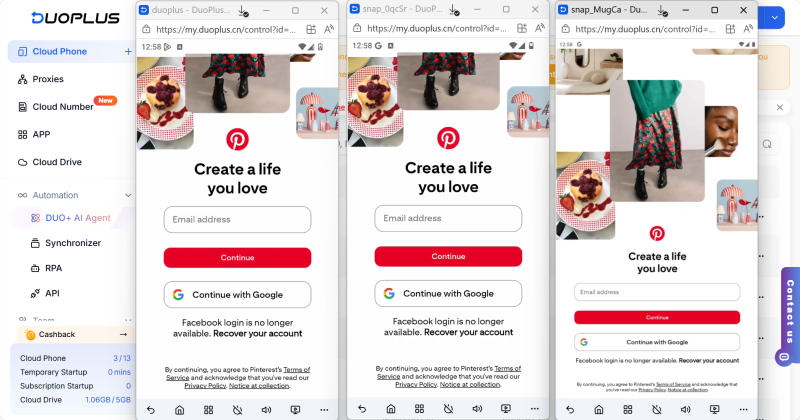
E-commerce teams can use DuoPlus to organize seller workflows, mobile app testing, store management, and customer service processes. Different cloud phones can be used for different stores, regions, or team roles.
This separation is especially useful for agencies or teams that manage multiple legitimate business accounts and need clear boundaries between projects.
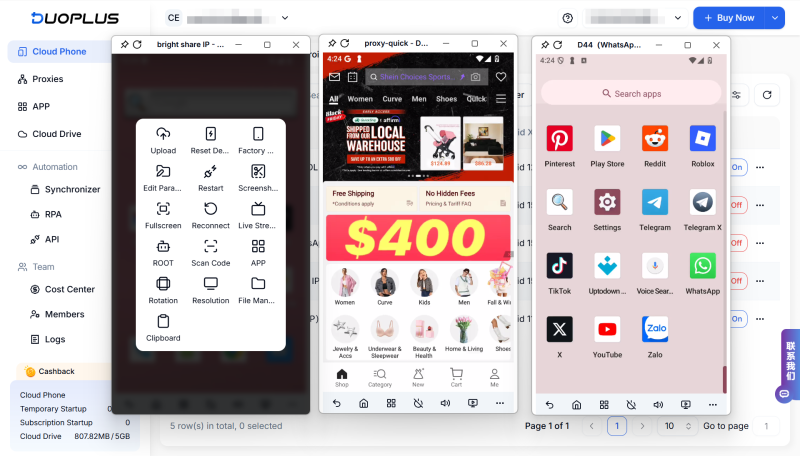
DuoPlus RPA can help automate repetitive internal workflows, such as:
Automation should be designed to improve productivity, not to create spam, fake interactions, or artificial engagement.
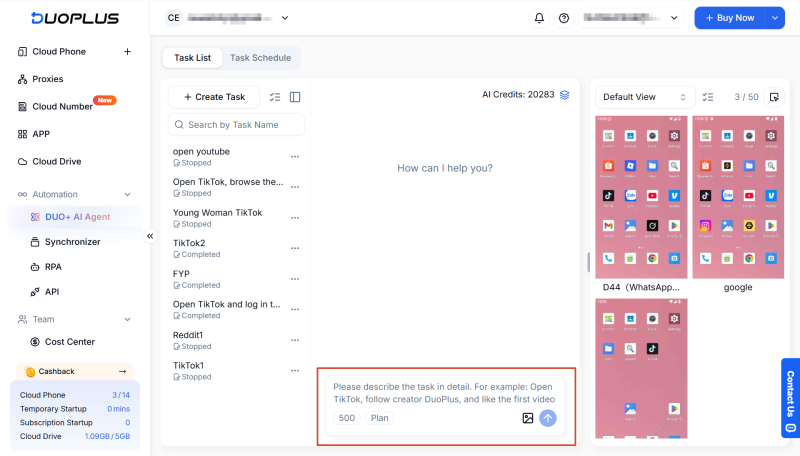
For simple testing, tools like TestMu AI, MyAndroid, or lightweight browser simulators can be useful. The best option depends on your goal. If you only need to preview a mobile page or quickly open an app, a free emulator may be enough.
For persistent workflows, app operations, team collaboration, or automation, a professional cloud phone solution such as DuoPlus is usually more suitable.
Technically, some free emulators may allow you to log in to different accounts. However, they are not designed for stable long-term account management. Sessions may reset, app data may disappear, and the environment may not be properly separated.
If you manage multiple legitimate social media accounts for brands, clients, or teams, a cloud phone solution with independent workspaces is more reliable.
DuoPlus provides independent cloud phone environments, persistent storage, configurable device settings, and centralized management. These features help keep different workflows separated and reduce accidental data mixing.
However, no tool can guarantee account safety on third-party platforms. Users should always follow platform rules and avoid suspicious, abusive, or automated behavior that violates terms of service.
If you only need occasional testing, a free emulator may be enough. But if you need persistent Android devices, organized workflows, automation, team access, and multiple cloud phone environments, DuoPlus can provide better long-term value.
For businesses, the main benefit is improved efficiency, stability, and workflow control.
No. DuoPlus RPA is designed to be user-friendly. Users can record actions and replay them without writing code. This makes it accessible for QA teams, marketers, operations staff, and business users who want to automate repetitive workflows.
Social media operations often involve content publishing, account maintenance, project collaboration, and staff …
As TikTok, Instagram, and Facebook become important channels for brand marketing, content creation, and affiliate …

TikTok Shop gives sellers multiple ways to reach potential customers, from shoppable videos and livestreams to creator …
No need to purchase multiple real phones.
With DuoPlus, one person can operate numerous cloud phones and social media accounts from a single computer, driving traffic and boosting sales for you.

