How to Assign DuoPlus Cloud Phone and Account Management Permissions to Your Social Media Team
Social media operations often involve content publishing, account maintenance, project collaboration, and staff …
Learn how to download Pinterest images and videos using official methods and popular third-party tools like ExpertsPHP and PinDownCloud. This guide covers bulk downloads, video saving, and copyright considerations.

Get an AI-Powered Summary of This Article
When users find an image, tutorial graphic, or video they like on Pinterest, one of the first questions is whether it can be downloaded directly to a local device. This usually comes up when saving design references, organizing content ideas, or keeping materials available offline.
Common questions include how to download Pinterest images, whether Pinterest videos can be saved, and when it makes sense to use a third-party tool. For sellers, designers, and content teams, downloading is also tied to later asset organization, archiving, and content preparation.
Pinterest ’s help center provides official ways to download images and save content from the web, and some third-party tools are often used to make video downloads or bulk saving more convenient.
If you only need to save an image occasionally, Pinterest’s official options are usually enough. If you need video downloads, faster workflows, or bulk saving, third-party tools may be more practical.
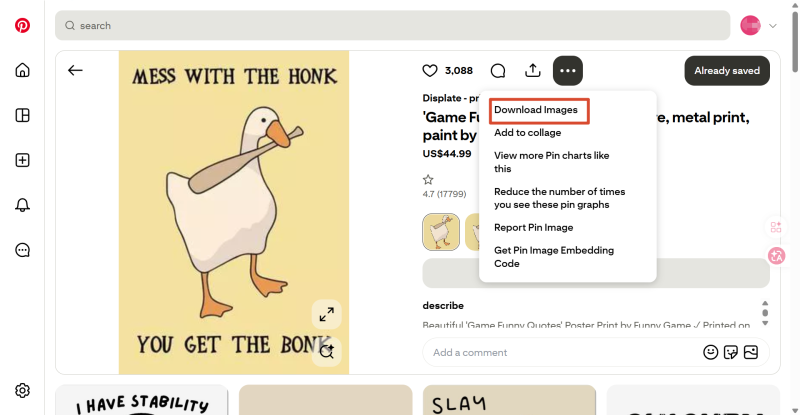
To download an image from Pinterest, you can open a Pin, click the ellipsis menu, and choose Download image. Pinterest also says users can download from the home feed by clicking the menu at the bottom-right of the image. On mobile, the downloaded image is saved to the Gallery or Photos folder on the device. Pinterest’s official help article is titled “Download an image or video,” so this is the official entry point for supported direct downloads.
This method is better suited for:
Users can upload images and videos from desktop, tablet, or mobile when creating a Pin. Pinterest business accounts can also add a title, description, destination link, related topics, and schedule Pins in advance. For users already organizing materials inside Pinterest or preparing content to publish, this is often a more natural workflow.
This method is more suitable if you are:
If the content you want to save is not already on Pinterest but on an external webpage, Pinterest also provides the Pinterest Save Extension. After installing it, users can save images from webpages directly to Pinterest while browsing. This is useful for collecting inspiration and organizing references from websites, blogs, or product pages.
This method is more suitable for:
Taken together, Pinterest’s official methods cover the two most basic use cases: downloading content from within Pinterest and saving images from outside websites into Pinterest. For most beginners, these official methods are usually enough for basic download needs.
Although Pinterest already provides basic download options, some users want an easier way to save videos, keep multiple items quickly, or avoid opening Pins one by one and repeating copy-save steps. In those cases, third-party Pinterest download tools can help improve efficiency.
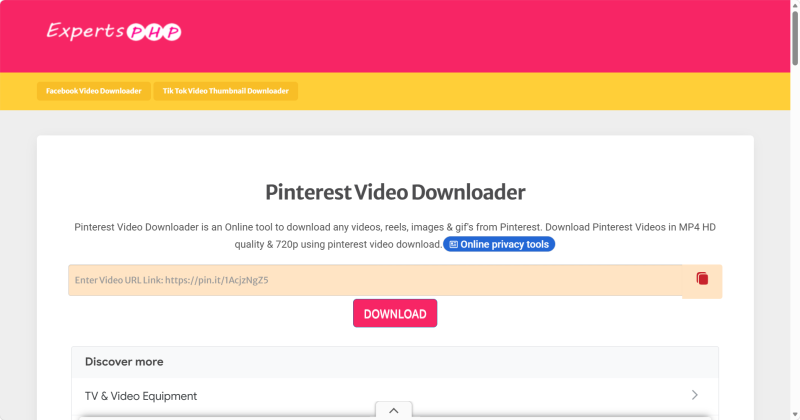
ExpertsPHP Pinterest Downloader is a typical browser-based Pinterest downloader. Users paste a Pinterest link into the page and can download videos, images, and GIFs. Its main advantage is that it does not require software installation, which makes it easier for first-time users.
Best use cases:
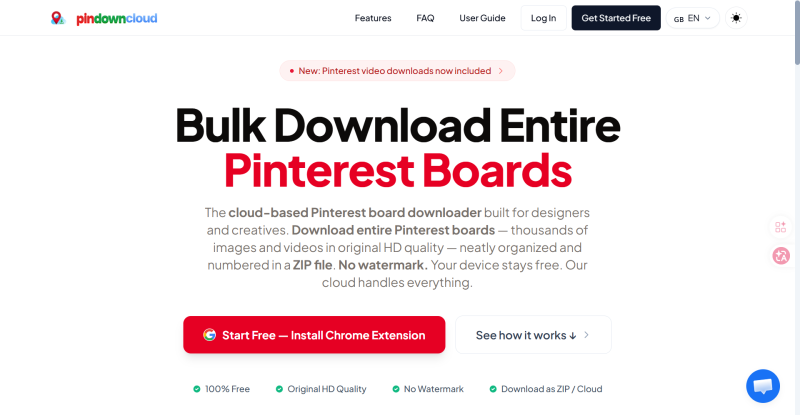
PinDownCloud(https://pindowncloud.com/) is more suitable for users who want to save Pinterest materials in bulk. Compared with standard single-link tools, it is positioned around downloading larger sets of board content, which makes it more useful for people collecting inspiration, organizing visual libraries, or backing up many Pins at once. I was not able to independently verify every packaging detail from your draft, so it is safer to describe it as a bulk board download tool rather than make stronger claims.
Best use cases:
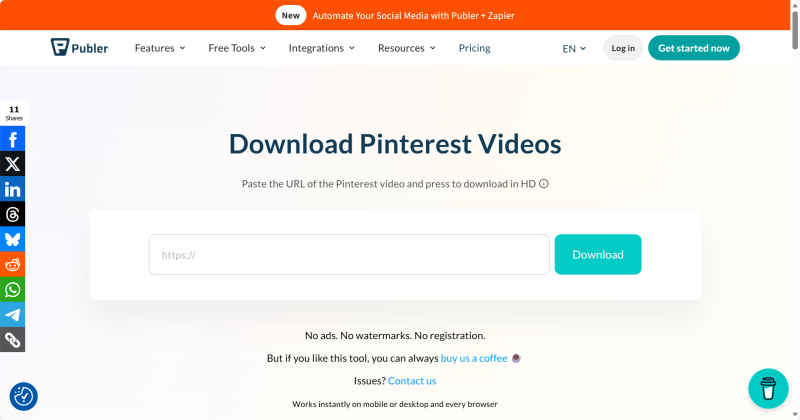
Publer(https://publer.com/tools/pinterest-video-downloader) offers a dedicated Pinterest Video Downloader. Its positioning is very clear and mainly focused on downloading Pinterest videos. Publer describes it as a free online downloader that supports high-quality video downloads without ads, watermarks, or registration.
Best use cases:
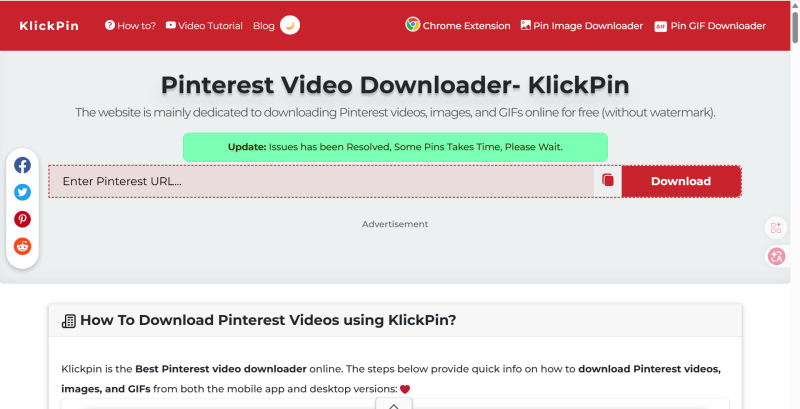
KlickPin(https://klickpin.com/ ) supports downloading Pinterest videos, images, and GIFs. Its page also says it can handle short videos and Idea Pins, which makes it more flexible for users who want to save multiple media formats in one place.
Best use cases:
Even if Pinterest images or videos can be downloaded, that does not automatically mean they can be reposted or used commercially. Pinterest’s help materials and platform guidance are centered around saving and organizing ideas, not granting reuse rights.
So beginners should keep at least two things in mind.
Being able to save an image or video locally only means that the platform or tool provides a download function. It does not automatically mean the content can be reused in ads, product pages, social media reposts, or other commercial contexts. This is an important practical distinction when using downloaded Pinterest content as reference material.
If you download Pinterest images or videos for inspiration, internal discussion, or content planning, it is better to keep the original Pin page or source link as well. That makes it easier later to verify where the material came from and to stay clear on how it should be used. This is a practical workflow recommendation based on content-management needs.
For sellers, design teams, and social media operators, downloading is only the first step in the asset workflow. What affects efficiency later is usually not the downloader itself, but how materials are organized, assigned, and prepared for future use.
For most beginners, Pinterest’s official methods are usually enough for quickly downloading images and supported content. But if downloads become more frequent, if video saving matters more, or if bulk workflows are needed, third-party tools can be more practical. The key is not to start by collecting more tools, but to first understand your actual download scenario and how you plan to use the saved content afterward.
Social media operations often involve content publishing, account maintenance, project collaboration, and staff …
As TikTok, Instagram, and Facebook become important channels for brand marketing, content creation, and affiliate …

TikTok Shop gives sellers multiple ways to reach potential customers, from shoppable videos and livestreams to creator …
No need to purchase multiple real phones.
With DuoPlus, one person can operate numerous cloud phones and social media accounts from a single computer, driving traffic and boosting sales for you.