
Google Account Stuck on QR Code Verification? How to Fix It (2026)
Following the official launch of Gemini Pro 3.1, Google is accelerating its dominance in the AI sector. From development …
Table of Contents
In today's digital landscape, managing multiple accounts, automating tasks, and running global campaigns often requires more than just a cloud phone—it requires the right network setup. Using Astro proxies with your DuoPlus Cloud Phone allows you to mask your IP, access geo-restricted content, and maintain multiple accounts securely without conflicts.
Astro is an ethical proxy infrastructure built for large-scale, compliant data gathering and multi-account operations. It provides residential, mobile, and datacenter proxies with 50M+ whitelisted IPs across 150 countries, fully KYC / AML-compliant.
Astro follows strict ethical proxy sourcing principles , ensuring that all IPs are obtained with explicit user consent and continuously monitored through both automated and manual abuse-prevention systems. This approach makes Astro a stable and reliable choice for long-term social media operations and automation workloads where trust and compliance are essential.
Together, DuoPlus and Astro give you:
● Isolated, real Android environments for each account
● Clean, geo-targeted IPs that match each profile's country or region
● Higher trust and fewer restrictions on social, e-commerce, and ad platforms
● A scalable setup for teams managing dozens or hundreds of accounts
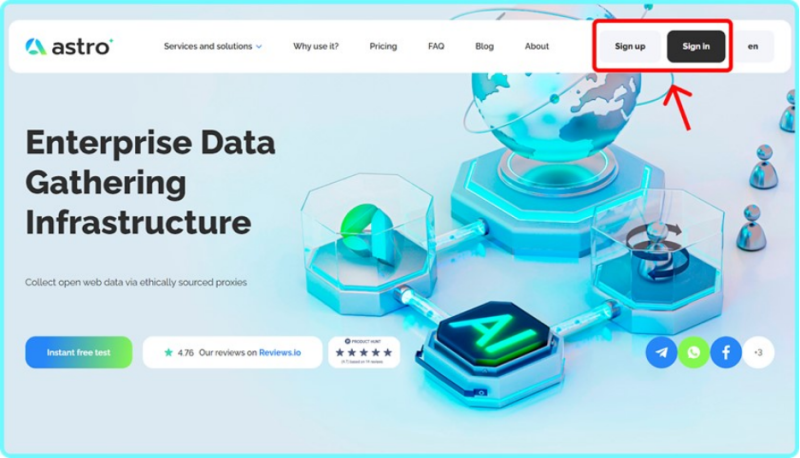
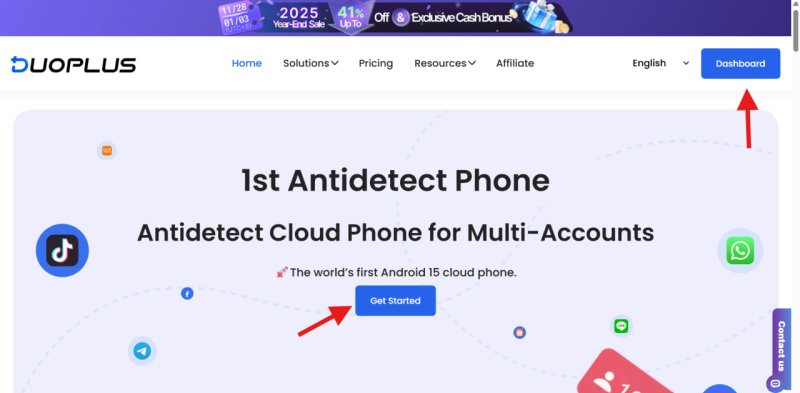
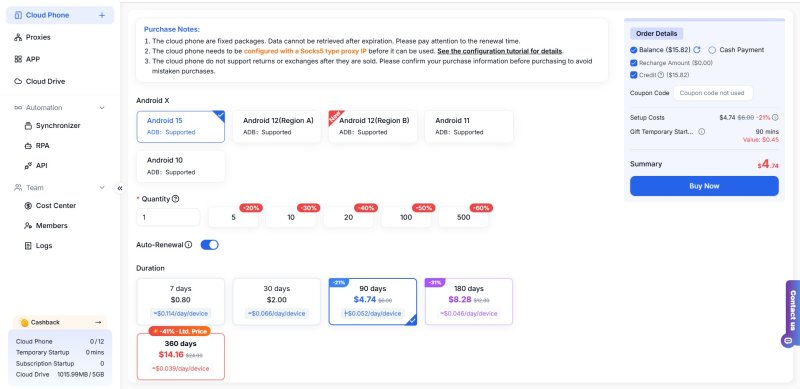
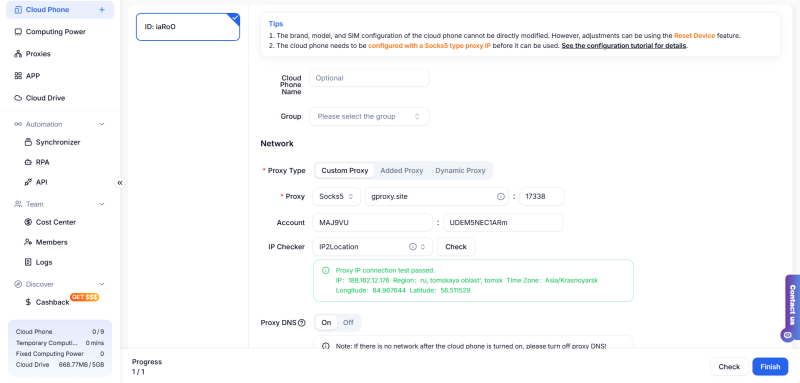
Here just start using Astro on the DuoPlus cloud phone.
DuoPlus makes multi-account management secure, stable, and scalable. With real Android devices, Google-certified security, and SOCKS5 proxy support, users can easily manage multiple social or e-commerce accounts without detection.
When combined with Astro's reliable SOCKS5 network, DuoPlus delivers the perfect solution for safe and seamless global operations — ensuring privacy, speed, and full control at scale.
DuoPlus Cloud Phone
Protect your multiple accounts from being
Following the official launch of Gemini Pro 3.1, Google is accelerating its dominance in the AI sector. From development …

TIRED OF THESE BOTTLENECKS? ❌ Running account farms only to be halted by relentless Captcha triggers? ❌ Grinding on …
No need to purchase multiple real phones.
With DuoPlus, one person can operate numerous cloud phones and social media accounts from a single computer, driving traffic and boosting sales for you.
