





How to Sign Up for Meta Muse and Use a Referral Code
Muse has recently become one of the most talked-about AI Agent products in the AI tools space. As a new AI Agent from …
Choosing multi‑account anti‑detection tools in 2026? Compare cloud phones (DuoPlus) vs anti‑detect browsers (AdsPower, GoLogin, Multilogin) – principles, use cases, automation, pricing. Find the best fit for mobile or web operations.

Get an AI-Powered Summary of This Article
In 2026, the demand for managing multiple social media accounts, e‑commerce stores, and ad campaigns continues to grow. Platform risk control has evolved from simple IP checks to comprehensive device fingerprinting. For teams that need to run many accounts on TikTok, Instagram, Facebook, etc., choosing the right anti‑detection tool now directly affects whether their business can operate smoothly.
The two mainstream solutions on the market are anti‑detect browsers (represented by AdsPower, GoLogin, and Multilogin) and cloud phones (represented by DuoPlus Cloud Phone). The former changes browser‑level parameters to alter identity; the latter provides independent cloud‑based Android device environments. Both can help with multi‑account anti‑detection, but their principles, use cases, and operation methods are quite different.
This article compares the two approaches from three aspects: technical principles, product features, and use cases, to help you select the tool that best fits your business.
A cloud phone is a native Android device running on cloud servers based on ARM architecture. The user experience is very close to that of a real physical phone.
For multi‑account operations, physical phones have high hardware costs and maintenance issues (heat, battery). Regular Android emulators are virtual images on a computer – their device parameters are easily detected by platforms, leading to high ban rates. A cloud phone combines real‑device hardware fingerprints and system environment with cloud‑based batch control, without the need for physical maintenance.
Each cloud phone has its own device fingerprint, operating system, and storage space. Environments of different cloud phones are completely isolated. Users can manage dozens or even hundreds of cloud phones from a single physical device, and the target platforms cannot associate those accounts with each other.
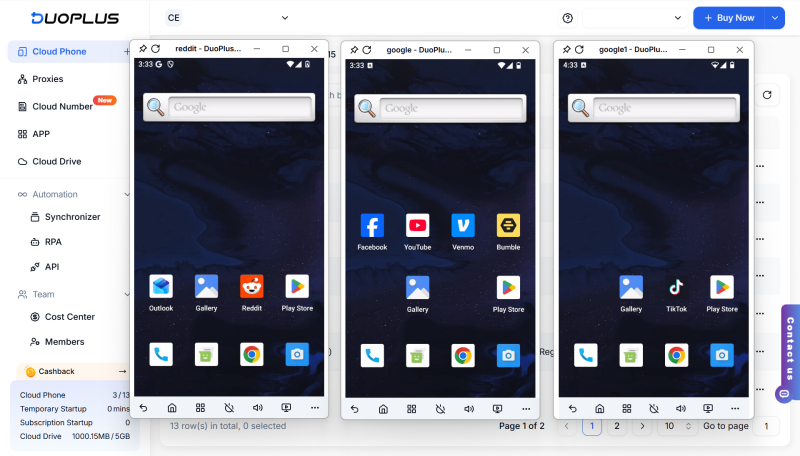
When to use a cloud phone
The key point of a cloud phone is not to replace a computer, but to provide an environment close to a real phone, making mobile multi‑account management more efficient.
Before understanding anti‑detect browsers, we need to know what browser fingerprint is: a unique identifier generated by websites collecting device information from visitors.
Research from ACM Journals shows that over 81.3% of website fingerprints are owned by a single browser when analyzing a dataset of 4 million websites over time. When you visit a website, your browser exposes dozens or even hundreds of technical features: User‑Agent, screen resolution, OS version, time zone and language, Canvas fingerprint, WebGL rendering features, font list, audio fingerprint, etc. The combination of these pieces creates a fingerprint that can identify you even if you turn off cookies or use incognito mode. When multiple accounts are logged in from the same device environment for a long time, the platform can easily detect associations, increasing the risk of restrictions or bans.
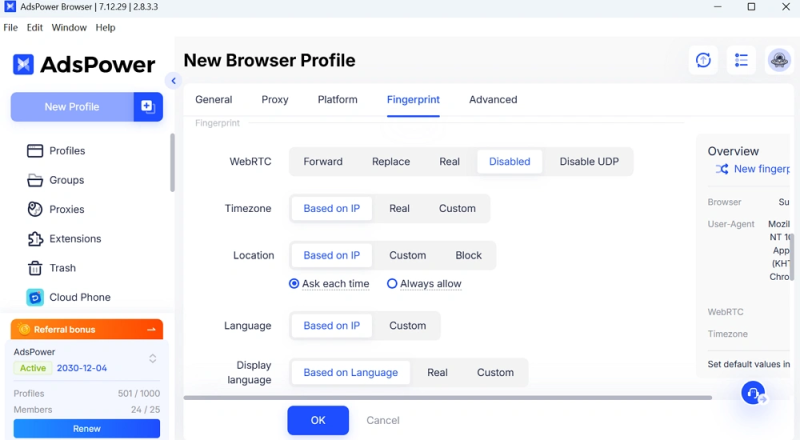
Anti‑detect browsers (also called anti‑fingerprint browsers or multi‑login browsers) are designed to solve this problem. They allow you to create multiple completely independent browser environments on one physical device. Each environment has different fingerprint parameters, independent cookie storage, local storage, and proxy IPs, simulating different real user devices so the platform cannot tell the accounts are related.
In simple terms: multiple tabs in a regular browser share the same fingerprint; the platform can easily see those accounts come from one device. An anti‑detect browser generates a separate browser identity for each account, making the platform see multiple independent users logging in from different computers, locations, and times.
When to use an anti‑detect browser
Anti‑detect browsers are better for web‑based use cases – browser identities and web operations, not continuous actions inside mobile apps.
Anti‑detect browsers and cloud phones are not replacements for each other; they solve different needs. In practice: for web‑based tasks, use anti‑detect browsers; for mobile app operations, use cloud phones. Below we introduce three mainstream anti‑detect browsers and compare them with a cloud phone.
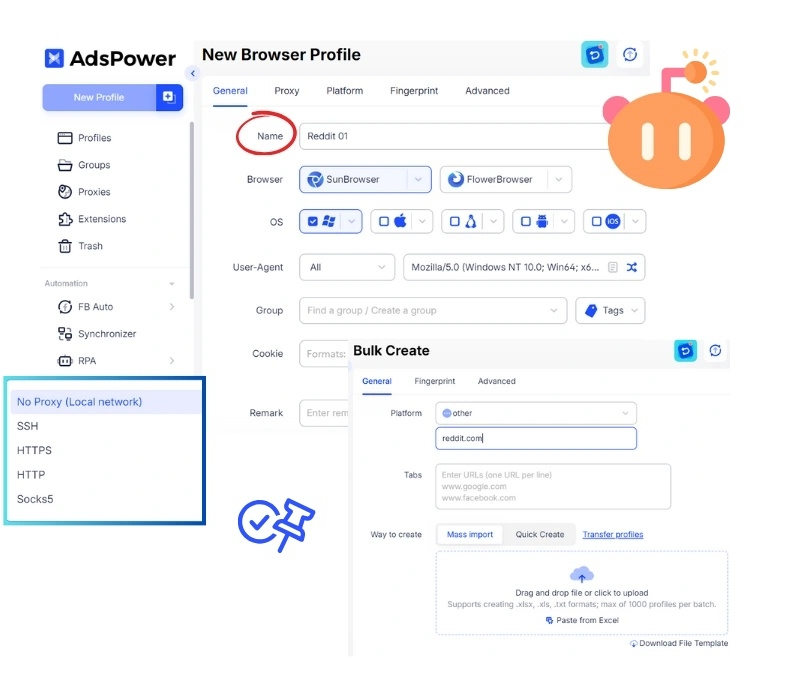
Founded in 2019, AdsPower is one of the early anti‑detect browsers, serving over 9 million cross‑border users with a mature product. It restructures the underlying browser kernel to achieve triple isolation of hardware fingerprint, software fingerprint, and behavioral fingerprint. Users can customize fingerprint parameters for each account, including Canvas fingerprint, MAC address, OS version, etc. It holds SOC 2, ISO 27001 and other international certifications, providing enterprise‑level protection for account assets.
Strengths
Weaknesses
Best for
GoLogin is an anti‑detect browser built around a cloud‑first architecture. Users can log in from any device to access all browser profiles – no need to tie to a fixed device. The interface is relatively intuitive, providing basic support for profile management and team collaboration. Its positioning leans toward lightweight users and small teams, aiming to lower the entry barrier for multi‑account management.
Strengths
Weaknesses
Best for
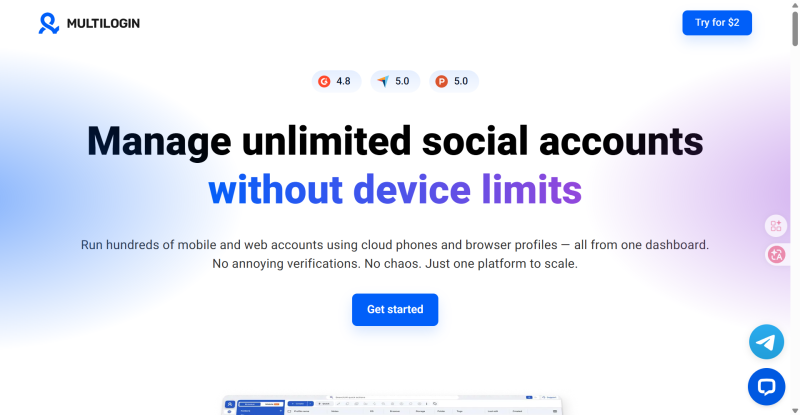
Multilogin is one of the earliest brands in the anti‑detect browser space, positioning itself for professional teams and enterprise users. Its core advantages are its mature fingerprint engine and automation API. Multilogin also offers a cloud phone service, allowing users to run real, isolated Android environments in the cloud, managing both web and mobile accounts on a single platform. Each cloud phone comes with a unique IMEI, MAC address, and built‑in proxy. Moreover, all paid plans include residential proxies covering 150+ countries, improving convenience and environment authenticity.
Strengths
Weaknesses
Best for
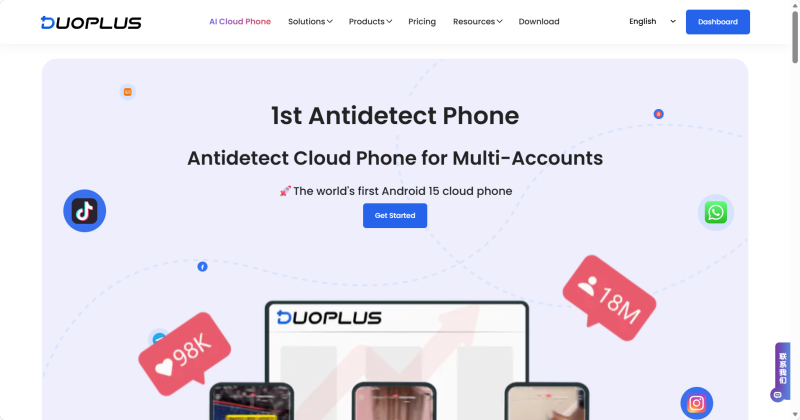
Unlike anti‑detect browsers, DuoPlus provides an Android phone environment based on real ARM hardware in the cloud – not a browser environment. Each cloud phone is a real device with its own IMEI, MAC address, and operating system. It can smoothly run mainstream mobile apps such as TikTok, Facebook, and Instagram, closely mimicking real mobile usage. With DuoPlus, teams do not need to purchase or maintain many physical devices. Through a web browser, they can quickly deploy multiple independent cloud phone environments for flexible cross‑region and cross‑account management.
Strengths
Weaknesses
Best for
If your business mainly runs on web dashboards, an anti‑detect browser is a cost‑effective choice. Typical scenarios:
In these scenarios, platforms mainly detect browser fingerprints (cookies, cache, fonts, resolution). Anti‑detect browsers can efficiently generate multiple independent environments, each with its own cookies and cache. Among them, AdsPower suits professional users who need deep customization and team collaboration; GoLogin suits individuals and small teams with limited budgets; Multilogin suits enterprise users who need advanced anti‑detection and built‑in proxies.
If your business involves mobile app operations , DuoPlus Cloud Phone is a more direct choice. Typical scenarios:
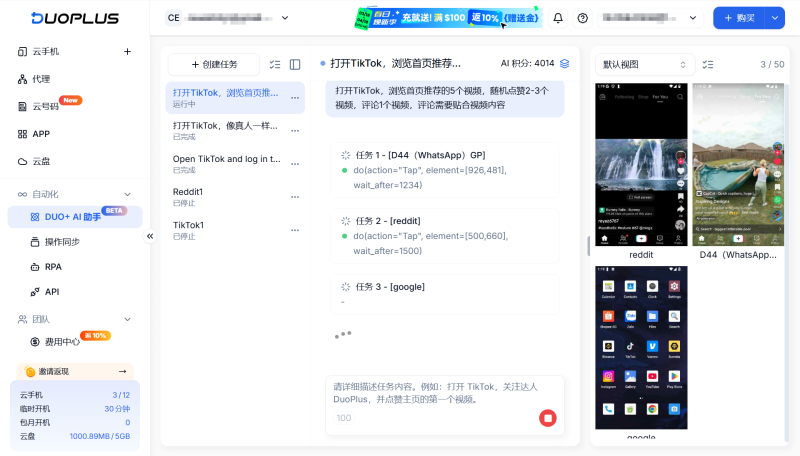
In these scenarios, platforms primarily detect the mobile hardware environment (IMEI, MAC, Android ID, battery, gyroscope, etc.) – dimensions that anti‑detect browsers cannot touch. Cloud phones run on real ARM hardware, each device has a complete, independent hardware fingerprint and native Android environment, avoiding mobile risk control from the ground up. DuoPlus is ideal for teams that need long‑term batch management of mobile accounts, with built‑in automation and cloud number registration.
| Feature | DuoPlus Cloud Phone | AdsPower | GoLogin | Multilogin |
|---|---|---|---|---|
| Positioning | Cloud phone for mobile multi‑account ops | Fingerprint browser for high growth & security | Lightweight, cloud‑first anti‑detect | All‑in‑one anti‑detection for enterprises |
| Core Advantage | Real ARM hardware, native physical environment | Natural language automation, built‑in RPA, high security certifications | Simple UI, cloud access, flexibility | Unified web + mobile, professional API |
| Primary Platform | Mobile apps | Web | Web | Web + mobile |
| Fingerprint Depth | Full hardware isolation, Google Play Integrity Level 3 | 20+ fingerprint parameters | 50+ parameters, deep customization | 25+ configurable parameters |
| Batch Management | Excellent (manage hundreds of cloud phones) | Excellent (manage hundreds of profiles) | Moderate (suitable for small/medium scale) | Strong (enterprise batch management) |
| Automation | AI Agent natural language + RPA templates | Natural language + built‑in RPA | API access, script support, limited | Full API, highly customizable but complex |
| Built‑in Proxy | No (open third‑party ecosystem, supports HTTP/HTTPS/SOCKS5) | No (open third‑party ecosystem) | 2GB free datacenter proxy trial | Residential proxies in 150+ countries |
| Free Plan | No (device trial available) | 2 profiles | 3 profiles | No |
| Starting Price | 10 devices from$1.2/device/month + usage fee | Professional: 10 profiles$7.2/month | 10 profiles$4/month | 10 profiles$10/month |
| Team Collaboration | Three‑level permission management | Role‑based permissions, logs, account sharing | Basic collaboration | Advanced (unlimited members, logs) requires higher plan |
| Data Security | Cloud encryption and isolation | SOC 2, ISO 27001/27701 certified | Basic encryption | AES‑256, 2FA support |
| Target Users | Mobile‑focused large‑scale operation teams | Web‑focused large‑scale teams | Individuals / freelancers / small teams | Enterprise users, high‑end professionals |
Anti‑detect browsers and cloud phones are both mature multi‑account anti‑detection solutions, but they address different levels of the problem. Anti‑detect browsers focus on spoofing browser fingerprints on the web – suitable for e‑commerce dashboards, ad accounts, and other web operations. Cloud phones provide a complete mobile device environment – suitable for TikTok, Instagram, and other app operations, as well as 24/7 online batch account nurturing.
Quick Selection Guide
Choosing the right anti‑detection solution for your business scenario will reduce equipment and operational costs, lower the risk of account association and bans, and make your multi‑account operations more stable and efficient.
Muse has recently become one of the most talked-about AI Agent products in the AI tools space. As a new AI Agent from …

OpenAI Codex is an AI coding agent designed to help developers write, modify, review, and deliver code. It is available …

VK (VKontakte) is one of the major social media platforms in Russia. In addition to account management, content …
No need to purchase multiple real phones.
With DuoPlus, one person can operate numerous cloud phones and social media accounts from a single computer, driving traffic and boosting sales for you.

