How to Safely Manage Multiple Social Media Accounts Without Getting Banned in 2026
A lot of people still approach multi-account management the way it worked a few years ago — create several profiles, add …


Table of Contents
Imagine finding a valuable YouTube tutorial—only to lose it when you need it most.
Or trying to watch videos offline during a flight or commute, without internet access.
With billions of videos available across entertainment, tutorials, and education, YouTube is one of the largest content platforms in the world. However, it doesn't offer a straightforward way to download most videos for offline use.
That's why many users turn to third-party tools. In this guide, we'll introduce 6 trusted YouTube video downloader tools, along with tips to help you pick the best option.
Before using any downloader, it's worth understanding how this works. According to YouTube's terms of service, downloading videos directly from the platform is only supported through official features like YouTube Premium or when a download option is provided.
That said, although many third-party tools allow users to save videos for offline use, there are still some guidelines to follow:
Always make sure to respect platform policies and copyright regulations in your region.
Below are some of the most reliable YouTube video downloader tools available today. For each tool, we'll cover how it works, what it's best for, and how to use it.
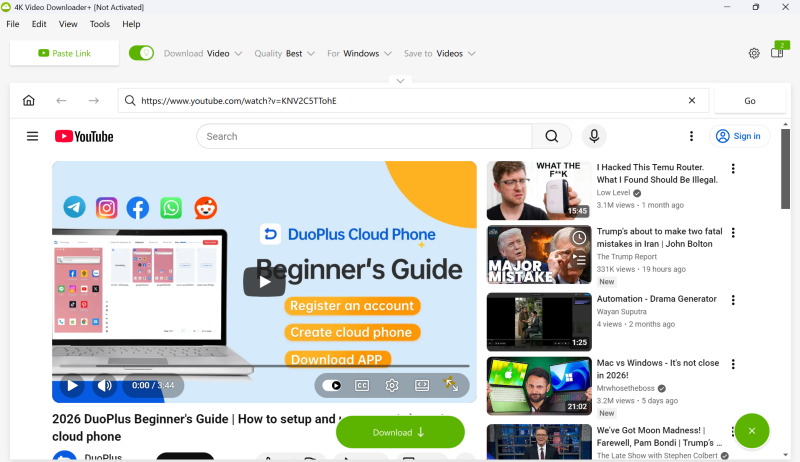
Compatibility: Desktop App (Windows, macOS, Linux)
Best for: High-quality downloads (HD, 4K, 8K)
Key Features:
Cons:
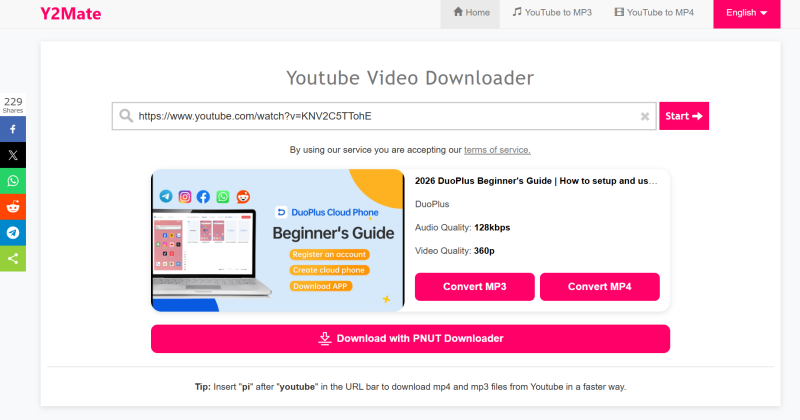
Compatibility: Online (Web-based, works on desktop & mobile)
Key Features:
Cons:
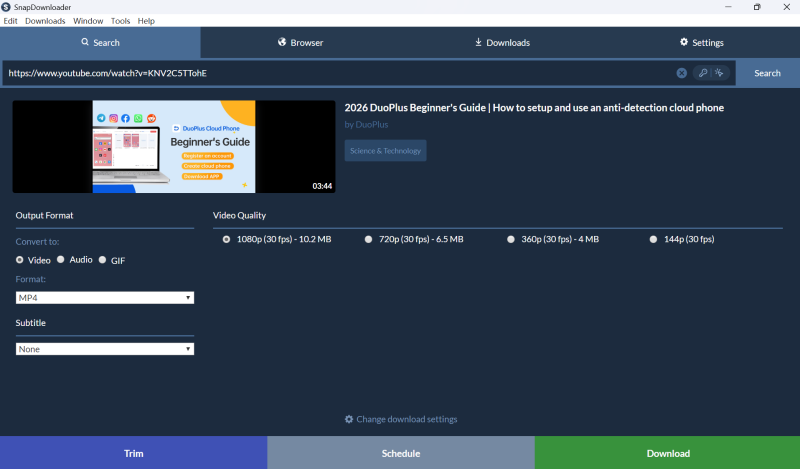
Compatibility: Desktop (Windows, macOS)
Key Features:
Cons:
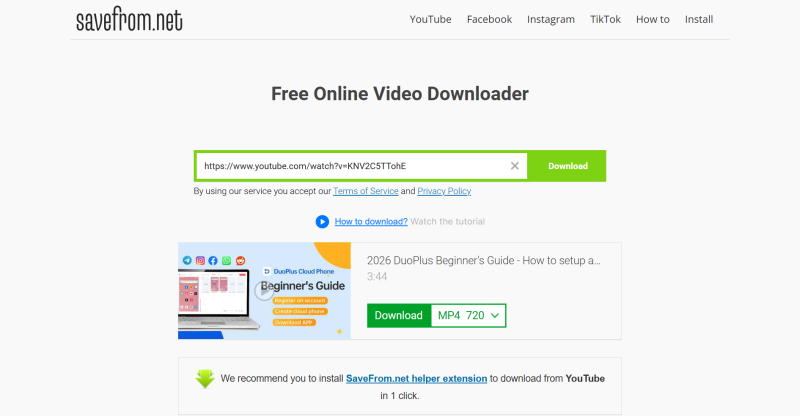
Compatibility: Online (Web-based, browser extension available)
Key Features:
Cons:
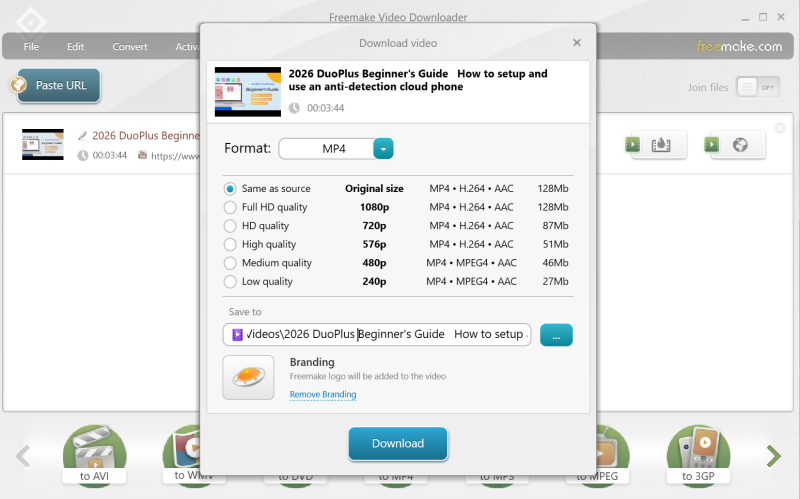
Compatibility: Desktop (Windows)
Key Features:
Cons:
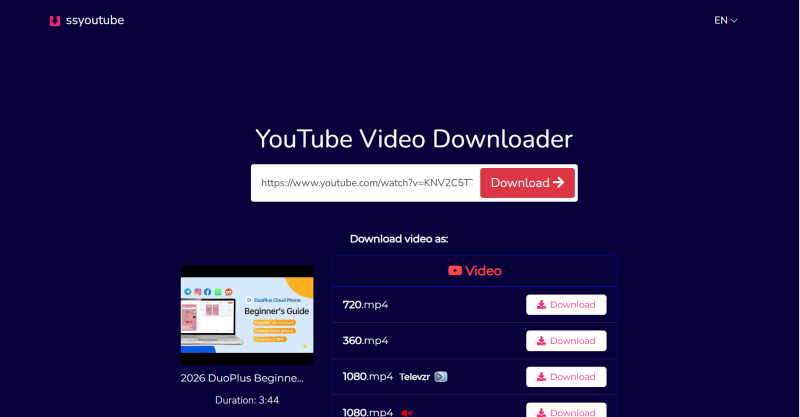
Compatibility: Online (Web-based, desktop & mobile)
Key Features:
Cons:
Choosing the right tool depends on how you plan to use it.
● Occasional use → Online tools like Y2Mate or SSYouTube
Fast, no installation needed, perfect for quick downloads.
● High-quality downloads → Desktop tools like 4K Video Downloader
Better resolution options, subtitle support, and more control.
● Bulk downloads → SnapDownloader or Freemake Video Downloader
More efficient for handling multiple videos with stability.
Simple rule: Light users go with online tools, while power users benefit more from desktop software.
If you only download videos occasionally, the tools above are more than enough.
But as your usage grows, your needs may change—especially if you:
At this point, downloading is no longer just a one-click task. Managing files, keeping workflows organized, and maintaining consistency can become just as important as the download itself.
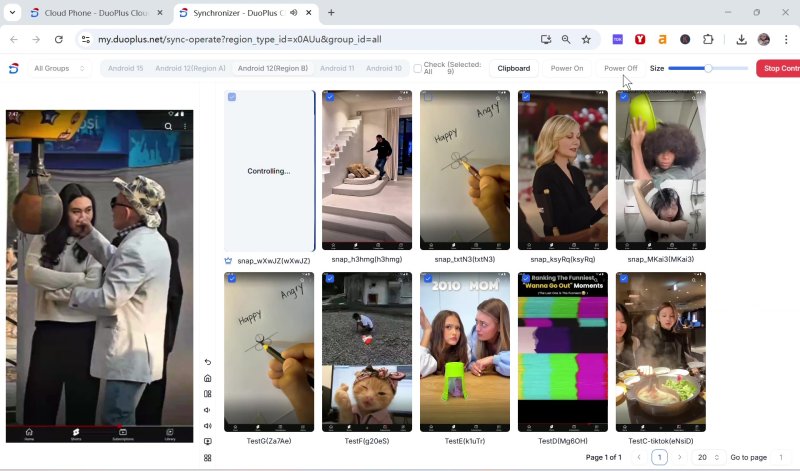
In these cases, relying on a single tool may not be enough. A more structured setup—such as using a cloud-based solution like DuoPlus —can help you manage multiple environments in one place, keep accounts separated, and maintain a more stable workflow without relying on multiple physical devices. For more guidance and peer support, our community offers discussions, tips, and workflow strategies.
Downloading YouTube videos is easy—choosing the right tool makes it even easier.
But as your needs grow, it's no longer just about downloading. Managing files, staying organized, and keeping your workflow consistent become just as important.
The real difference isn't just in the tools you use, but in how you use them together.
Is it legal to download YouTube videos?
Downloading videos for personal offline viewing is generally accepted, but redistributing or using them for commercial purposes may violate copyright laws. Always check YouTube's terms and local regulations.
What is the best format for downloading YouTube videos?
MP4 is generally the best choice for video, as it offers good quality and wide compatibility across devices. If you only need audio, MP3 is the most commonly used format.
Why do some downloads fail or have no sound?
This can happen due to format mismatches, outdated tools, or changes in how videos are streamed. Trying a different format or updating your method usually solves the issue.
Can I download subtitles along with videos?
Yes, some methods allow you to download subtitles if they are available for the video. These are usually saved as separate files or embedded into the video.
DuoPlus Cloud Phone
Protect your multiple accounts from being
A lot of people still approach multi-account management the way it worked a few years ago — create several profiles, add …
If you've been trying to reach users in Russia via WhatsApp or Telegram, you may have noticed things aren't as smooth as …
No need to purchase multiple real phones.
With DuoPlus, one person can operate numerous cloud phones and social media accounts from a single computer, driving traffic and boosting sales for you.
