





How to Write a YouTube Video Script? Recommended AI Script Tools and Usage Guide
When creating YouTube videos, the script determines the video’s structure, pacing, and completeness. For creators who …
Explore the most popular email services in 2026 and understand how they differ in privacy, business collaboration, ecosystem integration, and account management. Find the right email solution for your workflow and online activities.

Get an AI-Powered Summary of This Article
Whether you're signing up for apps, using AI tools, managing online projects, or communicating with clients and colleagues, email remains one of the most important online accounts you'll own.
For many users, Gmail is often the first choice when registering for online services. However, as Google continues to strengthen its account verification and security policies, creating and managing Gmail accounts has become more challenging, with phone verification requirements and account restrictions becoming increasingly common.
With multiple email providers available today, choosing the right one depends on how you plan to use it.
In many cases, a single email account isn't enough.
Different email providers offer different advantages and integrate with different ecosystems. Gmail is often preferred for Google services and account registrations, Outlook is commonly used for business productivity, and Proton Mail is designed for users who prioritize privacy.
As online activities become more diverse, email accounts are often used for much more than sending and receiving messages. They may also be used for:
Instead of connecting everything to a single email address, many users choose multiple email providers to keep their accounts organized and easier to manage over the long term.

Gmail is Google's email platform and remains one of the most popular email services worldwide.
In addition to email, a Gmail account provides access to services such as:
Pros
Cons
Best For
Latest Gmail Registration Guide
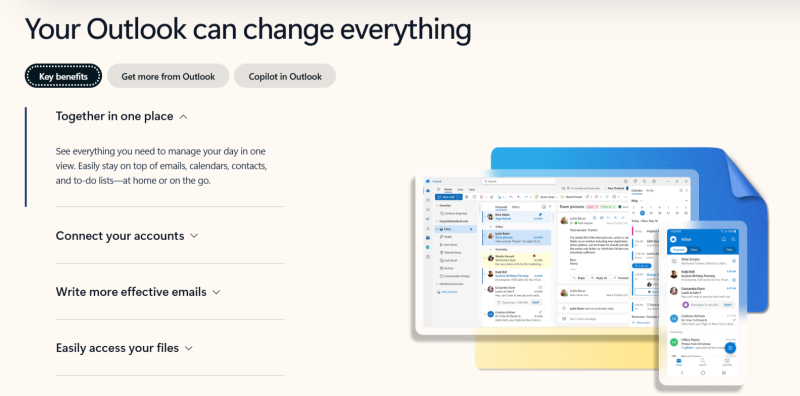
Outlook is Microsoft's email service and serves as the primary account system for Microsoft's ecosystem.
An Outlook account provides access to:
Pros
Cons
Best For
Latest Outlook Registration Guide
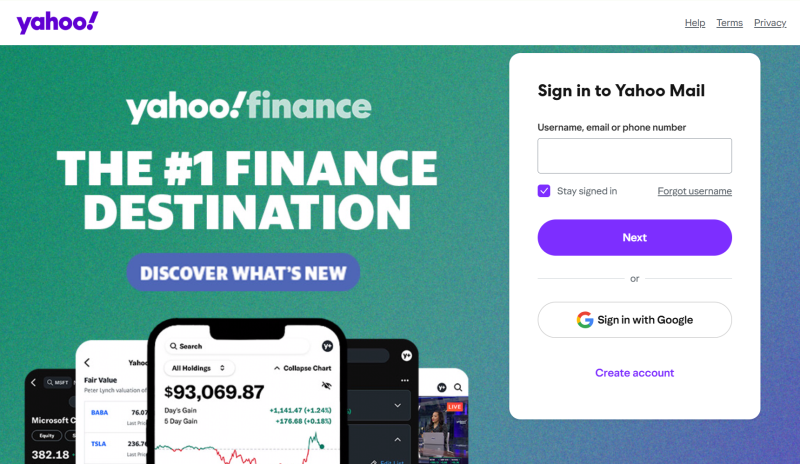
Yahoo Mail is one of the oldest email providers still in widespread use today.
Although it is less dominant than Gmail or Outlook, Yahoo Mail continues to maintain a large user base and is commonly used as a personal or secondary email account.
Pros
Cons
Best For
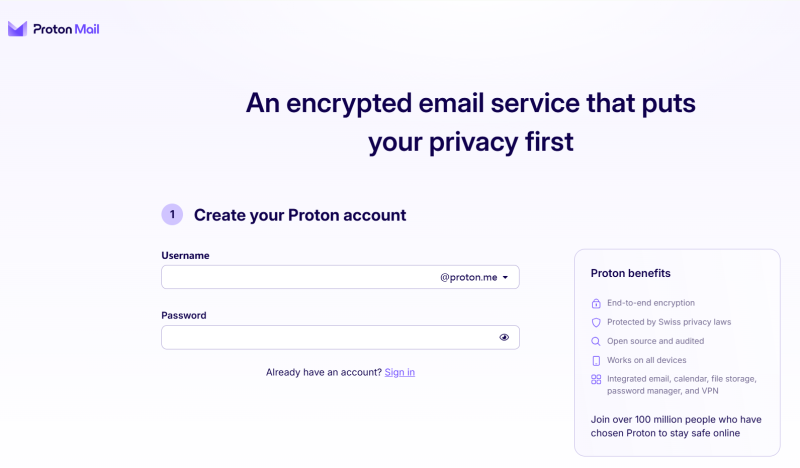
Proton Mail is best known for its emphasis on privacy and security.
Its standout feature is end-to-end encryption, which helps ensure that email content remains private and inaccessible to third parties.
Pros
Cons
Best For
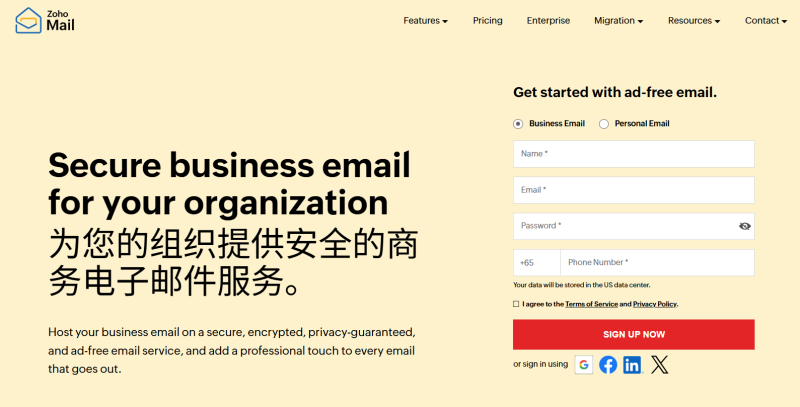
Zoho Mail focuses on business communication and professional email management.
It supports:
Pros
Cons
Best For
iCloud Mail is Apple's built-in email service and is included with every Apple ID.
It is designed to work seamlessly across:
Pros
Cons
Best For
Each email provider has different strengths in areas such as registration requirements, privacy, business functionality, and ecosystem integration.
The best choice depends on your specific needs.
If your primary goal is registering online services and accessing Google products, Gmail remains the most versatile option. If productivity and team collaboration are your priorities, Outlook or Zoho Mail may be better choices. Users who value privacy may prefer Proton Mail.
| Use Case | Recommended Email Service | Why |
|---|---|---|
| Online platforms and account registrations | Gmail / Outlook | Broad platform compatibility |
| Business productivity | Outlook / Zoho Mail | Strong collaboration and management tools |
| Privacy and security | Proton Mail | End-to-end encryption and privacy-focused design |
| Apple ecosystem | iCloud Mail | Seamless integration with Apple devices |
| Secondary or backup email | Yahoo Mail | Easy registration and reliable service |
Many users maintain multiple email accounts for different purposes.
For example:
Managing multiple accounts on a single phone or computer often leads to constant switching between accounts, repeated logins, and additional verification requests.
A cloud phone can make this process significantly easier by keeping different accounts separated in dedicated environments.
Using DuoPlus Cloud Phone as an example, each cloud phone provides an independent Android device environment where accounts can remain logged in long term.
You can organize cloud phones based on different projects or business functions.
Use Gmail accounts together with:
for content creation, publishing, and account management.
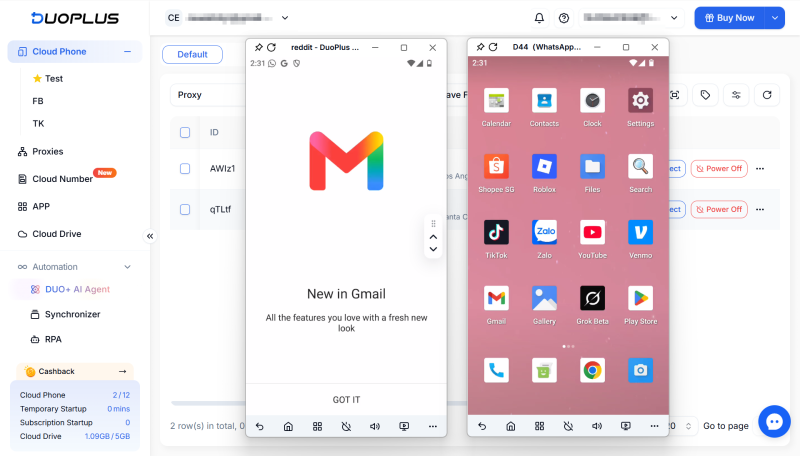
Use Outlook accounts together with:
for customer support and business communication.
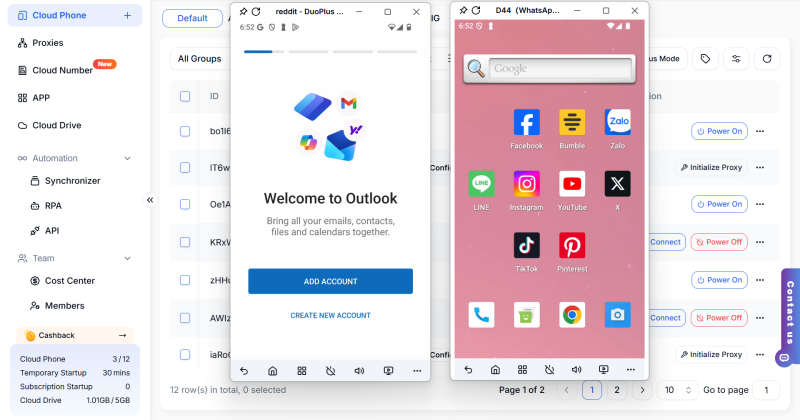
By separating accounts across dedicated cloud phones, you can manage emails, verification codes, and platform accounts more efficiently without constantly switching devices or logging in and out.
For users managing multiple email accounts and online platforms, organizing accounts by project is often cleaner and easier to maintain than keeping everything on a single device.
Every email provider has its own strengths, whether it's ecosystem integration, business collaboration, privacy protection, or enterprise management.
As online services continue to expand, using multiple email accounts has become increasingly common. Choosing the right email service for each purpose—and maintaining a stable environment for account management—can help improve both security and productivity in the long run.
When creating YouTube videos, the script determines the video’s structure, pacing, and completeness. For creators who …

An Android app may work perfectly on one phone but behave differently on another. Differences in Android versions, …

An antidetect browser gives each account in multi-accounting a separate web environment. This reduces overlap between …
No need to purchase multiple real phones.
With DuoPlus, one person can operate numerous cloud phones and social media accounts from a single computer, driving traffic and boosting sales for you.
