





Best Instagram Analytics Tools: 5 Tools to Track and Analyze Instagram Data
Instagram management is about more than likes and follower counts. For individual creators, brand accounts, and …
Looking for the best Android automation tool? Compare 6 top Android automation tools in 2026, including AI-powered, testing, emulator-based, and rule-based solutions.

Get an AI-Powered Summary of This Article
As businesses increasingly rely on Android devices for daily operations, Android automation has become an essential way to improve efficiency and reduce repetitive work. For many teams, the challenge is not whether automation is useful, but which tool is actually the right fit.
Each solution is designed for different needs, making it important to understand their strengths before making a decision. In this guide, we will compare five of the best Android automation tools in 2026 so you can make a smarter choice based on your needs.
An Android automation tool is software designed to automate actions and workflows on Android devices. Instead of manually performing repetitive tasks, users can use automation tools to execute actions automatically, improving efficiency and consistency.
Common automation tasks include:
Depending on the tool, Android automation can range from simple rule-based actions to AI-powered systems capable of executing more complex workflows.
Not all Android automation tools work in the same way. Some are designed for simple task automation, while others focus on testing, large-scale operations, or AI-driven workflows. Understanding these categories can make it easier to choose the right solution.
Rule-Based Automation Tools: automate tasks according to predefined triggers and actions. Users define exactly what should happen under specific conditions, making these tools suitable for repetitive and predictable workflows.
Testing Automation Tools: are designed to validate Android applications and user interfaces. They help development and QA teams automate testing processes and improve software quality.
Emulator-Based Automation Tools: operate within Android emulator environments rather than physical devices. They are commonly used for desktop-based Android workflows and testing scenarios.
AI-Powered Automation Tools: represent a newer generation of Android automation. Instead of relying entirely on predefined rules, they can understand instructions and execute tasks more flexibly.
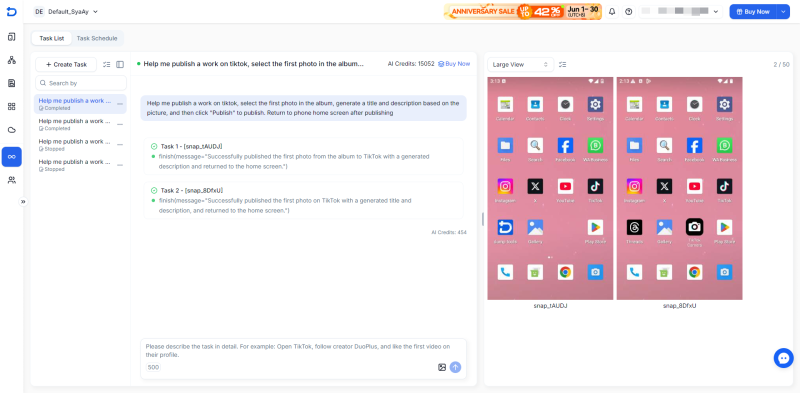
DuoPlus is an AI-powered Android automation platform that combines cloud phones, automation capabilities, and AI Agents to simplify Android operations.
Unlike traditional automation tools that often require scripting or complex workflow configuration, DuoPlus allows users to automate Android tasks through a simple command.
Pros
Cons
More focused on business use cases than personal productivity
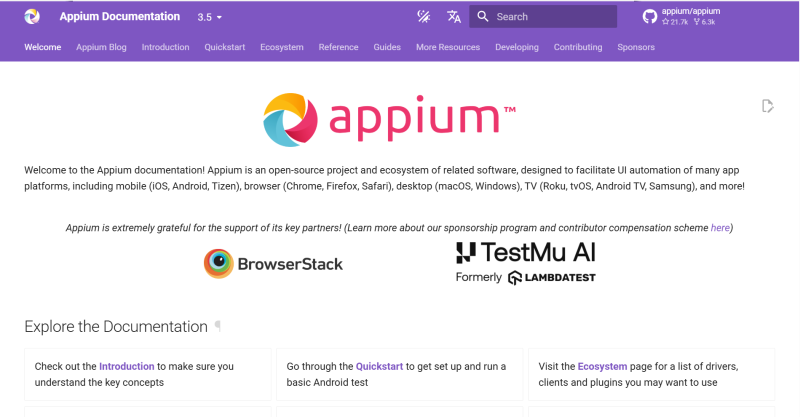
Appium is one of the most widely used open-source frameworks for mobile application automation testing. It supports Android and iOS testing and allows developers to write automated tests using multiple programming languages.
Pros
Cons
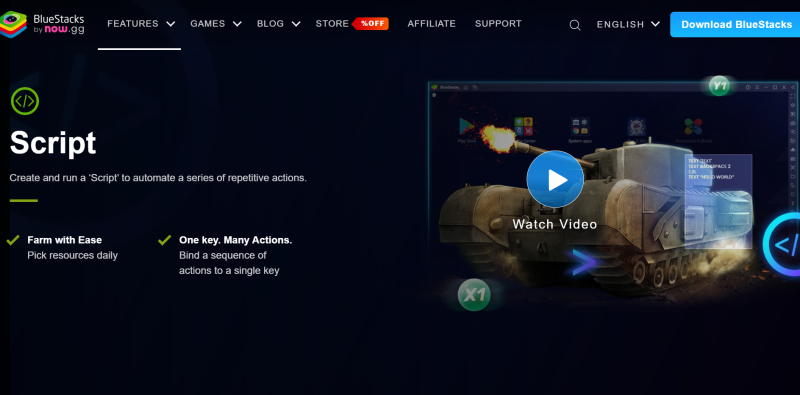
BlueStacks is best known as an Android emulator, but many users also use it to automate workflows through macros and scripted actions. Its desktop-based Android environment makes it popular for emulator-driven tasks.
Pros
Cons
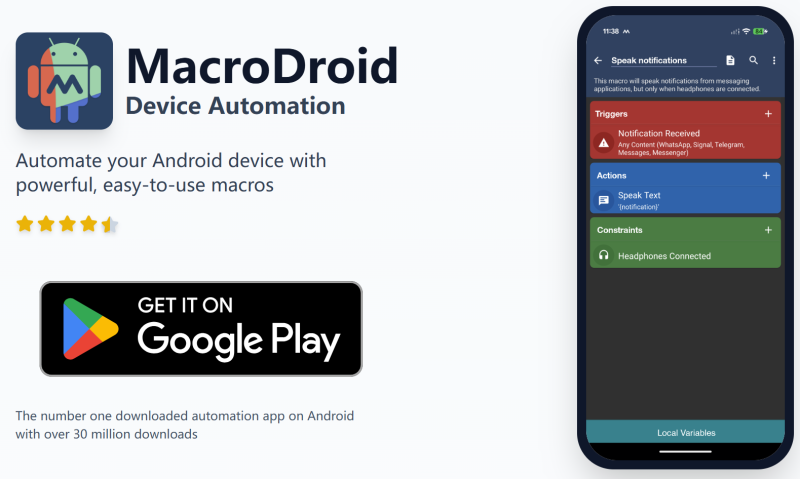
MacroDroid is a beginner-friendly Android automation application built around simple triggers and actions. It offers a visual approach to automation, making it easy for non-technical users to automate everyday tasks.
Pros
Cons
Less suitable for complex automation scenarios
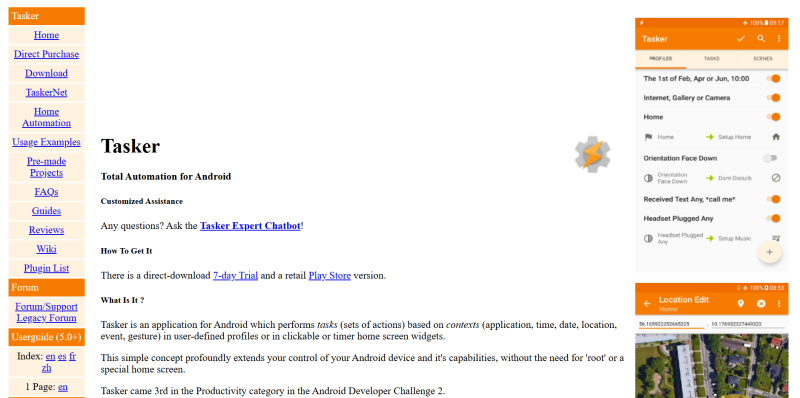
Tasker is one of the most powerful Android automation tools available. It allows users to build highly customized workflows using triggers, variables, and conditional logic.
Pros
Cons
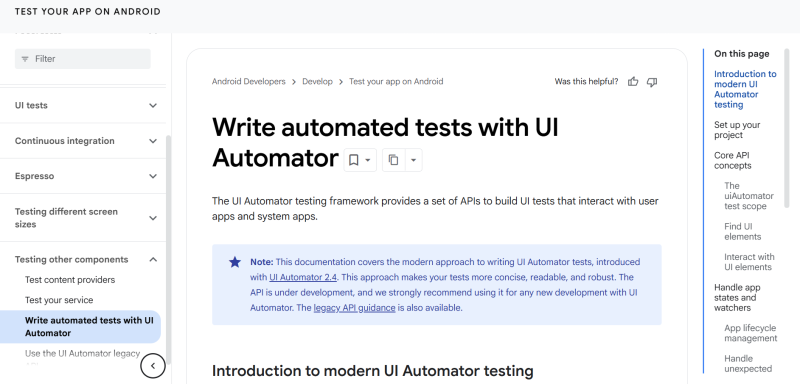
UiAutomator is Google's native Android testing framework used to automate interactions with Android user interfaces. It is widely used in Android testing and quality assurance environments.
Pros
Cons
| Tool | Type | Best For | Deployment | Coding Required | Scalability |
|---|---|---|---|---|---|
| DuoPlus | AI-Powered Automation | Business Operations & Multi-Account Management | Cloud-Based | No | High |
| Appium | Testing Automation | App Testing | Local / Server-Based | Yes | High |
| BlueStacks Automation | Emulator-Based | Emulator Workflows | Desktop Emulator | Medium | Medium |
| MacroDroid | Rule-Based Automation | Beginners | Android Device | No | Low |
| Tasker | Advanced Rule-Based Automation | Power Users | Android Device | Low | Medium |
| UiAutomator | Testing Automation | Android QA | Android Device / Testing Environment | Yes | High |
The best Android automation tool depends on your specific use case.
If your goal is personal productivity and simple task automation, rule-based tools are often sufficient. For app testing and quality assurance, testing-focused solutions are usually the better choice. Businesses managing multiple accounts, devices, or large-scale workflows may benefit more from cloud-based and AI-powered platforms that can scale with operational needs.
Rather than choosing the most powerful tool, focus on the solution that best matches your workflow, technical requirements, and long-term goals.
AI-powered Android automation tools are growing because they are easier to start with and easier to use. In the past, many automation setups required users to plan every step in detail or learn technical tools first. For many teams, that simply took too much time.
Real Android work is also not always fixed. The task may change a little depending on the account, app, or workflow. AI tools are better at handling this kind of work because users can describe what they need in a more natural way.
That is why more teams are paying attention to AI-powered automation. It lowers the barrier to entry, saves setup time, and makes Android automation more practical for day-to-day use.
Android automation is becoming a core part of modern mobile work. It helps teams save time, reduce manual effort, and handle repetitive tasks in a more practical way.
As mobile workflows keep growing, the teams that use automation well will be in a much better position to work faster and stay organized. Choosing the right tool is the first step toward that.
Do Android automation tools require coding skills?
Not always. Some tools are designed for developers and require programming knowledge, while others offer visual workflow builders or AI-powered automation that can be used without coding experience. The level of technical expertise required varies by platform.
Can Android automation tools manage multiple accounts?
Yes. Many Android automation tools like DuoPlus support multi-account workflows, helping users reduce repetitive tasks across multiple accounts, devices, or applications. This is especially useful for businesses, agencies, and teams managing large-scale operations.
What can Android automation tools be used for?
Android automation tools can be used to automate a wide range of mobile tasks, including app navigation, account management, data collection, notification monitoring, social media operations, and Android application testing.
The specific capabilities depend on the type of tool being used.
Instagram management is about more than likes and follower counts. For individual creators, brand accounts, and …
When creating YouTube videos, the script determines the video’s structure, pacing, and completeness. For creators who …
An Android app may work perfectly on one phone but behave differently on another. Differences in Android versions, …
No need to purchase multiple real phones.
With DuoPlus, one person can operate numerous cloud phones and social media accounts from a single computer, driving traffic and boosting sales for you.
