Physical devices are costly to scale
Adding Zalo accounts usually means adding more phones, charging equipment, storage, updates, remote access, and maintenance.
DuoPlus gives each Zalo account its own isolated cloud phone, allowing you to chat, join groups, and manage contacts independently. Seamlessly switch between accounts and keep activities separate, ensuring smooth social interactions without risking restrictions.
Free Trial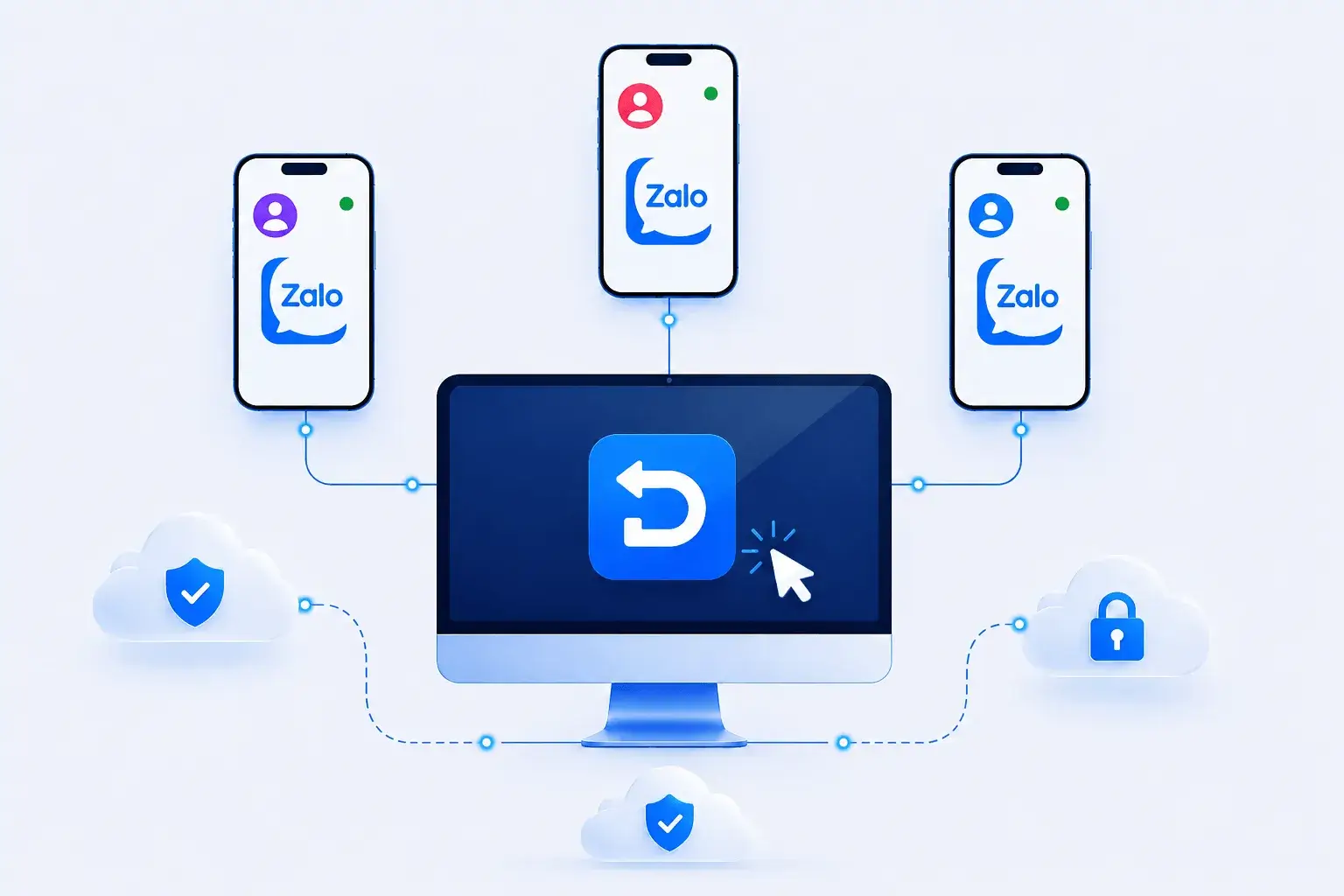
Zalo account operations involve phone-based identities, local network environments, contacts, groups, and campaign assets. As teams scale in Vietnam and Southeast Asia, physical-phone workflows become costly and difficult to coordinate.
Adding Zalo accounts usually means adding more phones, charging equipment, storage, updates, remote access, and maintenance.
Sharing a device environment makes it harder to keep each Zalo account aligned with the correct phone identity, proxy, region, contacts, and business purpose.
Managing contacts, groups, posts, messages, and customer follow-ups across accounts creates repeated device-by-device work.
DuoPlus provides isolated cloud-based Android phones, allowing you to safely create and manage multiple Zalo accounts. Each account runs with a unique device fingerprint and dedicated IP, preventing cross-account detection, reducing ban risks, and keeping your social and business activities fully separate.
Free Trial
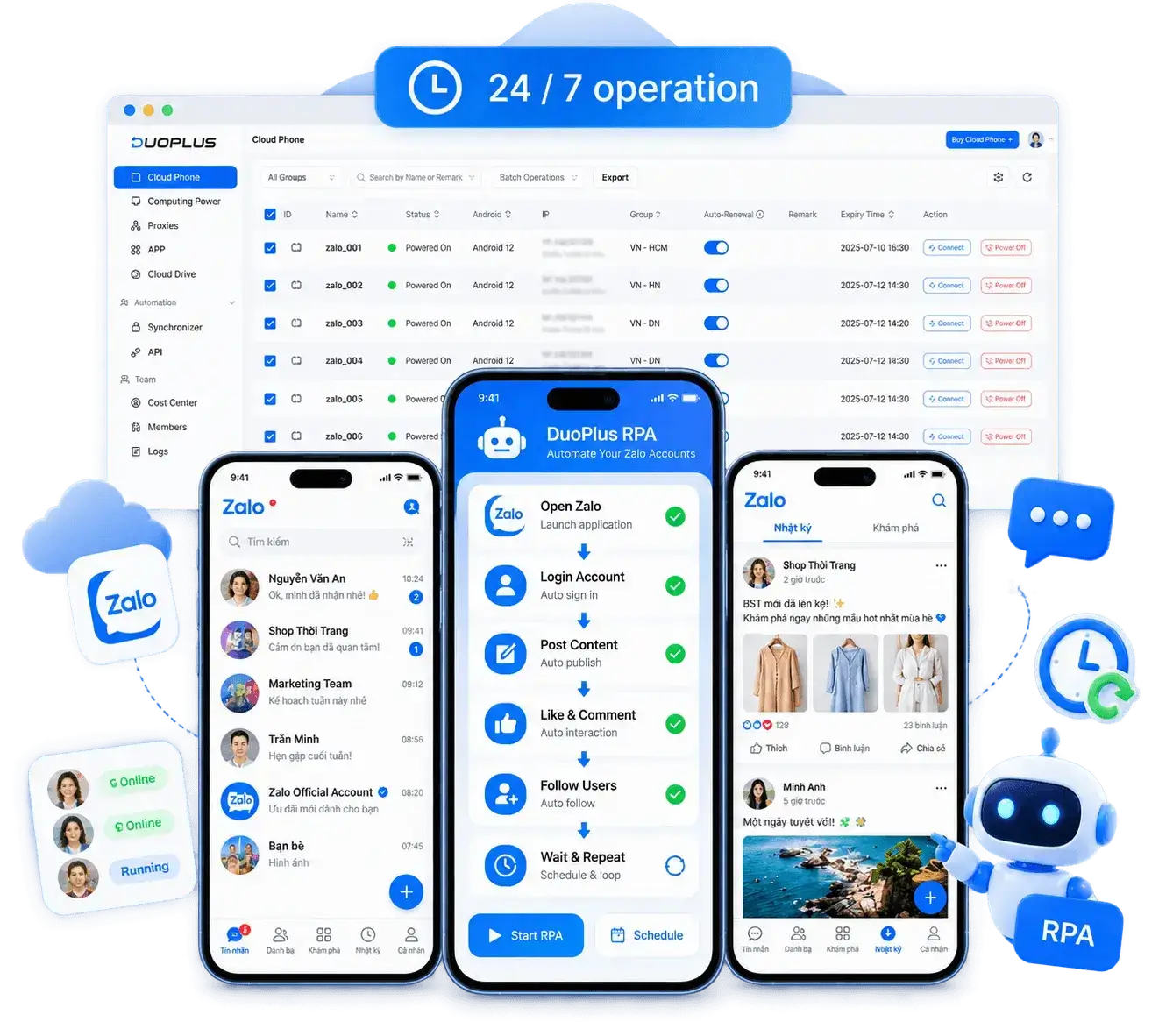
Streamline all your Zalo accounts using DuoPlus’s cloud phones. Automate posting, commenting, upvoting, and following across multiple profiles, maintain consistent engagement, and save time—each account runs in a separate, isolated environment to prevent cross-account detection and reduce ban risks.
Free TrialManage isolated Zalo cloud phones, account groups, local settings, campaign assets, and team assignments in one platform.

Create an isolated Android environment for each Zalo account.
Set the proxy, language, time zone, and location for the target market.
Install Zalo on selected cloud phones or device groups from the app center.
Organize accounts by region, client, sales team, or campaign.
Send images, videos, product materials, and message resources to the correct devices.
Grant device access based on team and project responsibilities.
Coordinate posts, groups, customer conversations, and routine account operations.
Zalo is a communication platform widely used in Vietnam for messaging, voice and video calls, social updates, and Official Accounts. Regional teams may use authorized accounts for customer communication, content publishing, and local operations.
When accounts are authorized and workflows follow platform rules, DuoPlus can give Zalo multi-account teams separate Android cloud phone environments while centralizing devices, proxies, content assets, and member permissions. Teams can also use supported operation sync, file distribution, RPA, or APIs where appropriate to reduce repetitive setup and simplify handoffs.
Ask AI How DuoPlus Helps Manage Multiple Zalo Accounts
With the rapid development of the digital economy in the South, Zalo has become one of the most essential social and …
In today's development of cross-border e-commerce and social media marketing, whether you want to expand into the …
No need to purchase multiple real phones.
With DuoPlus, one person can operate numerous cloud phones and social media accounts from a single computer, driving traffic and boosting sales for you.