Physical devices are costly to scale
Adding more WhatsApp numbers on physical phones means more hardware, charging, storage, updates, remote access, and maintenance.
DuoPlus runs each WhatsApp account on a separate cloud phone with unique device settings and dedicated proxy IPs. This setup ensures conversations stay isolated, avoids cross-account detection, and reduces ban risks—ideal for managing personal, business, or regional WhatsApp numbers securely.
Free Trial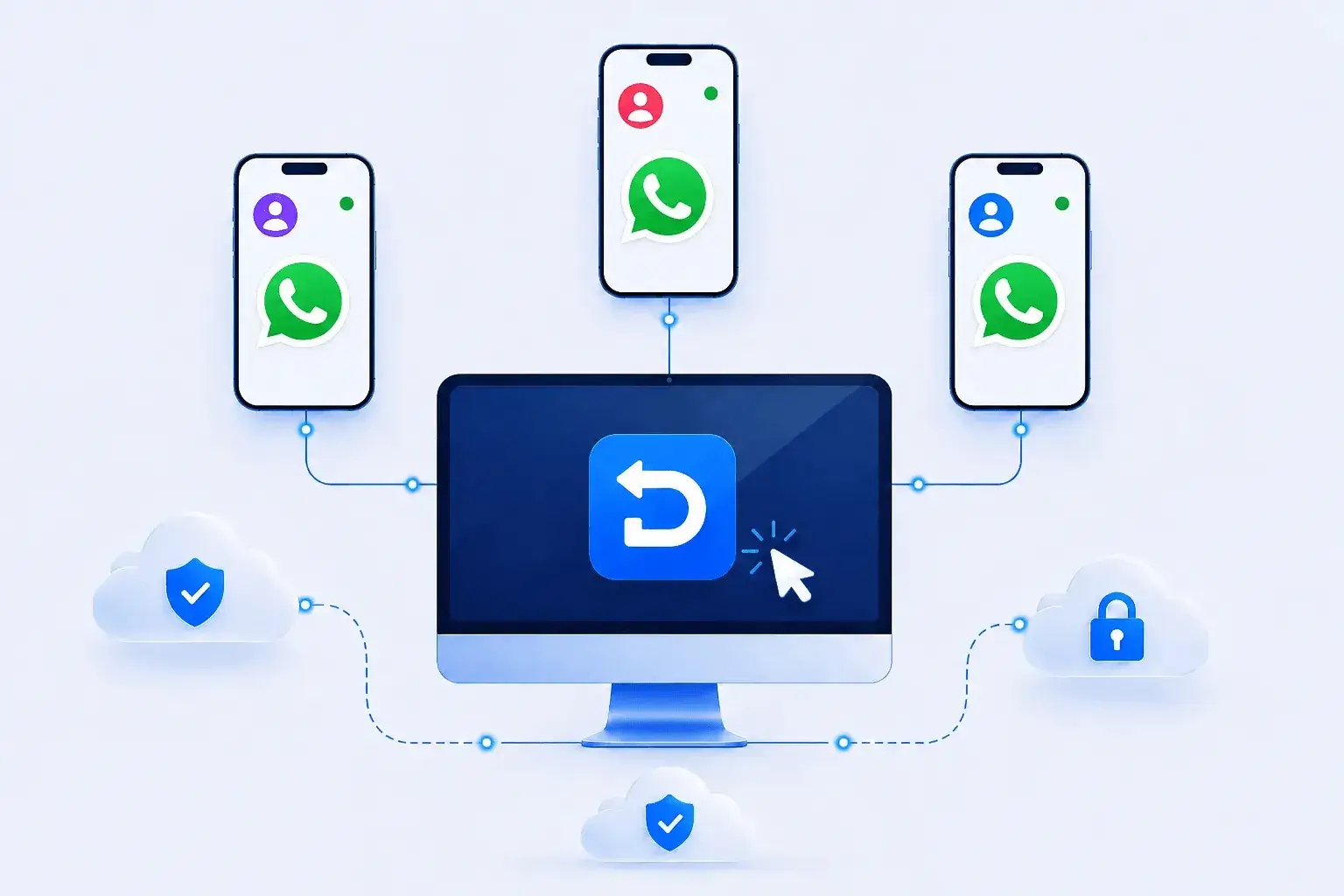
Each WhatsApp number has its own contacts, conversations, media, and regional context. Clear separation between accounts, devices, network settings, and operators becomes increasingly important as teams grow.
Adding more WhatsApp numbers on physical phones means more hardware, charging, storage, updates, remote access, and maintenance.
Shared devices make it harder to keep each phone number, contact list, conversation history, media, and network configuration properly separated.
Switching devices to review chats, send approved media, and follow up with contacts slows customer support and team collaboration.
DuoPlus provides isolated cloud Android devices, allowing safe registration and operation of multiple WhatsApp accounts. Each instance carries its own device profile and dedicated IP, preventing linkage between numbers, minimizing ban risks, and ensuring smooth communication across personal, business, or regional accounts.
Free Trial
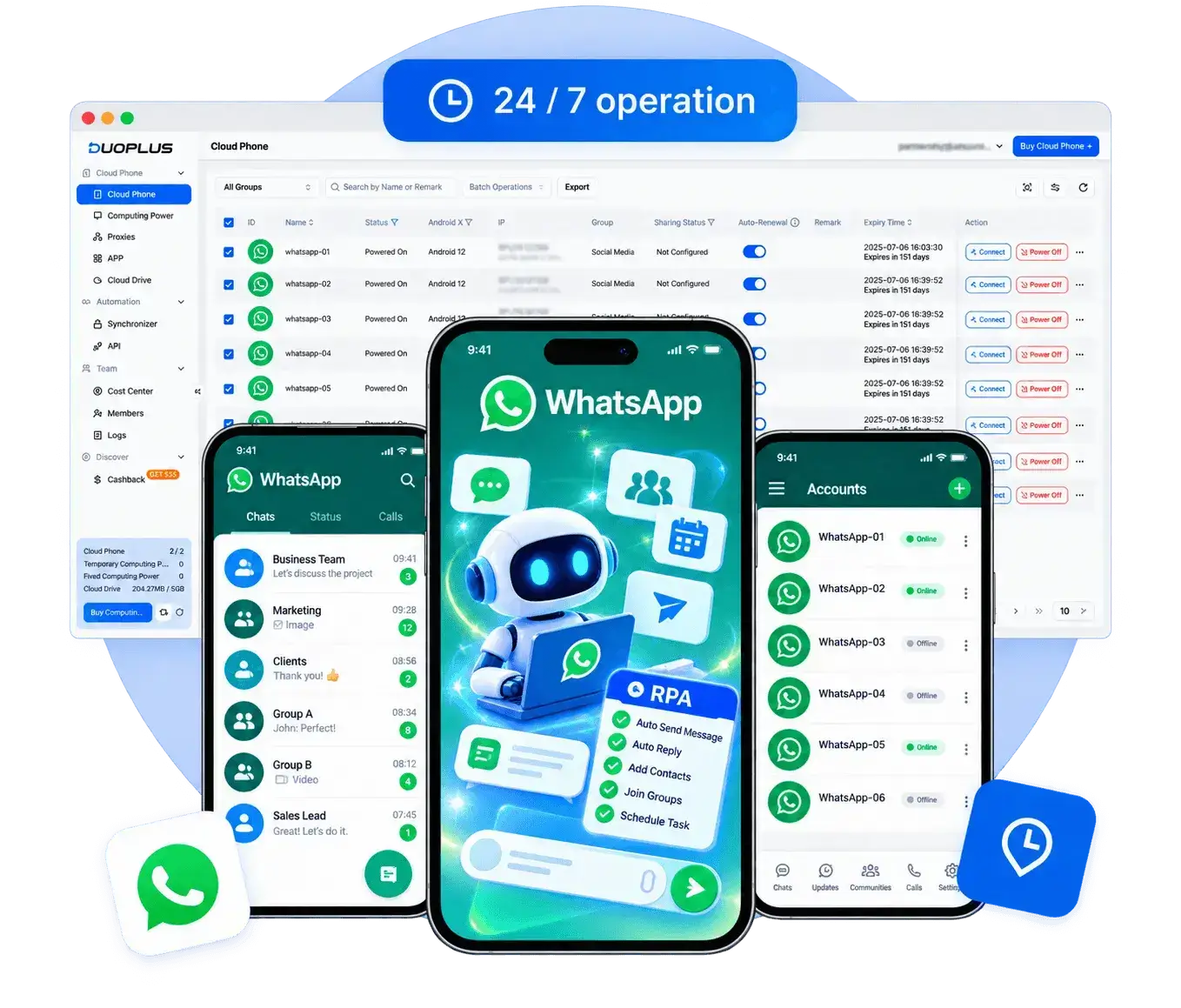
Operate all your WhatsApp accounts from DuoPlus’s single interface. Instantly switch between numbers, organize chats, and manage business workflows—while every account remains on a separate cloud environment with unique device IDs and independent IPs, fully eliminating cross-account traces.
Free TrialManage isolated WhatsApp cloud phones, account groups, approved media, and team access in one platform.

Create an isolated Android environment for each authorized WhatsApp number.
Set the proxy, language, time zone, and location required for the account's operating region.
Install the appropriate official app on selected cloud phones from the app center.
Sign in with a unique phone number and complete WhatsApp's official verification process.
Organize cloud phones by business unit, region, client, or support queue.
Send permitted images, videos, documents, and contact resources to the correct devices.
Grant access by responsibility and coordinate compliant customer service and messaging tasks.
WhatsApp supports private and group messaging, voice and video calls, media sharing, Status, and business communication. Teams working with authorized business numbers may need to separate conversations, devices, customer-service tasks, and member access.
When accounts are authorized and workflows follow platform rules, DuoPlus can give WhatsApp multi-account teams separate Android cloud phone environments while centralizing devices, proxies, content assets, and member permissions. Teams can also use supported operation sync, file distribution, RPA, or APIs where appropriate to reduce repetitive setup and simplify handoffs.
Ask AI How DuoPlus Helps Manage Multiple WhatsApp Accounts
For teams using WhatsApp for customer communication, materials like product catalogs, price lists, campaign posters, and …
Changing your phone number on WhatsApp isn't as straightforward as it sounds. Beyond swapping digits, WhatsApp actively …
Many users run into issues when trying to register or log in to WhatsApp. Common problems include not receiving a …
No need to purchase multiple real phones.
With DuoPlus, one person can operate numerous cloud phones and social media accounts from a single computer, driving traffic and boosting sales for you.








