Physical devices are costly to scale
Adding more physical phones means more hardware, charging, storage, system updates, remote access, and maintenance.
Assign each authorized LINE account to its own cloud Android environment, then organize chats, groups, shared media, and team access from one dashboard. Independent environments help reduce accidental data and workflow mix-ups, but account use must still follow LINE's policies.
Free Trial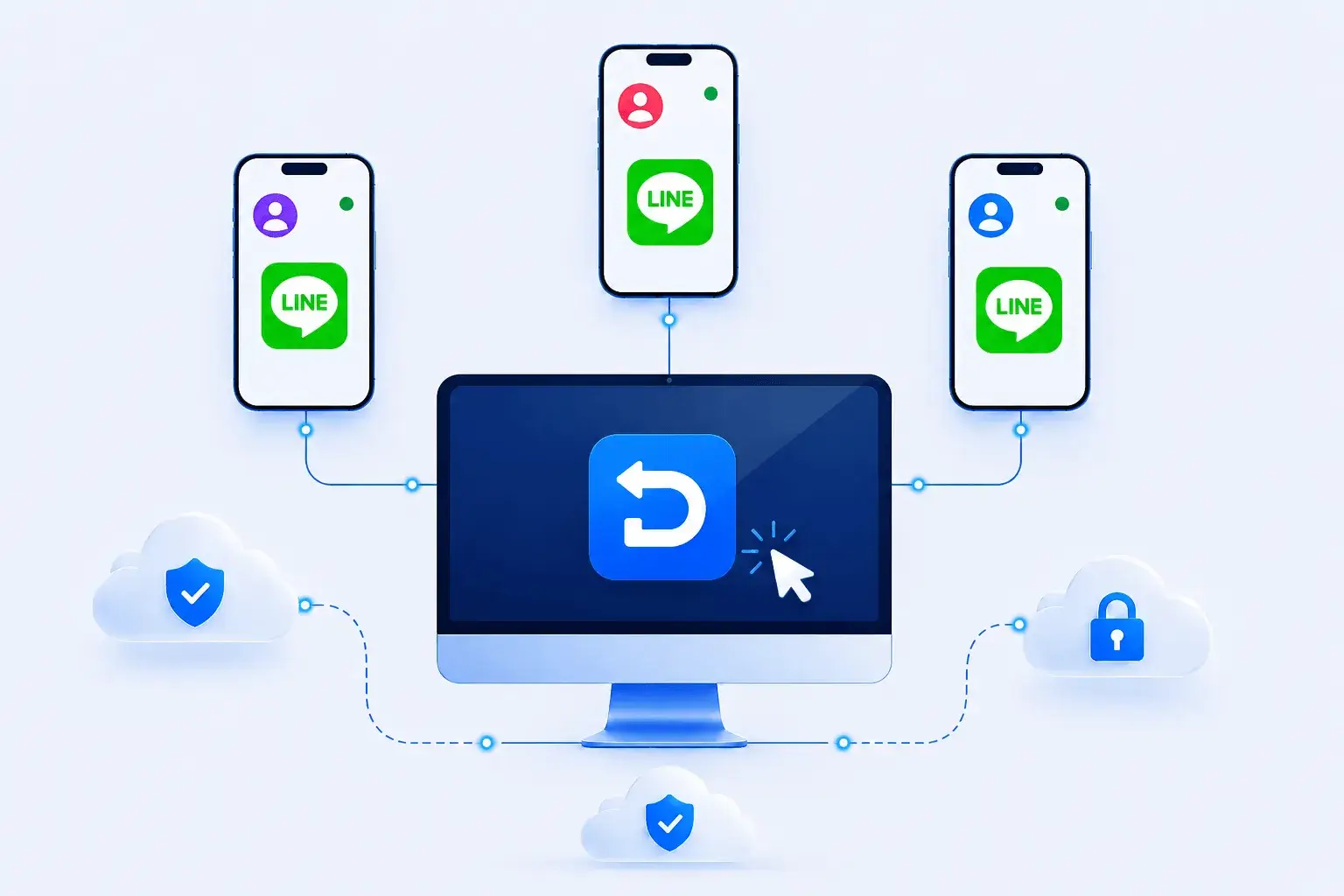
Each LINE account has its own contacts, chats, group memberships, shared media, and regional context. A clear mapping between accounts, devices, network settings, and authorized operators helps teams avoid operational mix-ups.
Adding more physical phones means more hardware, charging, storage, system updates, remote access, and maintenance.
Shared environments make it harder to keep each account's contacts, conversations, groups, media, and notification settings properly separated.
Switching between devices to review chats, send approved materials, and follow up with groups or customers slows team collaboration.
Assign each authorized LINE account to its own cloud Android environment so app data, contacts, chats, media, and notification settings remain organized by account. Use valid credentials for every account and follow LINE's registration and usage policies.
Free Trial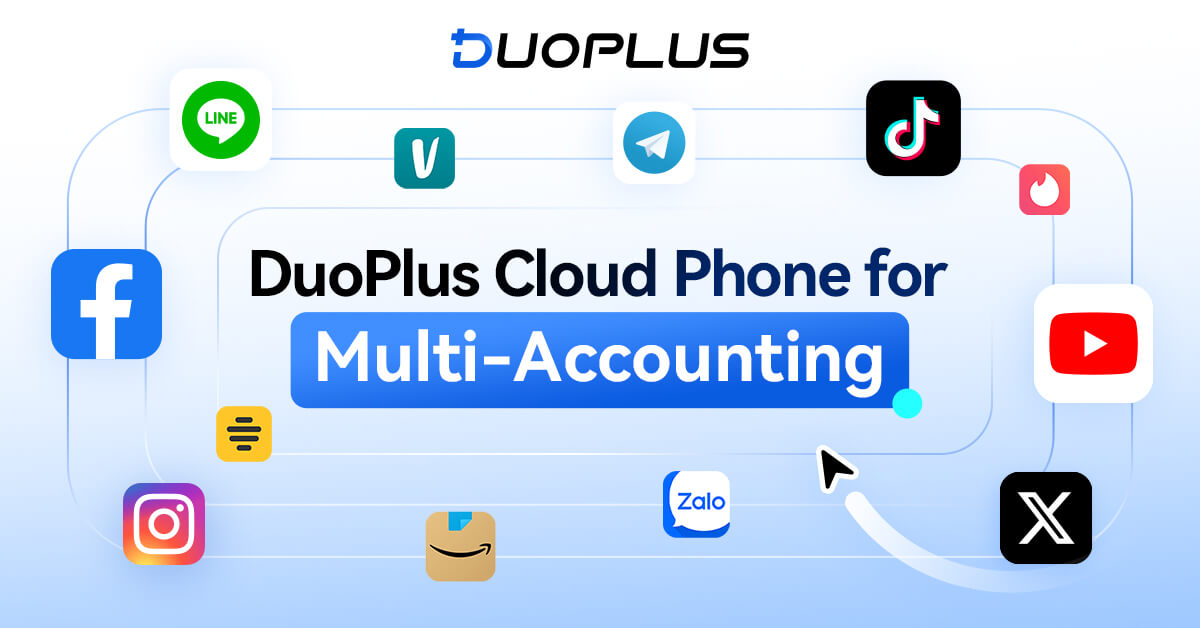
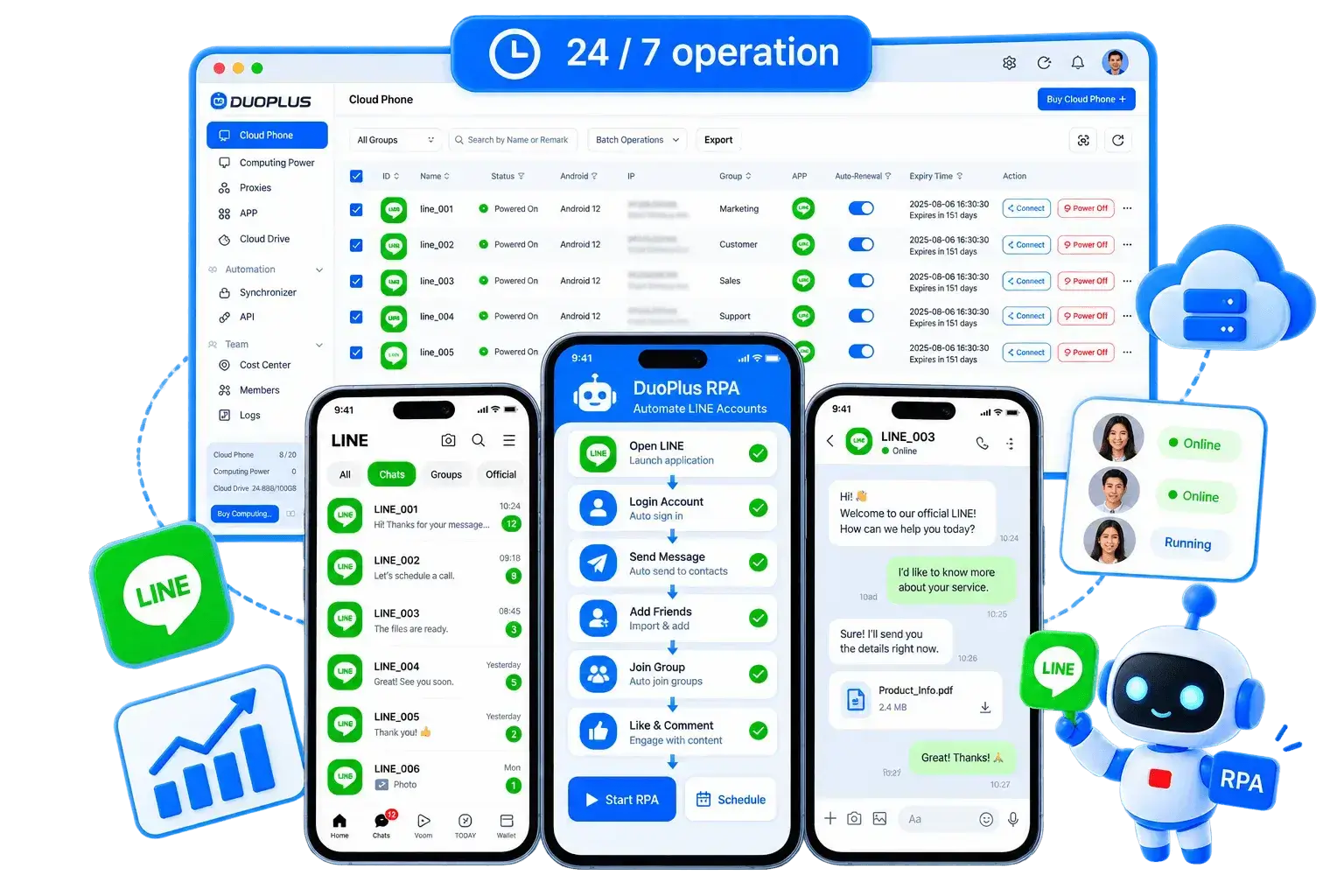
Open and switch between assigned cloud phone instances from the DuoPlus dashboard, organize devices by region or responsibility, and coordinate chats, groups, shared media, and Official Account work without mixing device data.
Free TrialThese common needs use different LINE features. Clarify the account relationship and team responsibilities before choosing a device-management approach.
| Use case | Official LINE approach | DuoPlus management approach |
|---|---|---|
| Use the same LINE account on multiple devices | Keep one primary device and sign in to the same account on additional devices currently supported by LINE. | Keep the LINE account signed in on a designated cloud phone so authorized members can remotely access the same mobile workspace without repeatedly signing in on multiple local devices. |
| Manage multiple independent LINE accounts | Each account has its own credentials, contacts, chats, groups, account data, and verification flow and signs in within its own device environment. | Assign each LINE account an isolated cloud phone and manage both devices and accounts centrally from one dashboard. |
| Manage a LINE Official Account as a team | Add members in LINE Official Account Manager and configure role permissions based on responsibility. | Assign DuoPlus access by device and responsibility so the team can jointly manage the mobile work environments and corresponding LINE accounts. |
Manage isolated LINE cloud phones, account groups, approved communication assets, and team access in one platform.

Create an isolated Android environment for each LINE account you are authorized to manage.
Set the language, time zone, location, and permitted network configuration for the account's actual region.
Install LINE on selected cloud phones or device groups from the app center.
Use valid account credentials and complete the verification method presented by LINE.
Organize devices by market, team, client, account purpose, or Official Account responsibility.
Send permitted images, videos, documents, and support resources to the correct devices.
Grant access by responsibility and coordinate chats, groups, and customer-service tasks under LINE's rules.
LINE combines personal and group messaging, voice and video calls, media sharing, and Official Accounts for organizations. Availability varies by market, while authorized regional teams may coordinate customer communication and account operations.
When accounts are authorized and workflows follow platform rules, DuoPlus can give Line multi-account teams separate Android cloud phone environments while centralizing devices, proxies, content assets, and member permissions. Teams can also use supported operation sync, file distribution, RPA, or APIs where appropriate to reduce repetitive setup and simplify handoffs.
Ask AI How DuoPlus Helps Manage Multiple Line Accounts
LINE is a messaging app widely used in many countries and regions across Asia. In addition to text messaging, it …
For users who are new to LINE, adding friends and joining communities are usually the first steps after completing LINE …

In the Asian market, LINE is not only a messaging application, but it also offers functions for chatting, payments, …
No need to purchase multiple real phones.
With DuoPlus, one person can operate numerous cloud phones and social media accounts from a single computer, driving traffic and boosting sales for you.