Rising Physical Device Costs
Managing multiple Facebook profiles on physical phones requires investing in more devices, along with ongoing costs for connectivity, charging, and maintenance.
DuoPlus provides dedicated Android cloud phone environments for each Facebook account without relying on multiple physical devices. Scale Facebook accounts across markets, brands, and business with greater flexibility.
Free Trial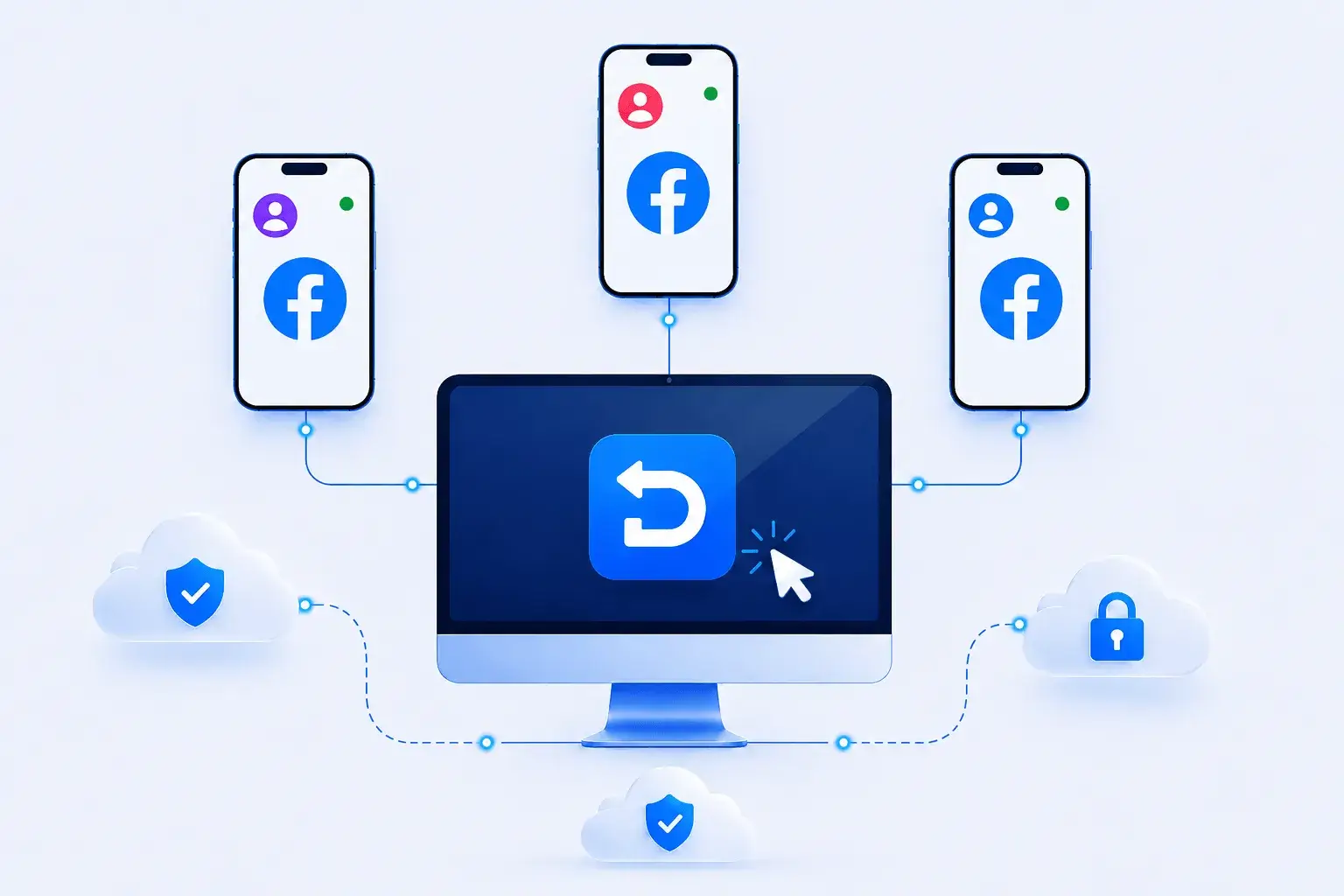
Facebook operations can span profiles, Pages, groups, and regional campaigns. Each account needs its own mobile environment and a clear mapping between accounts, devices, proxies, and content assets as the team scales.
Managing multiple Facebook profiles on physical phones requires investing in more devices, along with ongoing costs for connectivity, charging, and maintenance.
Running multiple Facebook accounts involves repeating daily tasks across accounts, such as browsing posts, liking and commenting, publishing content, and replying to messages.
Managing Facebook accounts across different markets, brands, or business operations often means frequent logins, account switching, making day-to-day management more complex.
Run each Facebook account on its own isolated Android cloud phone, with no shared device environment between accounts. DuoPlus emulates Android device parameters such as brand, model, and SIM information, giving each account an environment that resembles a real mobile device.
Free Trial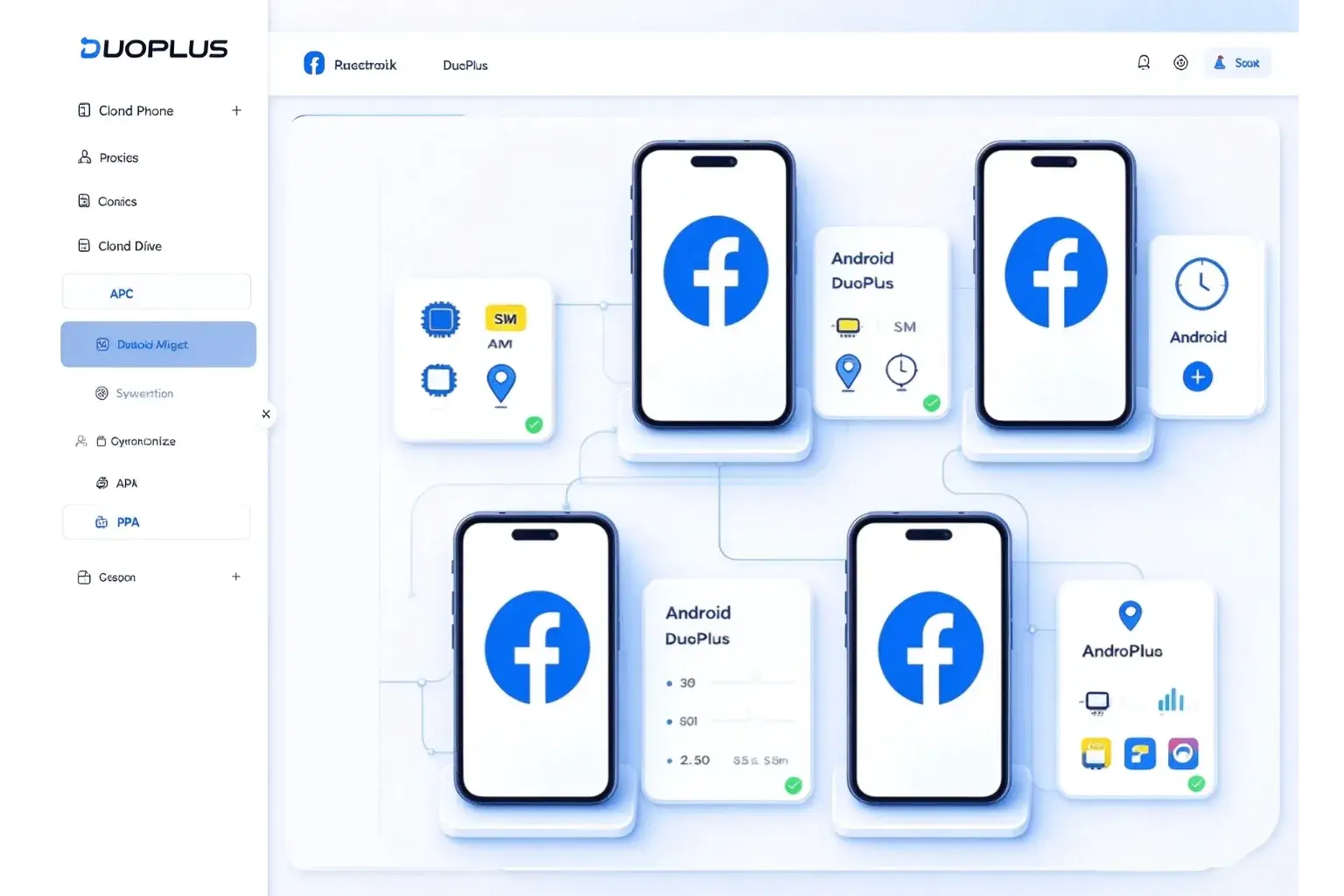
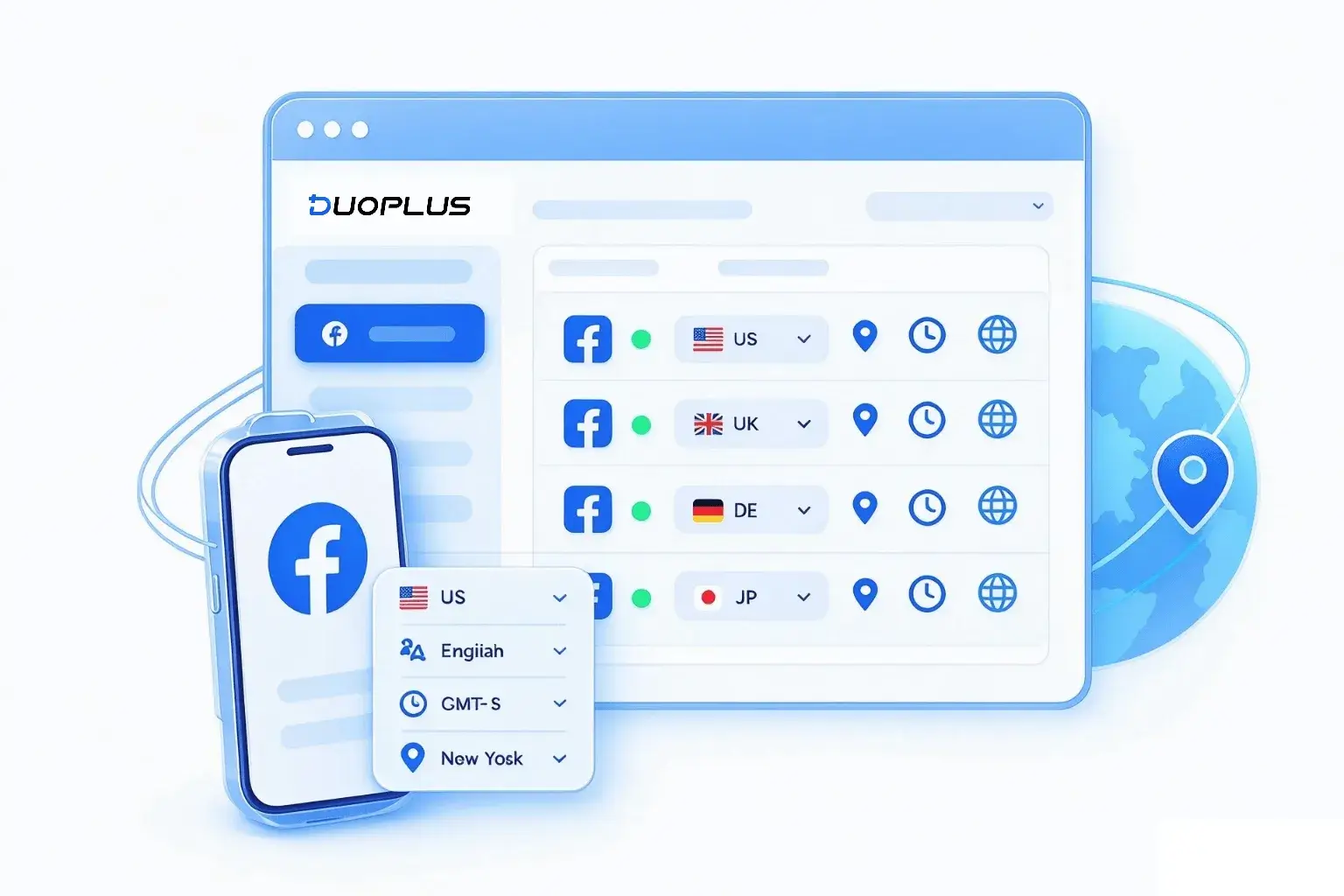
Configure a regional proxy for each cloud phone and align language, time zone, and location settings with your target market. Manage Facebook accounts across different regions from one workspace, with localized network and device settings for each account.
Free TrialPerform actions on one Facebook cloud phone and sync them across multiple devices in real time. From joining groups and publishing posts to replying to comments, you can sync actions across selected cloud phones without switching between devices or repeating tasks manually.
Free Trial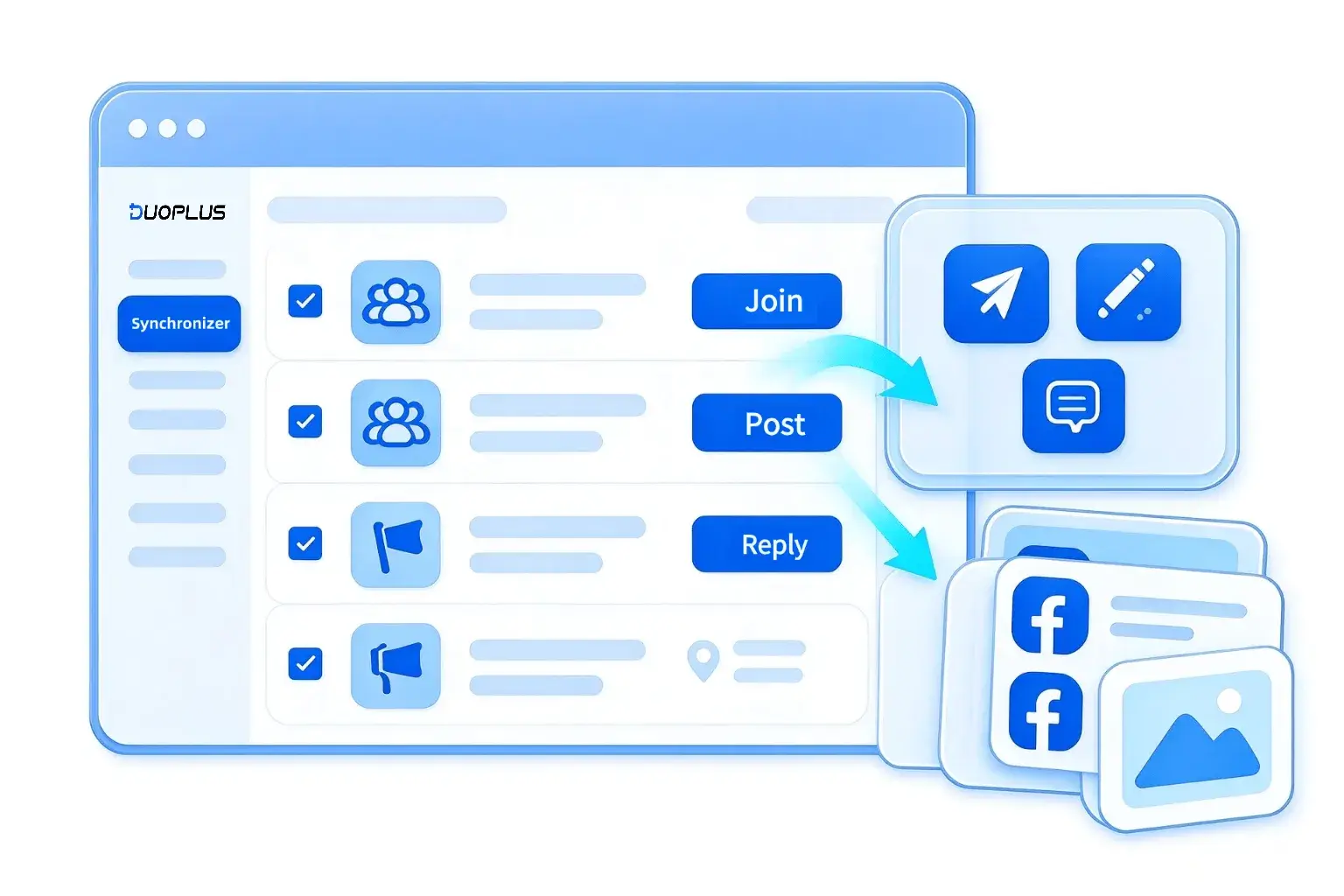
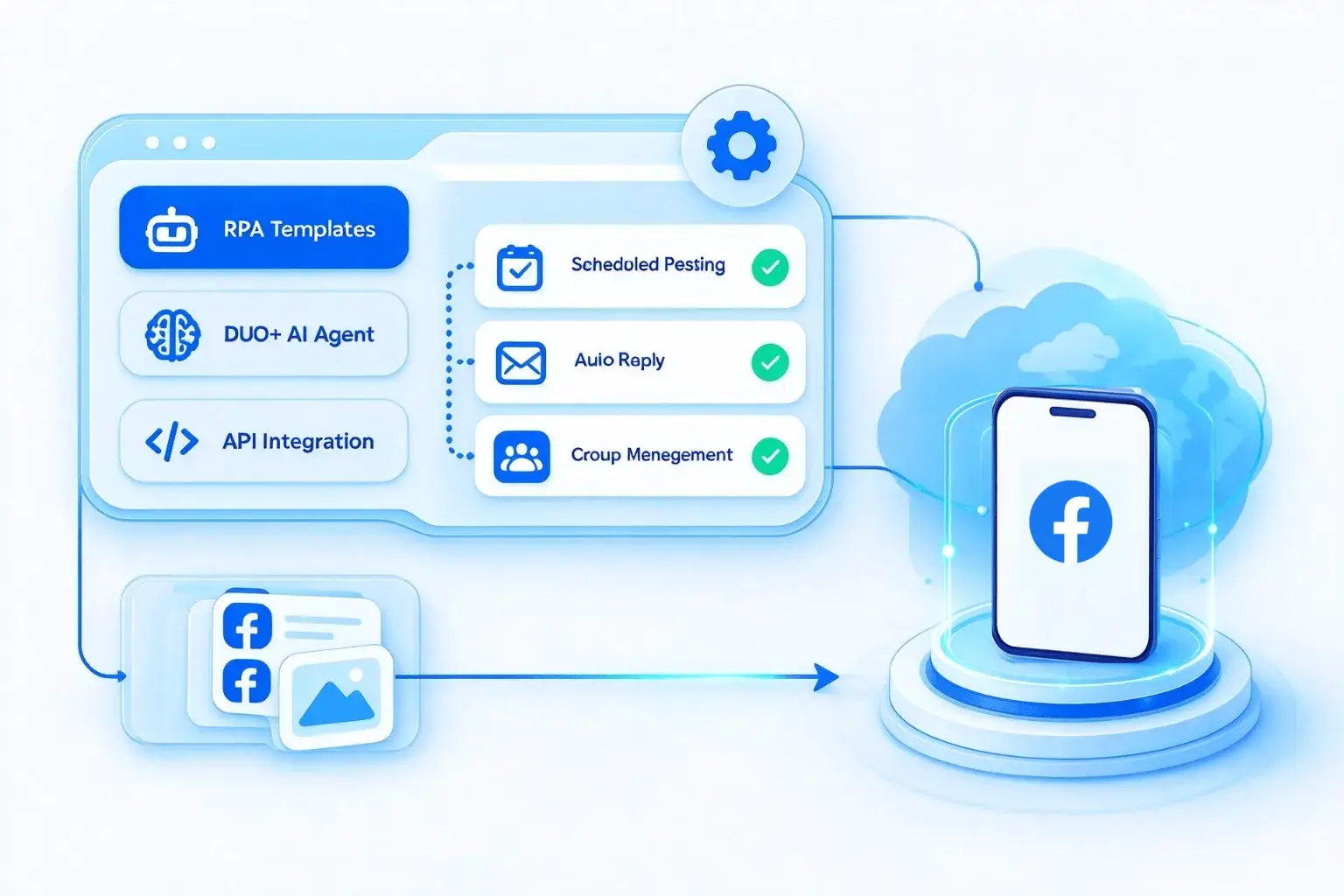
Automate repetitive Facebook tasks such as scheduled posting, auto-replies, and group management with RPA, DUO+ AI Agent , and API integrations. Build custom workflows or use ready-made templates to reduce manual work across multiple Facebook accounts.
Free TrialAssign Facebook cloud phones and account access to specific team members without sharing account passwords or handing over physical devices. Admins can control access permissions and review activity logs to keep team collaboration organized and account access properly managed.
Free Trial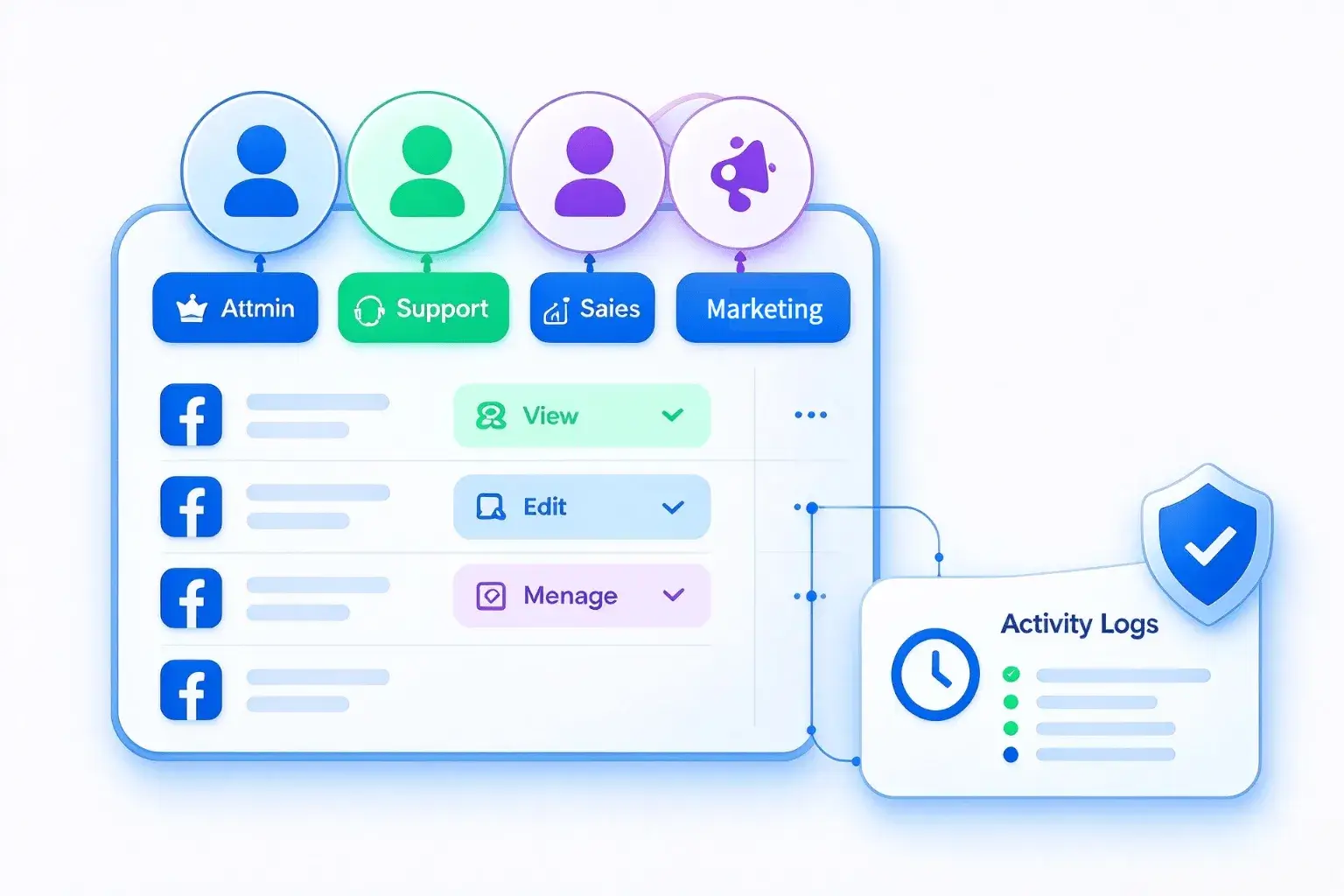
Move from isolated Facebook cloud phones to assigned operating tasks in one platform, with environment setup, account grouping, asset management, and team collaboration built into the workflow.

Create an isolated Android cloud phone environment for each Facebook account.
Assign a proxy for your target country or region to each cloud phone.
Set the language, time zone, location and other device settings.
Install Facebook on multiple cloud phones at once.
create a new account or sign in.
Browse your Facebook feed on the cloud phone and engage by liking, commenting, and joining relevant groups
Upload images and videos in bulk and send them to multiple Facebook cloud phones.
Grant device access and assign Facebook operators according to Page, community, or project responsibilities.
Choose a Facebook RPA template, configure the task settings, and run the RPA task across your selected Facebook accounts
Facebook connects people and organizations through profiles, Pages, Groups, Marketplace, events, and messaging. For authorized business portfolios, teams may coordinate publishing, community responses, advertising, and Page access across several accounts.
When accounts are authorized and workflows follow platform rules, DuoPlus can give Facebook multi-account teams separate Android cloud phone environments while centralizing devices, proxies, content assets, and member permissions. Teams can also use supported operation sync, file distribution, RPA, or APIs where appropriate to reduce repetitive setup and simplify handoffs.
Ask AI How DuoPlus Helps Manage Multiple Facebook Accounts

Facebook and TikTok are essential applications for cross-border users, whether for work or personal life, and having …

In 2026, Facebook remains one of the core channels for reaching target audiences in global marketing and brand …

As Facebook multi-account operations become more common, many teams manage multiple accounts for brand promotion, …
No need to purchase multiple real phones.
With DuoPlus, one person can operate numerous cloud phones and social media accounts from a single computer, driving traffic and boosting sales for you.