Physical devices are difficult to scale
Maintaining separate phones adds hardware, charging, storage, system updates, remote access, and ongoing maintenance.
With DuoPlus, each of your Bumble accounts gets an exclusive isolated cloud phone. It has independent device fingerprints (e.g., IMEI, Android ID) and region-matched custom proxy IPs, simulating real user’s multi-device scenarios to block Bumble’s association detection and eliminate ban risks.
Free Trial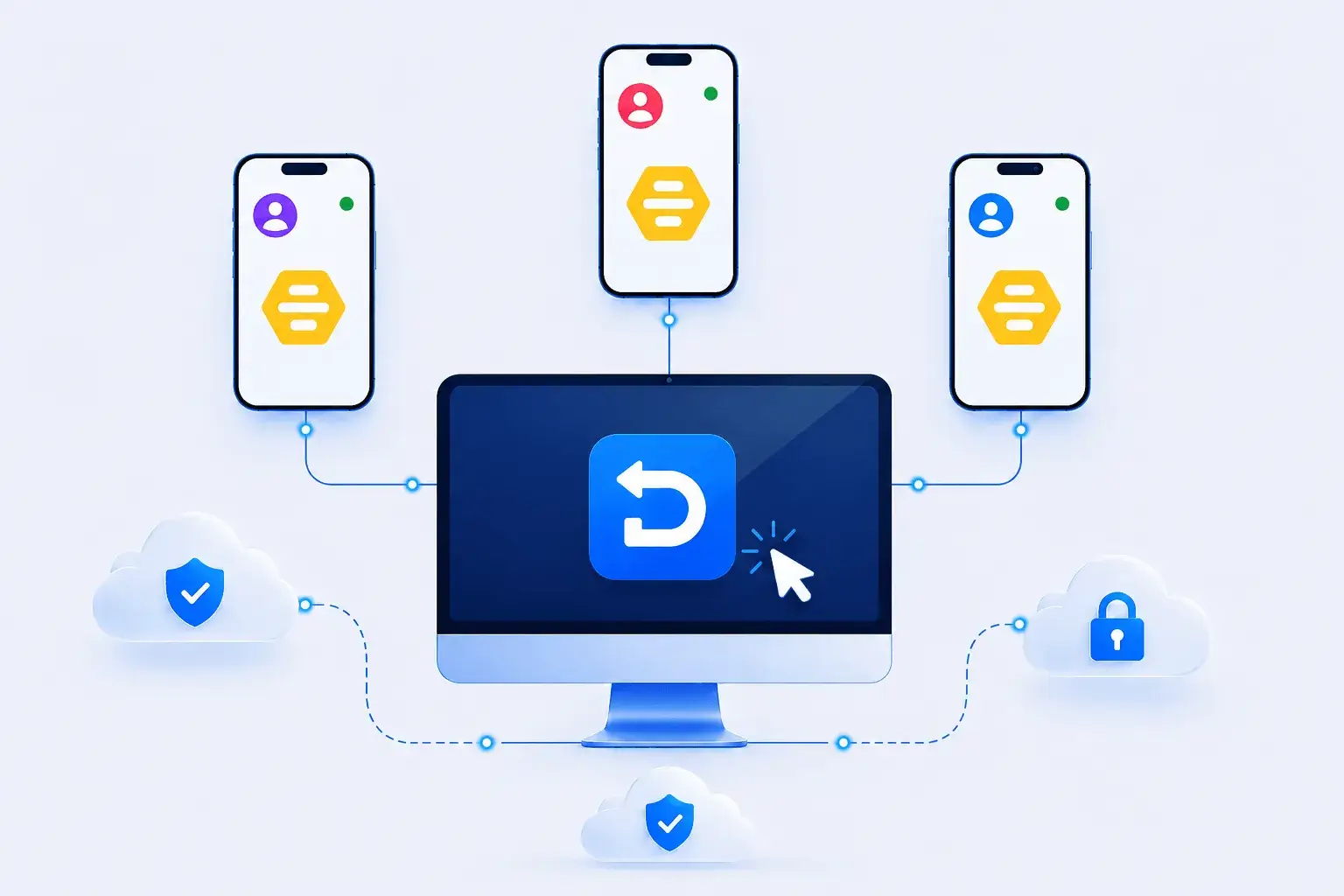
Bumble profiles combine credentials, photos, verification, location context, matches, and time-sensitive conversations. Each authorized profile needs a clearly assigned device environment and operator.
Maintaining separate phones adds hardware, charging, storage, system updates, remote access, and ongoing maintenance.
Shared environments make it harder to keep profile details, verification status, location settings, matches, and conversations properly separated.
Repeatedly switching devices to review matches and respond to time-sensitive conversations can slow authorized operators.
DuoPlus’s isolated cloud-based Android environment lets you securely create and manage multiple Bumble accounts. Each account has a unique device fingerprint and exclusive IP, avoiding cross-account association to prevent bans—perfect for tailoring profiles to different dating preferences (e.g., casual connections, long-term relationships) and expanding your dating reach.
Free Trial
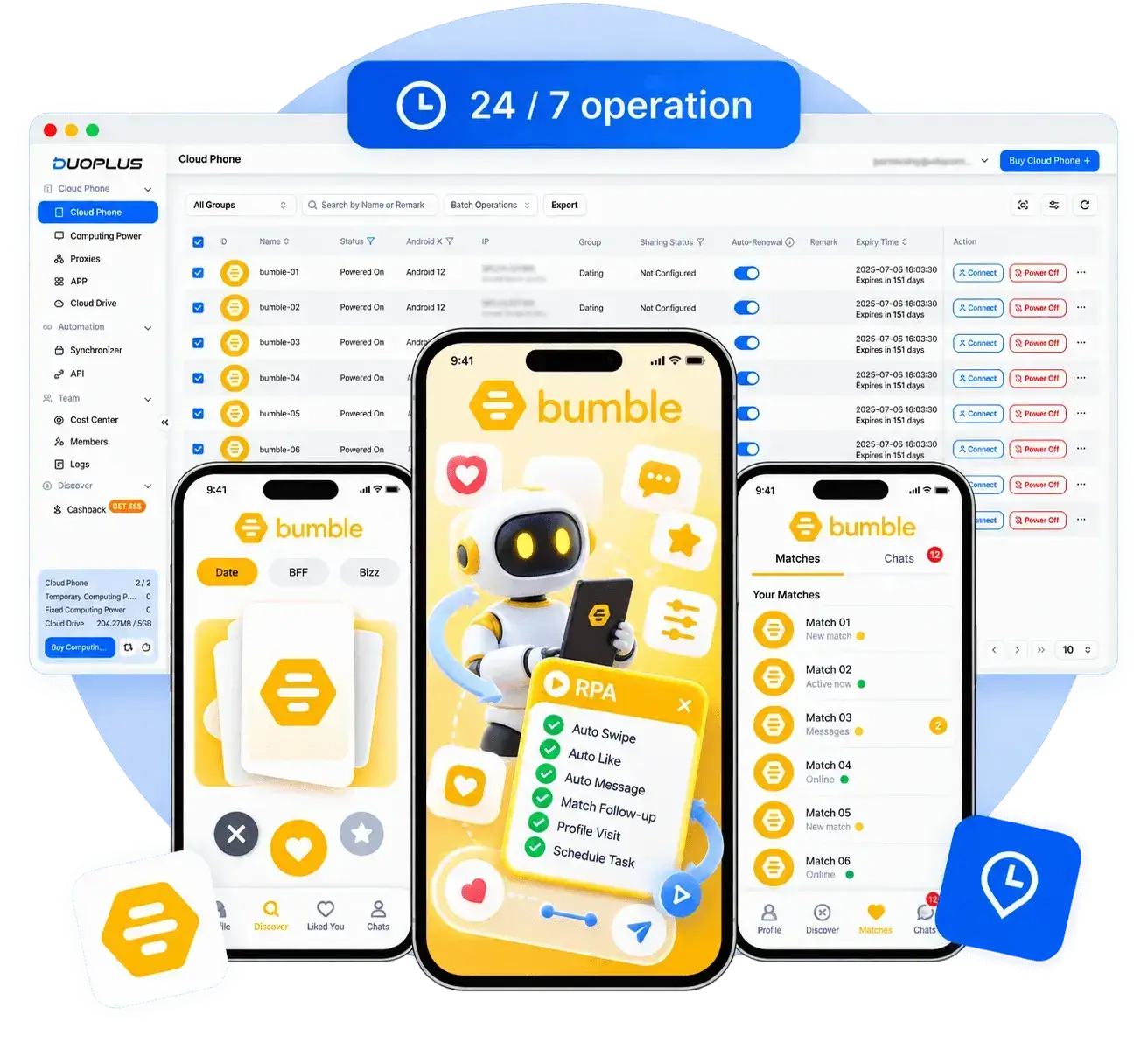
Manage all your Bumble accounts via DuoPlus’s unified dashboard: seamlessly switch between dating profiles, centrally manage matches, and respond to messages without repeated logins. Each account runs in an independent cloud environment, with unique device fingerprints and exclusive IPs to avoid Bumble’s association detection.
Free TrialOrganize authorized Bumble cloud phones, profile assets, device groups, and access responsibilities in one platform.

Create an isolated Android environment for each authorized Bumble profile.
Set language, time zone, location, and permitted network settings for the profile's actual context.
Install the official Bumble app on selected cloud phones from the app center.
Use unique, valid credentials and complete any identity or photo checks requested by Bumble.
Organize devices by authorized owner, region, or internal project.
Send approved photos and profile details to the correct device without mixing identities.
Limit access to authorized operators and review matches and conversations manually under Bumble's rules.
Bumble is a globally renowned dating and social app known for its core feature of "women making the first move" (in heterosexual matches, women must send a message within 24 hours, otherwise the match expires). It also covers same-sex socializing (Bumble BFF) and professional networking (Bumble Bizz) scenarios, with users in over 190 countries. It supports multiple languages and emphasizes user privacy and security (such as photo verification and blocking harassment accounts), making it a mainstream tool for young people to expand their social circles, find partners, or build professional networks.
When accounts are authorized and workflows follow platform rules, DuoPlus can give Bumble multi-account teams separate Android cloud phone environments while centralizing devices, proxies, content assets, and member permissions. Teams can also use supported operation sync, file distribution, RPA, or APIs where appropriate to reduce repetitive setup and simplify handoffs.
Ask AI How DuoPlus Helps Manage Multiple Bumble Accounts
Outside of fast-swipe apps like Tinder, Hinge and Bumble have become two of the most popular dating platforms. One …
Outside of fast-paced apps like Tinder, Hinge and Bumble have become the two most popular dating platforms. One …
Bumble is a globally popular social app that welcomes users with its unique female-first model and diverse social …
No need to purchase multiple real phones.
With DuoPlus, one person can operate numerous cloud phones and social media accounts from a single computer, driving traffic and boosting sales for you.